Compare two 15.6-inch Full HD LCDs for a fanless operator terminal and you will find 7.8 W in one backlight specification and 12 W in the other. The first figure describes power at the LEDs. The second includes the driver. Before putting either number into a sealed enclosure's heat budget, establish how much light must reach the operator through the glass and where the electrical power will be measured.
Claim: A wattage comparison needs one brightness target at the cover glass and the same electrical measurement point on both builds.
Which 15.6-Inch FHD LCDs Fit the Host?
Which Panel Should the OEM Sample First?
Start with the video output on the production board. Both candidates support 1920 × 1080. A native connection can save a bridge board, its input power and the space it occupies behind the display.
| LCD and specification | Interface and typical bare-panel luminance | Published backlight power | When to evaluate it |
|---|---|---|---|
| BOE EV156FHM-N10 Rev. P1, Table 4 |
30-pin eDP 500 cd/m² |
7.8 W typical at the LEDs, excluding driver losses. | Sample for an eDP host. Two public P1 copies give different upper operating temperatures. Request the limit for the offered unit. |
| Innolux G156HCE-L01 Approval specification v2.4, §4.3.2 |
40-pin dual-channel LVDS 450 cd/m² |
12 W typical at the converter input at 12 V and 100% duty. | Sample for an LVDS host. Check the pinout, mounting and space for the backlight cable. |
For an existing LVDS machine fitted with AUO G156HTN02.0, use the installed unit as a service reference. Its v1.0 specification identifies a 30-pin LVDS input. AUO issued an end-of-life notice for this model. Review the harness and mounting drawings before testing the 40-pin Innolux in its place.
Claim: The host interface determines which cable and conversion electronics belong in the sample quote.
Where Do the Published Backlight Watts Apply?
Innolux lists 16 W typical for the module, including 4 W for the LCD electronics and 12 W for the backlight. BOE's 7.8 W figure leaves the conversion loss to be accounted for. To compare backlights, meter the DC input to each driver and average power over complete dimming cycles. Then meter the whole display branch upstream of its regulators, video board and touch electronics. Record the two readings separately so the backlight is counted once.
Claim: Driver-input watts compare the backlights. Whole-branch watts show what each display assembly draws from the HMI supply.
Can the Sealed Enclosure Sustain the Required Brightness?
How Many Watts Can the Display Use?
Use the enclosure's continuous heat allowance at the hottest specified external ambient and in its actual mounting position. A wall or cabinet door can change how much surface is exposed. Deduct the sustained heat from the host, I/O and other electronics, including supply losses counted outside the display branch. Keep a reserve for component variation.
For example, a 30 W allowance minus 14 W for other loads and a 4 W reserve leaves 12 W for the complete display branch. The Innolux module's 16 W typical full-brightness figure already exceeds that example allowance. Test the complete branch at the required brightness to see whether dimming frees enough capacity. Use branch input as a conservative estimate of heat and verify local temperatures separately.
Claim: A panel can fit the total wattage budget while a nearby component reaches its own temperature limit.
How Should Samples Be Tested at Equal Brightness?
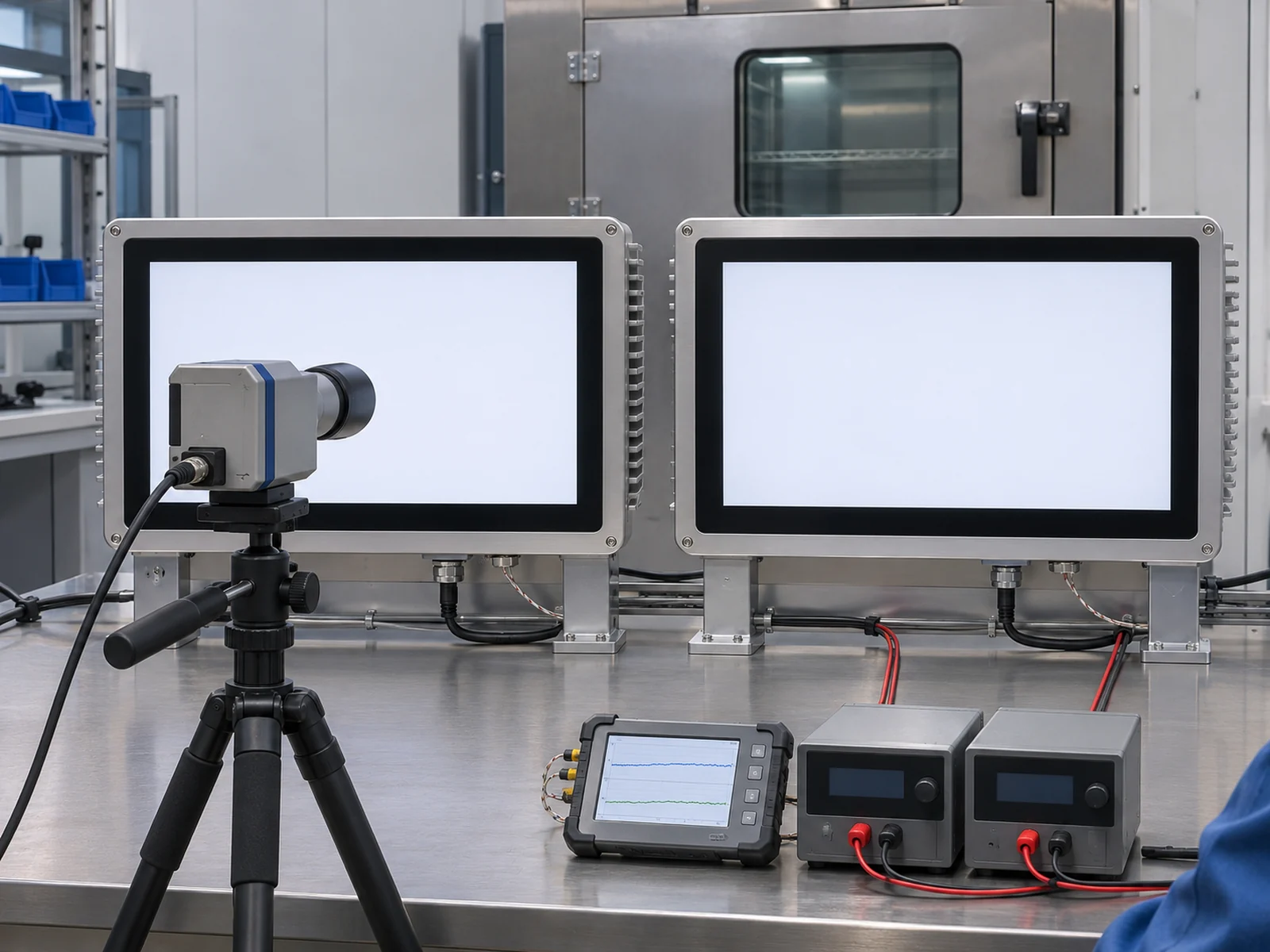
An example purchase requirement is 300 cd/m² at the center of the finished glass with 40 °C air outside the enclosure. Agree on the actual target, tolerance and stabilization interval with the buyer. Use the same specified bezel, cover glass, touch sensor and bond or air gap on both samples. Reproduce the installed orientation, rear clearance and airflow. Hold the supply, refresh rate and host workload constant.
Display a white field. Shield the luminance meter from reflections, aim it perpendicular to the center and adjust each backlight independently. Keep thermal protection active. After each adjustment, let the assembly settle. One example requires a temperature span under 1 °C at each probe and a luminance span under 2% of the target over the final 30 minutes. Log front luminance, driver input, whole-branch power, panel temperature at the specified point, and driver and processor temperatures together. Run the production HMI screen and check the smallest alarm text from the operator's position.
If thermal dimming pulls a sample below target, record the shortfall and hold approval for that duty point. If both builds pass, compare the unused watts and the smallest margin to any component's temperature limit.
Claim: The acceptance record pairs sustained front brightness with power and temperatures from the same hot run.
What Advantages Does XIANHENG Offer for Fanless HMI Projects?
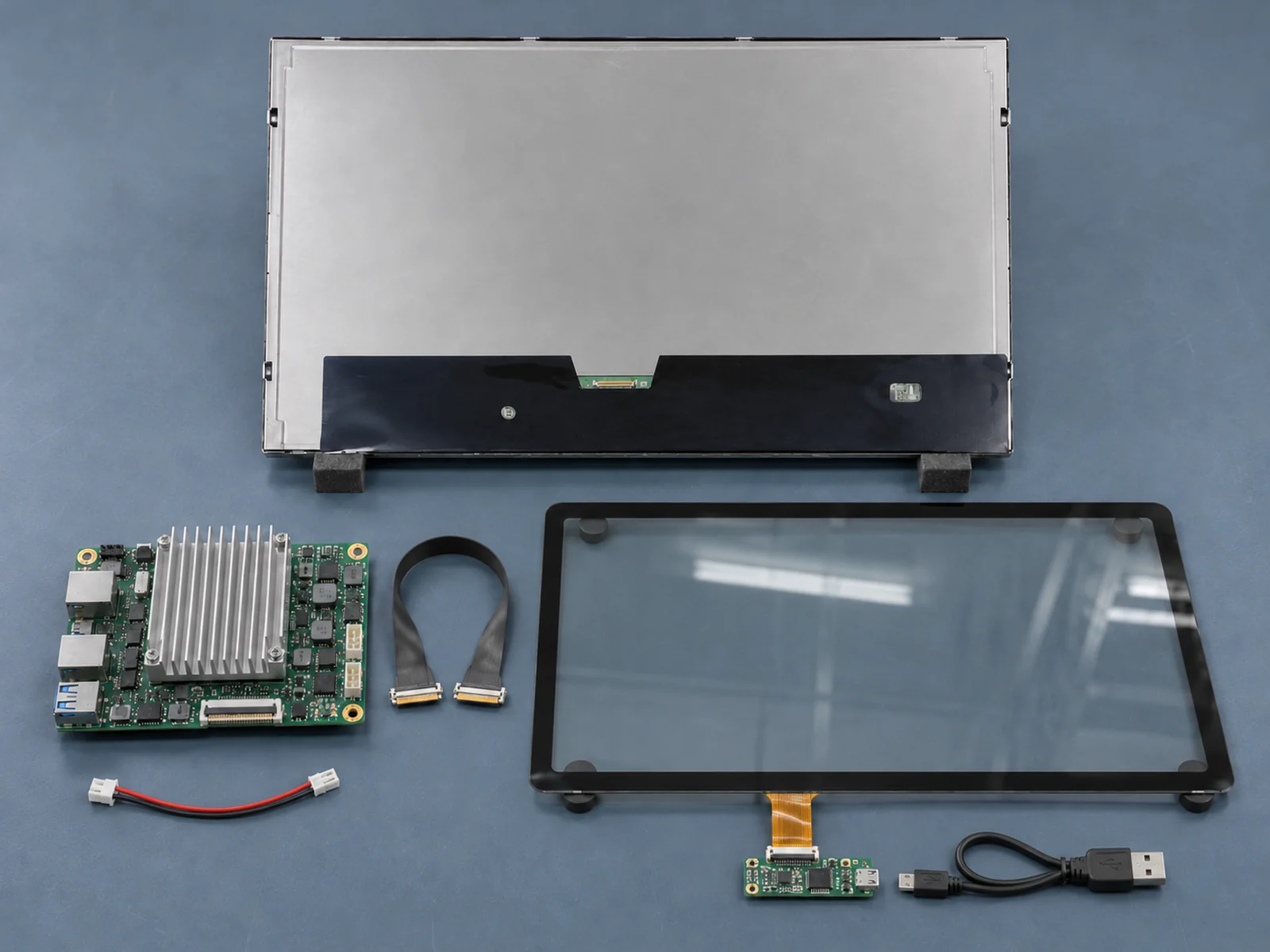
XIANHENG can review the bare LCD and quote the proposed PCAP or resistive touch, cover glass, optical bonding, controller firmware and cable as separate items. If the project requires a brighter backlight, specify where brightness will be measured and request power data for that configuration.
Browse the Industrial LCD Product Collection or reach out to XIANHENG with the host interface, enclosure drawing, glass stack, brightness target, maximum ambient, available watts and quantities. For a retrofit, include the panel label and cable drawing. Tie purchase approval to the panel revision, front assembly, controller settings and thermal test record.
Claim: Identifying the tested parts and settings gives purchasing a reproducible configuration for repeat orders.