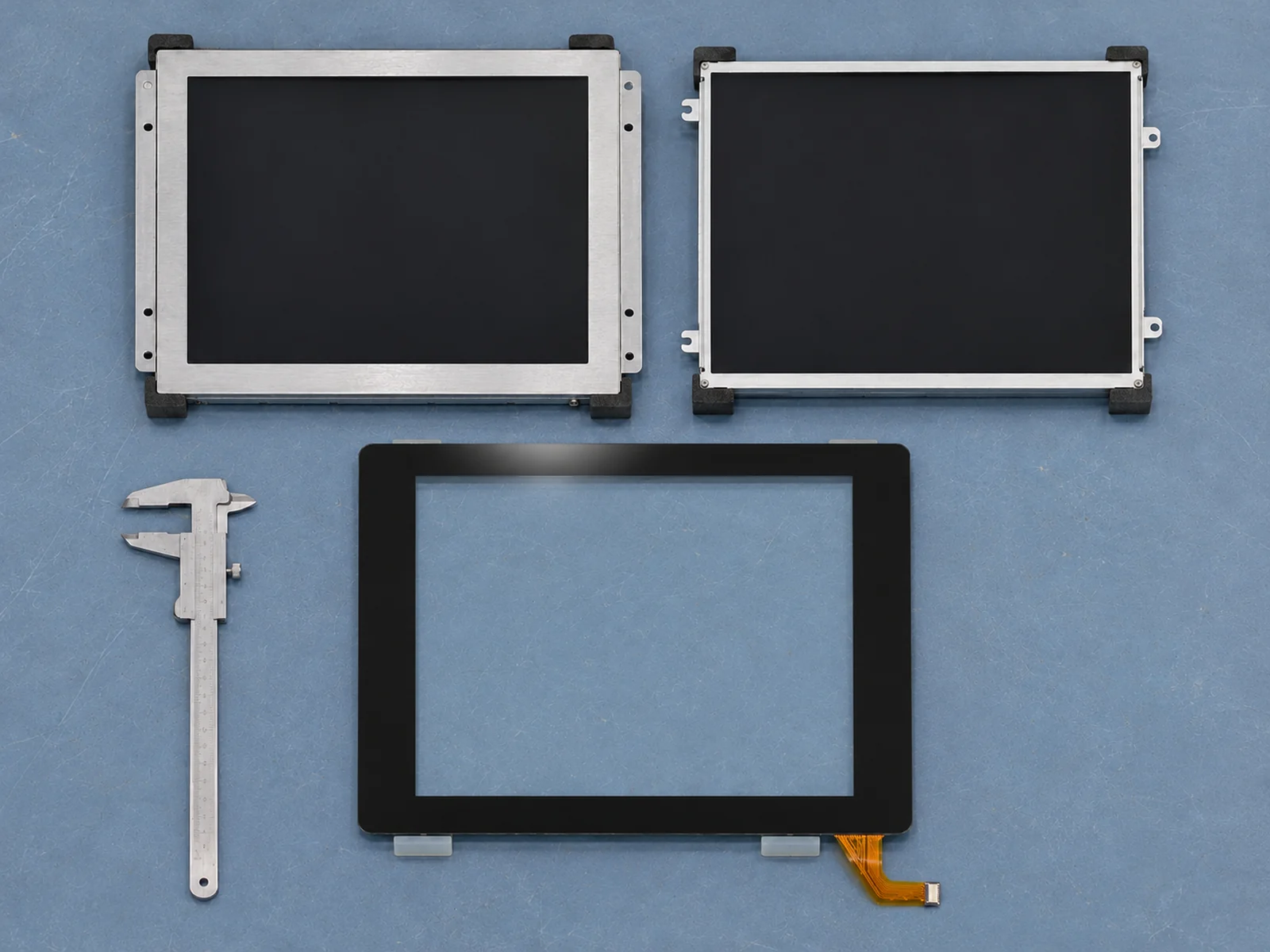
An OEM using two LCD sources may want one printed PCAP cover glass across its equipment range. That could simplify artwork and spare-glass purchasing, but each LCD still needs its own integration review. Two 12.1-inch XGA modules provide a useful starting point. Their reference specifications give the same active image dimensions, while their housings differ. The decision is whether both installed builds can meet one front-drawing specification.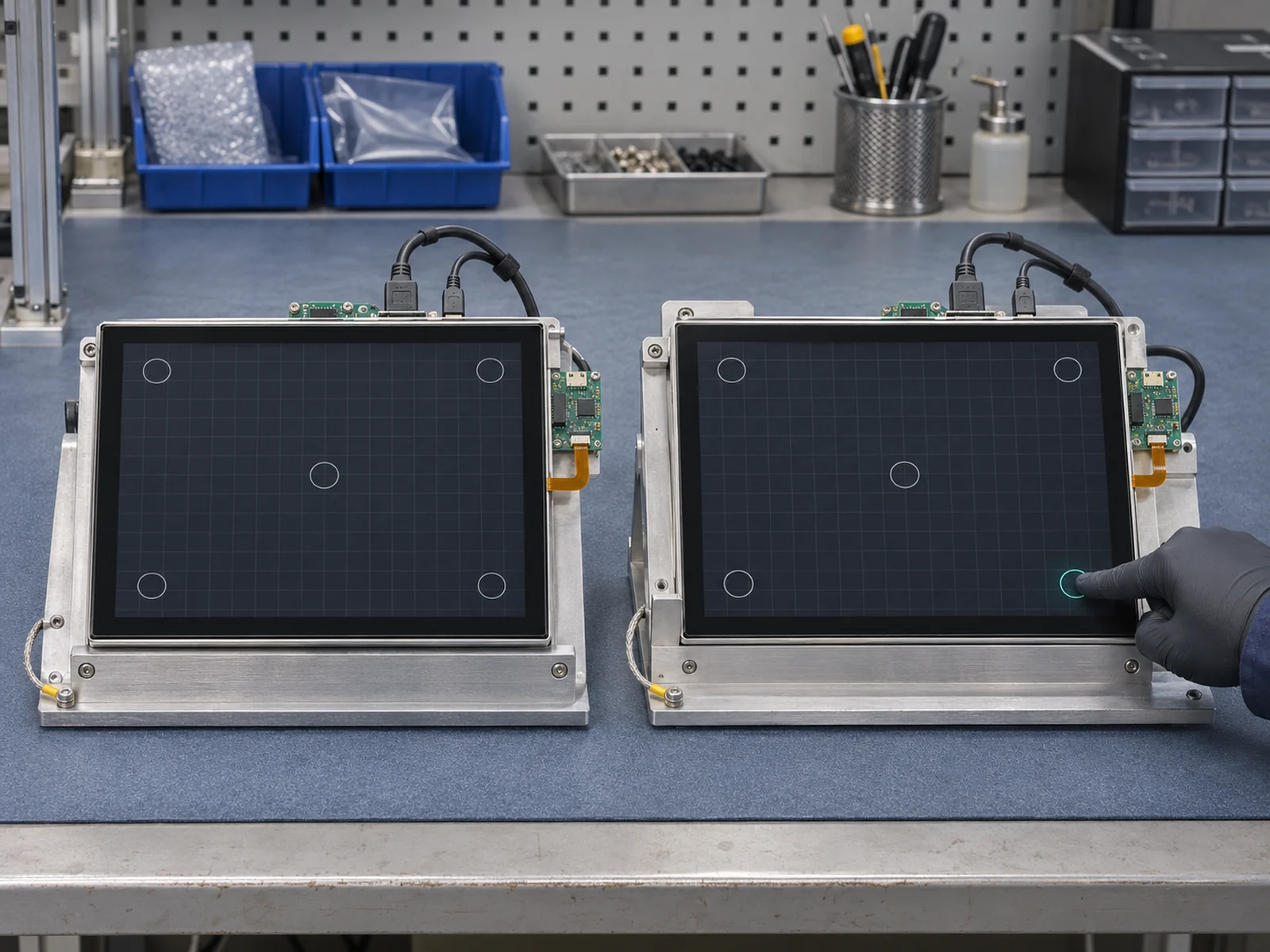
Claim: A common cover-glass part needs evidence from every LCD configuration named in its approval.
Which LCDs Can Use a Common Front Design?
Which LCDs Justify a Common Glass Evaluation?
Use the full model and offered revision when requesting samples. The table uses manufacturer documents for the LCD dimensions. PCAP, printed glass and bonding are project assembly items. Match the references to the supplied labels and final drawings before releasing tooling.
| LCD and reference | Image geometry | Housing width | Conditional recommendation |
|---|---|---|---|
| AUO G121XN01 V0 Final specification Rev. 1.6 |
1024 × 768 245.76 × 184.32 mm active area |
279.0 mm maximum | Evaluate with a bracket that places the active image at the common glass datums and clears the wider housing. |
| Innolux G121X1-L03 Rev. C5, specification Ver. 2.6 |
1024 × 768 245.76 × 184.32 mm active area |
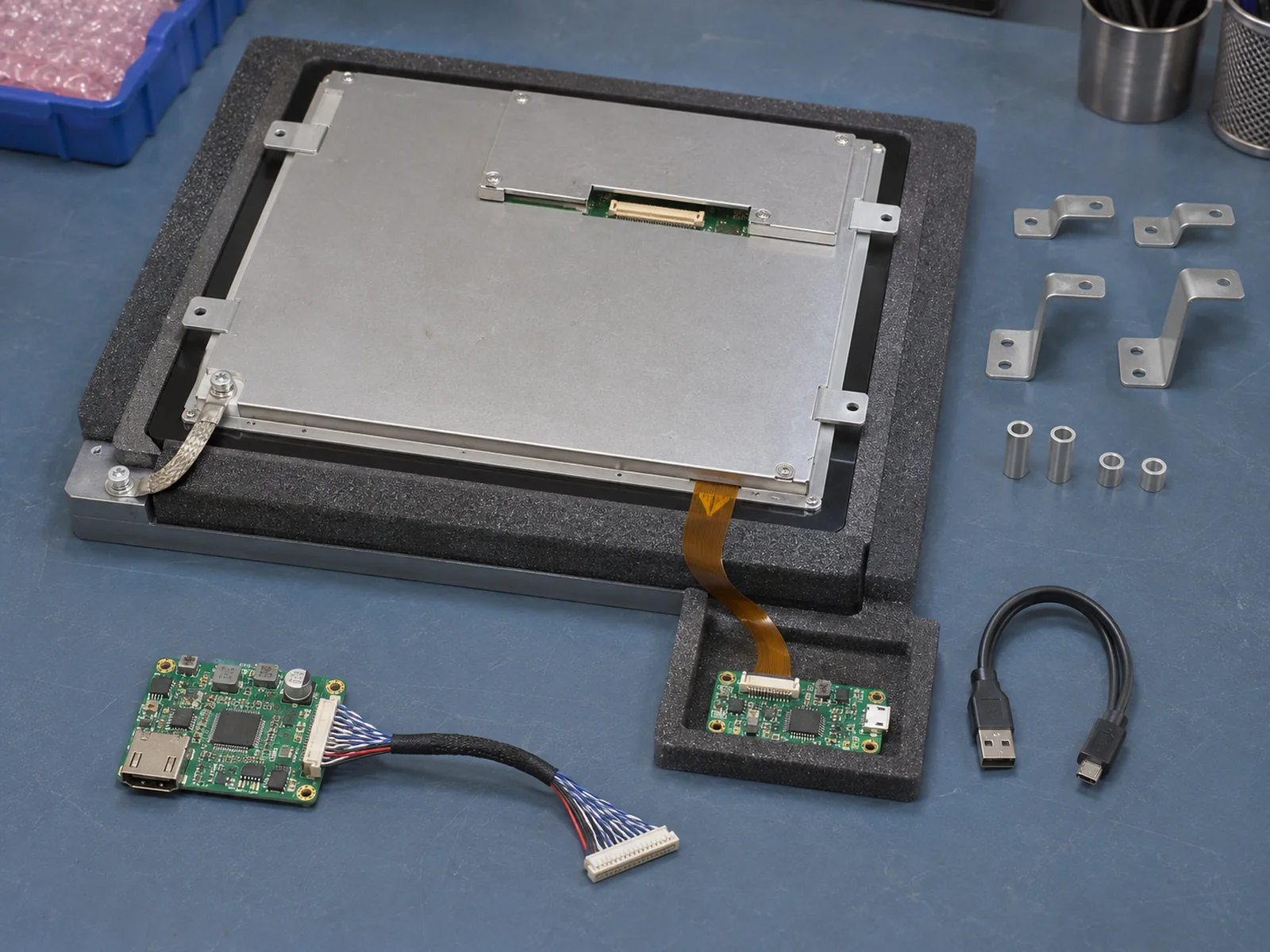
260.5 mm typical | Evaluate an independently supported rear mounting arrangement that maintains the same image position and agreed sensor-to-LCD spacing. |
The matching active areas make a common window worth evaluating. Overlay the complete drawings to locate each image relative to its mounting features. If one build needs a different spacer or bracket, quote and identify that part for the applicable LCD.
Claim: Matching image dimensions support a shared-window study, while the mounting drawings determine whether it is practical.
What Must the Common Front Drawing Freeze?
Freeze the glass outline, material, thickness, print surface, front-view orientation, clear window and artwork registration. Locate the LCD active area, usable touch area, sensor border, adhesive regions and enclosure opening from common datums. Budget print registration, glass placement and each LCD's mounting tolerances together. Check image clipping and exposure of hidden edges at the limiting positions and intended viewing angles.
Define the touch sensor, controller, cover construction and air gap or optical bond. Ask the processors to review the printing and adhesive interfaces. A shared glass drawing can support two separately controlled rear assemblies. If the order calls for a common glass-and-sensor assembly, its sensor construction and permitted firmware configurations also need approval.
Claim: The purchase specification should state whether the common item is printed glass, glass with PCAP, or a complete display assembly.
What Evidence Should Approve Both Builds?
How Should Grounding and Edge Touch Be Compared?
Install the same proposed PCAP assembly with each LCD in turn, using its intended driver, controller, cables and mounting parts. Retain the production bezel material, grounding paths, host, operating system and supply. Run the display across the intended brightness settings and activate nearby equipment electronics. Record grounding contacts and sensor-tail routing for both builds.
Use a coordinate test page to compare light touches, short drags and releases at the center, four corners and along each edge. Exercise the smallest actual controls with the specified fingers or gloves. Log missed touches, position error, broken drags and touches reported with no input against agreed limits. Test required moisture conditions separately. Repeat critical edge checks at the specified hot and cold conditions within component ratings, and after power cycling and host restart.
Claim: Common PCAP approval requires acceptable touch behavior with both powered LCD configurations inside the intended enclosure.
When Can Purchasing Release the Common Glass?
Approve prototype tooling against the agreed drawing set and manufacturability review, then qualify representative assemblies for both LCDs before authorizing volume production. Record any prototype materials or processes that differ from production and close those differences with representative samples. If only one LCD passes, release the common front for that tested build and keep the second configuration pending.
For each approved build, retain the LCD revision, rear parts, spacing, touch-controller firmware and settings, grounding arrangement and test results. Specify incoming checks for dimensions, print registration, window alignment and touch function. Require review of changes to the LCD, sensor, glass thickness, printing, adhesive or firmware before repeat orders.
Claim: Purchasing should order the common front together with an approved configuration record for the selected LCD.
What Advantages Does XIANHENG Offer for Shared PCAP Projects?
XIANHENG can review the two LCD drawings and quote common PCAP glass development with separately identified rear mounting parts, controller firmware and custom cables where required. Request optical bonding as a defined assembly option. For eligible LCDs, 500–1000 cd/m² is a common customization target. Confirm feasibility and higher targets for each proposed build and measure through the specified front.
Browse the Industrial LCD Product Collection or reach out to XIANHENG with both panel labels, enclosure and glass drawings, HMI screenshots, touch interface, gloves, operating conditions and quantities. Identify which front components you want to share and which rear parts may differ.
Claim: A defined common-front scope lets XIANHENG prepare a sample proposal for each intended LCD configuration.