
Oil and gas personnel often work beside pumps, compressors, separators, metering skids, drilling systems, loading equipment, and remote wellsite controls. A touchscreen can place operating data and permitted commands at the point of work, reducing the need to move between a field device, separate keyboard, and distant control station.
The benefit is not created by touch input alone. Operators may wear thick gloves, work in rain or direct sun, clean the surface with approved chemicals, or use the HMI near motors, variable-frequency drives, radios, and long field cables. A touchscreen that performs well on a quiet bench may miss inputs, generate false touches, or become difficult to read after installation.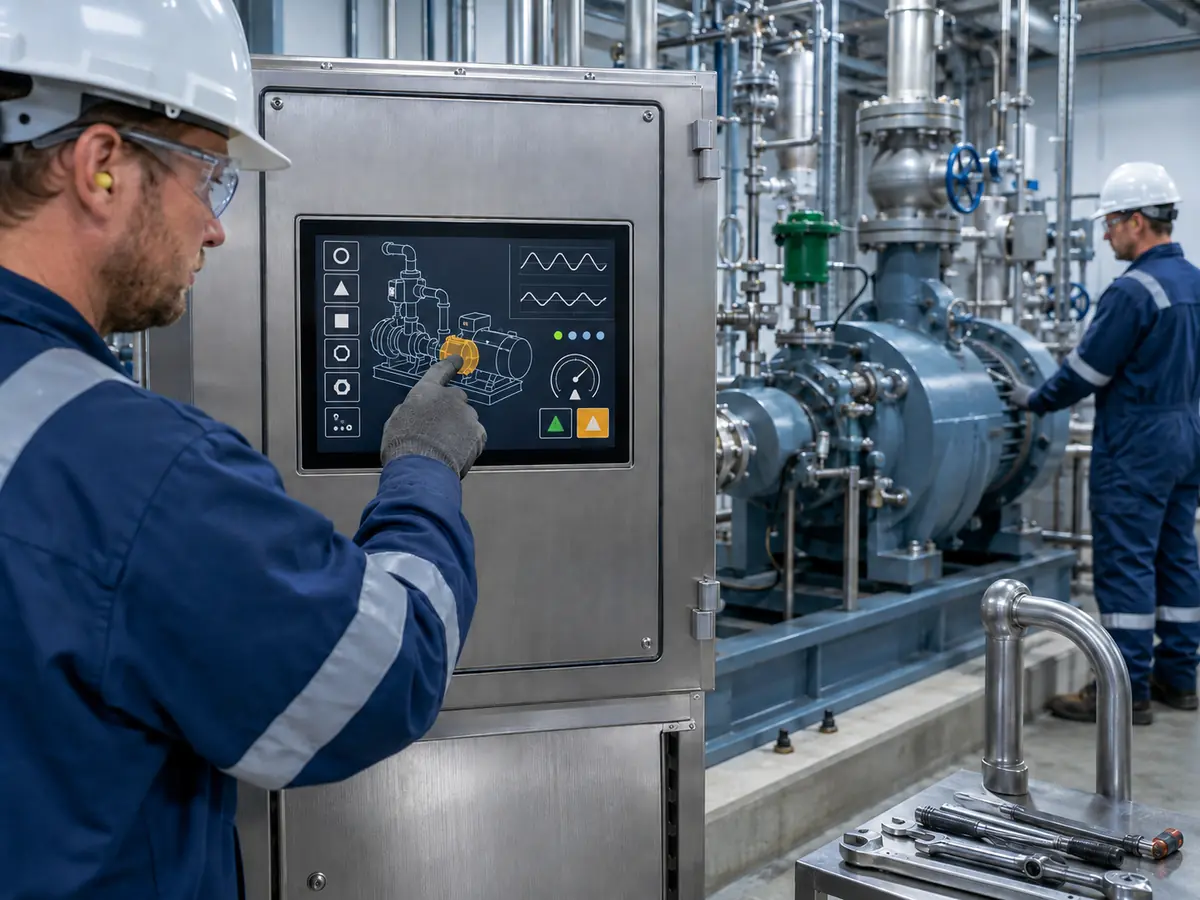
A reliable oil and gas touchscreen therefore requires coordinated selection of the LCD, touch technology, cover glass, bonding, controller, firmware, cable, grounding, enclosure, HMI software, and protection concept. The completed interface must then be validated for its real operating location and operator tasks.
Quick Answer: Touchscreens improve oil and gas equipment operation by giving personnel direct access to process values, equipment status, trends, alarms, diagnostics, procedures, and authorized controls at the point of work. They can shorten navigation, simplify local setup, and support faster troubleshooting. Reliable performance may require glove-compatible PCAP or resistive touch, suitable target sizes, reflection control, customized cover glass, environmental sealing, touch firmware tuning, noise control, and system-level testing. A touchscreen does not replace emergency controls, safety-rated functions, area-classification work, or hazardous-area certification of the completed equipment.
Claim: A touchscreen improves an oil and gas HMI only when it helps the intended operator complete defined tasks accurately under the actual lighting, glove, contamination, electrical-noise, and environmental conditions.
1. How Do Touchscreens Improve Local Oil and Gas Operations?
An oil and gas HMI may be used during normal operation, commissioning, maintenance, troubleshooting, startup, shutdown, and recovery. A touchscreen is valuable when it makes the correct information and permitted action easier to find without hiding equipment state or weakening control safeguards. The wider display requirements are introduced in Why Does Oil and Gas Equipment Need Industrial LCD Displays?.
Direct answer: Touchscreens can improve local operation by combining visualization and input on one surface. Personnel can change pages, select equipment, review trends, acknowledge permitted alarms, enter setpoints within their authority, open diagnostic details, and follow maintenance instructions. The HMI should organize these functions by task, apply suitable access control, and make abnormal conditions more visible than routine graphics.
How Can Touch Input Simplify Field Navigation?
A field technician may need to move quickly from an equipment overview to a pump, valve, instrument, or alarm detail. Direct selection can reduce the number of physical keys and menu steps required. A consistent navigation area can also help personnel move between overview, process, alarm, trend, maintenance, and system pages without memorizing key combinations.
Navigation speed should not be confused with screen density. Small icons, crowded menus, and overlapping controls become difficult to use with work gloves or a moving platform. Frequently used tasks should be reachable through clear, stable targets, while configuration functions can remain behind deliberate navigation and the correct permission level.
How Can Touchscreens Support Commissioning and Maintenance?
During commissioning, a local touchscreen can present sensor readings, I/O state, communication status, interlocks, permissives, valve feedback, motor condition, and controller diagnostics beside the equipment being checked. This can reduce repeated travel to a control room and help the technician compare a physical response with the displayed state.
How Can Touch HMIs Improve Alarm and Trend Review?
A touchscreen can let an operator select an alarm, open its related equipment page, and inspect recent values without leaving the local station. Trend cursors, time-window controls, and equipment filters can support diagnosis when pressure, temperature, flow, vibration, or another process value changes unexpectedly.
The graphic design must preserve priority. Alarm state should not depend only on color, and the interface should separate current alarms, acknowledged alarms, inhibited conditions, and historical events according to the control philosophy. The ISA-101 series for process automation HMIs provides a lifecycle framework for HMI design, implementation, operation, and maintenance.
Can a Touchscreen Reduce Operator Error?
It can reduce some interaction errors when controls are clearly labeled, separated, and matched to the task. Context-sensitive limits, unit display, input validation, confirmation for consequential actions, and feedback after a command can help the user understand what was selected and whether the system accepted it.
Touch can also introduce new errors. A gloved finger covers more of the screen than a pointer, surface water may affect some PCAP systems, vibration can move the hand, and an operator may touch the wrong target while cleaning the glass. Critical actions may need a two-step confirmation, hold-to-activate behavior, role-based access, a cleaning lock, or an independent physical control. Emergency stop and safety-related commands must remain within the validated safety architecture.
Claim: Touchscreens can make local operation and diagnosis more direct, but the HMI software and control system must preserve clear status, permissions, feedback, confirmation, interlocks, and independent safety functions.
2. Which Touch Technologies Work in Oil and Gas Equipment?
Projected capacitive and resistive touchscreens are both used in industrial equipment. Neither technology is automatically best for every oilfield, pipeline, refinery, or offshore interface. The decision should start with the required input method, protective gloves, surface conditions, optical target, cleaning method, expected service life, and HMI functions.
Direct answer: PCAP is suitable when the project needs a durable glass front, good optical performance, gesture or multi-touch capability, and a controller that can be tuned for the intended gloves and environment. Resistive touch is suitable when dependable pressure-based input with gloves or a stylus is more important than multi-touch or an all-glass sensor surface. Both require correct mechanical integration, sealing, interface support, and validation.
When Does Projected Capacitive Touch Make Sense?
PCAP detects changes in an electric field through the cover glass. A custom glass front can provide a continuous external surface, printed border, equipment branding, viewing window, indicator windows, holes, and mounting features. The glass surface can support frequent use and straightforward wiping when the selected material and treatment are compatible with the cleaning process.
Its actual behavior depends on the sensor pattern, controller IC, firmware, glass thickness, glove material, finger size, moisture, grounding, LCD noise, enclosure metal, cable, and host connection. A statement such as “glove touch supported” is incomplete unless the production glove and finished equipment configuration have been tested.
When Is Resistive Touch a Better Fit?
Resistive touch responds when pressure brings conductive layers into contact. It can accept input from many glove types or a stylus without depending on electrical coupling through the glove. This can be useful for simple single-point HMI operation, precise service input, or environments where the required gloves are difficult for PCAP.
The flexible upper layer, actuation force, optical transmission, scratch resistance, chemical exposure, and expected number of operations should be considered. Resistive touch does not automatically solve front sealing or hazardous-area requirements. Its tail, controller, adhesive, bezel, and enclosure still form part of the final assembly.
The engineering tradeoffs are explained further in When Should You Choose PCAP Over Resistive Touch for Industrial Displays?.
Why Does Customized Cover Glass Matter?
Cover glass defines the surface that the operator sees and touches. Its outline, thickness, edge treatment, printed ink, transparent window, holes, slots, coating, and adhesive area must match the enclosure and viewing opening. Glass that is too thin may not meet the mechanical target, while unnecessarily thick glass can make PCAP tuning more difficult.
How Can Optical Bonding Improve the Touch Display?
Optical bonding fills the air gap between the LCD and touch layer. It can reduce internal reflections, improve perceived outdoor contrast, reduce parallax, prevent particles from entering the former gap, and remove one internal surface where condensation could appear.
The bonded stack must be designed for temperature, UV exposure, material expansion, repair strategy, optical inspection, and production control. Bonding is not a substitute for front sealing or enclosure protection. Its benefits and constraints are covered in Why Choose Optical Bonding for Industrial LCD Modules?.
Claim: PCAP, resistive touch, cover glass, bonding, and the touch interface should be chosen as one stack. Their suitability depends on the real gloves, contaminants, enclosure, host, and operator tasks.
3. How Do Field Conditions Affect Oil and Gas Touch Performance?
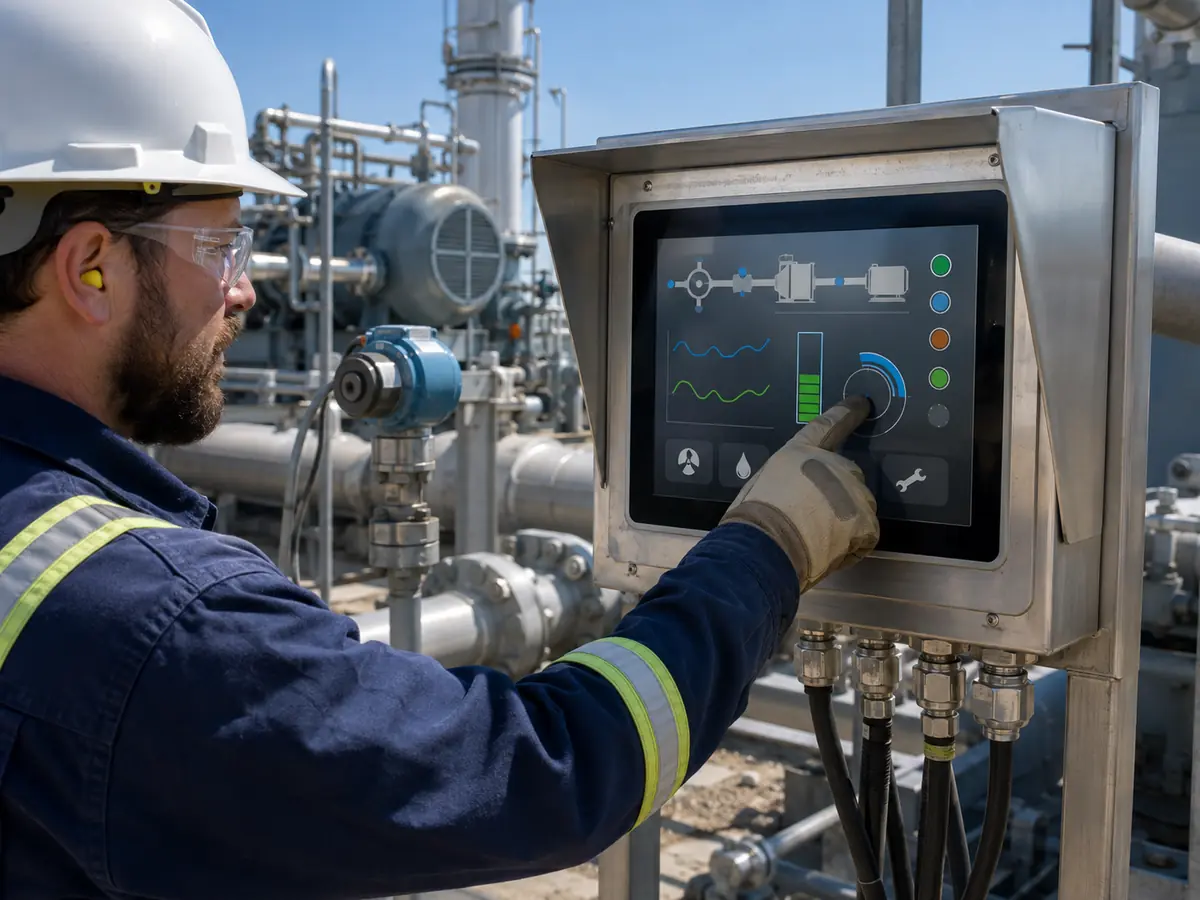
Touch performance can change after the sensor is mounted behind glass and installed near industrial electronics. Rain, condensation, salt, oil, gloves, temperature, vibration, sunlight, grounding, and electromagnetic noise can act together. Qualification should reproduce these combined conditions where they are credible for the product.
Direct answer: Gloves reduce or change the signal available to PCAP; water and conductive residue can resemble a touch; oil can increase finger slip and obscure the image; cold can change glove use and material behavior; vibration can reduce pointing accuracy; and electrical noise can cause missed or false inputs. These effects should be addressed through technology selection, firmware, HMI target design, grounding, shielding, enclosure design, and testing.
How Should Gloved Operation Be Evaluated?
Engineers should identify the exact gloves used for normal operation, cold weather, chemical handling, maintenance, and emergency work. Material, thickness, moisture, contamination, fit, and wear can affect interaction. A thin dry glove used for a demonstration does not represent every field glove.
Testing should cover taps, long presses, swipes, edge targets, small numeric controls, and repeated use at relevant temperatures. Buttons and spacing should match the contact area and hand stability. If the production glove cannot be supported reliably by PCAP, the project may need resistive touch, a compatible stylus, larger controls, physical keys, or a different operating procedure.
What Happens When Water, Salt, or Oil Reaches the Surface?
Water droplets or a wet film can alter capacitive signals. Depending on the controller and firmware, the screen may ignore touch, report a false touch, track the water, or remain stable but less sensitive. Salt water and conductive residue can behave differently from clean water. Oil and drilling residue may not trigger the sensor in the same way, but they can reduce readability and make precise finger movement difficult.
The required behavior must be specified. Some equipment should reject all touch while the surface is wet; another interface may need limited single-touch operation. Testing should use controlled amounts of the actual representative liquid without making unsupported claims about chemical or environmental resistance.
Related mechanisms are reviewed in How Do Gloves, Water, and Noise Impact Industrial Touch Performance?.
Why Do EMC and Grounding Affect PCAP?
Motors, inverters, switching power supplies, contactors, radios, welders, and long cables can introduce conducted or radiated interference. An unsuitable ground path, unshielded cable, or controller placed near a noisy power circuit may reduce the difference between a real touch signal and background noise.
Symptoms can include delayed response, missed touches, coordinate movement, repeated touch events, or a false command. The solution may involve cable routing, shield termination, chassis bonding, controller placement, filtering, power quality, sensor design, and firmware. Increasing filtering without testing can suppress noise but also slow response or weaken glove performance.
Application-specific parameters are discussed in How Does Touch Firmware Tuning Improve Industrial LCD Responsiveness?.
Why Must Readability Be Tested Together with Touch?
An operator cannot select the correct target if glare, reflected sky, surface residue, or low contrast hides it. High LCD luminance may improve daylight performance, but cover-glass reflection, bonding, anti-glare or anti-reflective treatment, viewing angle, HMI colors, target size, and installation angle also influence usable contrast.
Full brightness increases heat and power demand. Day and night settings should be assessed in the finished enclosure. The optical factors are explained in What Is a Sunlight Readable Display and How Does It Work?.
Does a Touchscreen Become Safe for a Hazardous Area?
No. PCAP or resistive touch performance does not establish suitability for an explosive atmosphere. The equipment manufacturer must define the classified location, gas or dust conditions, temperature class, equipment category or protection level, protection concept, installation, and regional conformity route.
The touchscreen, controller, LCD, backlight, glass, bonding, cables, enclosure, power, stored energy, surface temperature, and possible failure modes may affect the assessed equipment. The IECEx Certified Equipment Scheme, the European Commission’s ATEX 2014/34/EU information, and OSHA 29 CFR 1910.307 describe different applicable frameworks. The responsible certification body and equipment manufacturer must determine the requirements for the target market and installation.
Claim: Field touch reliability depends on combined glove, liquid, contamination, optical, temperature, mechanical, electrical, and software conditions. Hazardous-area acceptance remains an equipment-level compliance question.
4. How Should Engineers Integrate and Validate an Oil and Gas Touchscreen?
Validation should begin with the operator and task, then follow the interface through the glass, sensor, controller, cable, host, software, enclosure, and installation. This prevents a project from approving an isolated touch panel while leaving its important failure mechanisms untested.
Direct answer: Engineers should define the users, gloves, tasks, target sizes, liquids, cleaning method, lighting, temperature, vibration, EMC environment, host interface, enclosure, classified-area status, and required failure behavior. A production-intent assembly should then be tested for input accuracy, false-touch rejection, startup, recovery, environmental exposure, electrical noise, sealing, usability, and configuration control.
What Should Be Included in the Touch Requirements?
Record whether the user needs bare-finger, glove, or stylus input; single touch or multi-touch; tapping, swiping, dragging, or long pressing; and the smallest permitted target. Identify every glove, expected surface contaminant, cleaning agent, viewing distance, installation angle, day and night condition, and temperature range.
Also define what the interface should do during rain, a wet film, a resting palm, edge contact, cleaning, electrical interference, controller restart, host restart, communication loss, and power interruption. Measurable acceptance criteria are more useful than broad requests such as “waterproof touch” or “works with all gloves.”
How Should the Front Structure Be Designed?
The active display, touch area, cover-glass window, printed border, enclosure opening, gasket, adhesive, bezel, and fasteners should be aligned in the mechanical drawing. The design must avoid uneven clamping on the touch sensor or LCD and provide controlled compression without leaving a leak path.
How Should PCAP Firmware Be Tuned?
Firmware work may address sensitivity, glove mode, scan behavior, noise filtering, debounce, edge response, palm rejection, water handling, touch thresholds, and coordinate mapping. These parameters interact. Raising sensitivity may improve glove response while increasing susceptibility to noise or surface moisture.
Tuning should use the intended LCD, glass, bonding, enclosure, grounding, cable, power supply, host, gloves, and operating conditions. The approved firmware version should be recorded and linked to the sensor and controller configuration. A controller or firmware change after qualification should trigger a defined review.
Which Functional Tests Should Be Performed?
Functional testing can include point accuracy, linearity, edge response, target selection, repeated tapping, dragging, long presses, gesture recognition where used, glove operation, stylus operation, wet-surface behavior, false-touch rejection, and cleaning mode. Testing should cover every screen orientation and the production display scaling.
The system should also be checked during cold and hot startup, normal restart, power cycling, brownout, suspend and resume, touch-cable interruption, host reboot, controller reset, and communication recovery. Command feedback and coordinate alignment should remain correct after each event.
Where relevant, add temperature, thermal cycling, humidity, condensation, solar load, vibration, shock, cable movement, sealing, chemical, salt, UV, EMC, ESD, and long-duration tests. Levels and pass criteria must come from the product requirement, installation, applicable standards, protection concept, and certification plan. Monitor both image and touch throughout the applicable tests.
What Must Remain Under Configuration Control?
Controlled display-side items may include the LCD model and revision, touch sensor, controller IC, firmware, cover-glass drawing and ink, coating, bonding material, controller board, video and touch cables, connectors, shielding, backlight setting, bracket, gasket, adhesive, enclosure interface, inspection criteria, labels, and packaging.
The equipment manufacturer should also control the host board, BIOS, operating system, touch driver, graphics driver, HMI version, coordinate settings, power supply, grounding, enclosure, protection method, and assembly process. Replacement parts should be compared against the tested configuration before production or field installation.
Claim: Reliable touchscreen approval requires defined operator tasks, measurable failure behavior, a production-intent assembly, system-level testing, and traceable control of hardware, firmware, software, mechanics, and compliance evidence.
5. What Advantages Does XIANHENG Offer for Oil and Gas Touchscreen Projects?
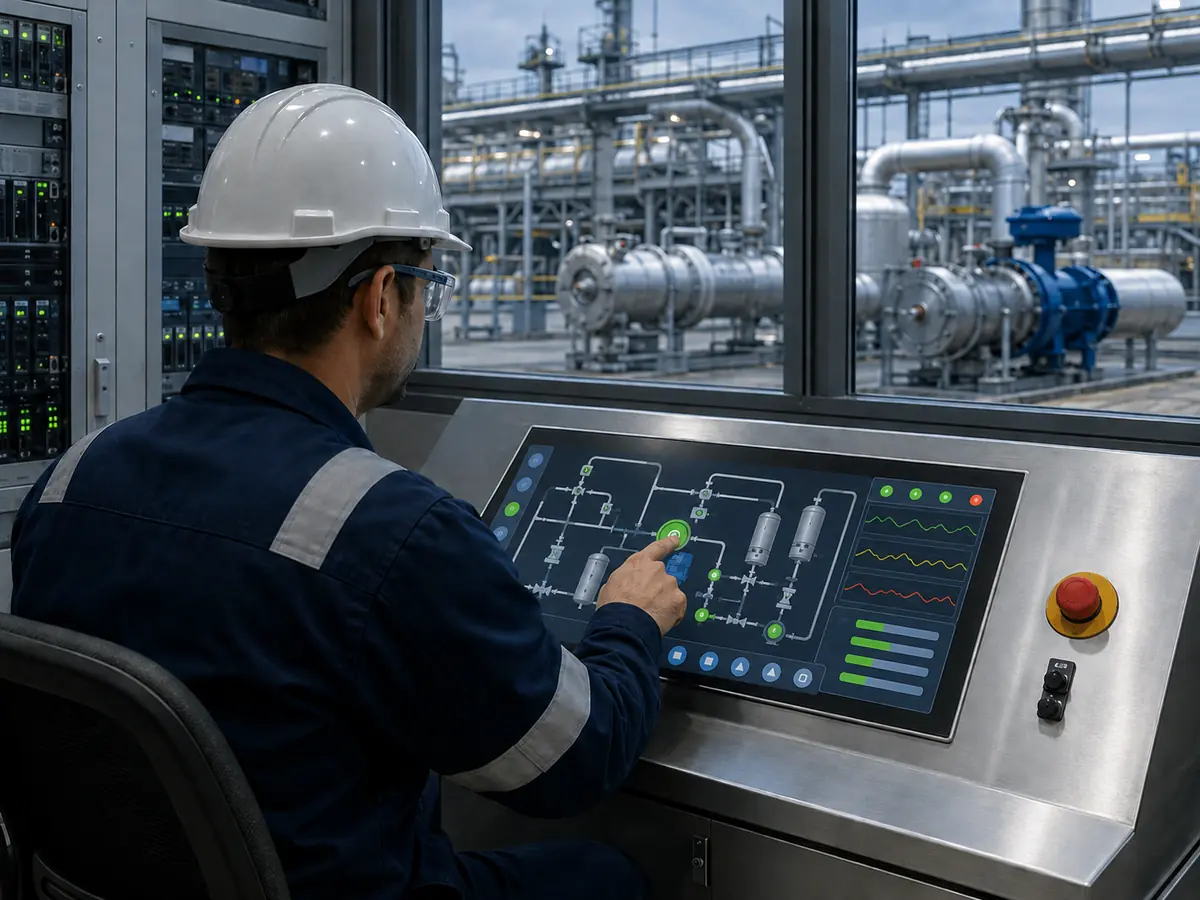
Direct answer: XIANHENG can coordinate industrial TFT LCD selection, PCAP or resistive touch, customized cover glass, air or optical bonding, touch-controller selection, firmware tuning, USB or I²C connection, display controllers, customized cables, mechanical drawings, sample assembly, inspection, failure review, replacement analysis, and lifecycle planning. Customers can review panel starting points in the Industrial LCD Product Collection. The equipment manufacturer and relevant certification parties remain responsible for the final enclosure, control logic, functional safety, hazardous-area conformity, and system qualification.
How Can XIANHENG Help Select the Touch Technology?
The review can compare PCAP and resistive touch against the actual gloves, stylus need, multi-touch functions, water behavior, contaminants, cleaning, target sizes, glass structure, temperature, electrical noise, durability target, and host interface. This helps avoid choosing from a generic technology label.
Can XIANHENG Customize Cover Glass and Bonding?
Customized cover glass can follow the required outline, thickness, printed border, logo, viewing area, indicator windows, holes, slots, edge treatment, surface treatment, and adhesive region. The drawing can be coordinated with the LCD active area, sensor routing, enclosure opening, gasket, and assembly tolerance.
Air bonding or optical bonding can be considered according to outdoor readability, internal reflection, parallax, contamination, condensation risk, temperature, cost, production volume, and repair strategy. The approved glass, ink, sensor, adhesive, and bonding process should remain under configuration control.
How Can XIANHENG Support Firmware, Controllers, and Cables?
XIANHENG can coordinate touch firmware around the production-intent glass, gloves, enclosure, LCD, grounding, and noise environment. The customer should provide representative gloves, operating details, host information, and observed test behavior so that tuning decisions are based on evidence.
Where required, XIANHENG can also review a display controller for the host video output and prepare touch or video cables around the correct connector, pinout, length, shielding, grounding, direction, and retention. Image and touch should then be tested together through startup, operation, interruption, and recovery.
How Can XIANHENG Support Prototype and Production Validation?
Prototype support can include requirement review, component sourcing, drawing confirmation, touch and glass development, bonding, controller programming, cable preparation, assembly, and initial optical and touch inspection. The sample can be supplied as a touch-plus-LCD assembly, open-frame display, or more complete monitor solution according to the project.
The equipment manufacturer should validate the sample with the intended host, HMI, operating system, power, grounding, enclosure, gloves, liquids, cleaning process, temperature, vibration, EMC environment, and compliance plan. XIANHENG can review the recorded results and adjust supported display-side elements before the configuration is approved.
What Information Should Customers Send to Start?
Useful inputs include the equipment type, screen location, classified or non-classified area, target market, required certification route, display size and resolution, available opening and depth, host video output, touch interface, operating system, HMI functions, gloves, stylus, water behavior, contaminants, cleaning agents, glass drawing, brightness, viewing distance, temperature, humidity, salt, vibration, cable direction, power, grounding, annual quantity, schedule, and lifecycle target.
For a replacement, also send the original LCD, touch panel, controller and cable models; datasheets and drawings; connector and installation photographs; driver and software details; current symptoms; and a working sample when available. To discuss an oilfield touchscreen, drilling-control HMI, pump or compressor touch display, pipeline-station interface, offshore HMI, or customized touch display assembly, please reach out to XIANHENG.
Claim: XIANHENG supports oil and gas touchscreen projects by coordinating the LCD, touch sensor, cover glass, bonding, controller, firmware, interfaces, cables, prototypes, production controls, replacement work, and supply lifecycle while keeping final equipment responsibilities clearly defined.


