
Oil and gas equipment depends on local information even when the main control room is far away. Operators may need to view pressure, flow, temperature, valve position, pump condition, alarm state, trend data, maintenance instructions, or camera images at a drilling rig, wellhead, compressor package, pipeline station, refinery unit, tank terminal, or offshore platform.
A commercial screen can display this information in a laboratory, but the field installation may expose it to direct sun, temperature change, vibration, electrical noise, dust, salt, humidity, oil, cleaning chemicals, and gloved operation. A display that becomes unreadable or unstable can slow diagnosis and force the operator to depend on another workstation.
An industrial LCD is selected for the complete application. The panel alone does not make the completed HMI weatherproof, corrosion-resistant, or suitable for a hazardous area. These results depend on the display assembly, enclosure, protection method, certification scope, and system validation.
Quick Answer: Oil and gas equipment needs industrial LCD displays because local HMIs must remain readable, responsive, and electrically stable across demanding indoor, outdoor, remote, and marine conditions. Suitable solutions may require high brightness, reflection control, wide-temperature operation, a durable backlight, glove-compatible touch, sealed front integration, vibration-resistant mechanics, reliable interfaces, controlled components, and long-term availability. Equipment used in a classified hazardous area must also be designed and assessed within the applicable explosion-protection architecture; an LCD module by itself does not establish ATEX, IECEx, or other hazardous-area compliance.
Claim: Oil and gas display reliability is a system property. The LCD, touchscreen, cover glass, bonding, controller, cables, enclosure, thermal design, sealing, grounding, software, protection concept, and maintenance plan must work as one controlled configuration.
1. Where Are Industrial LCD Displays Used in Oil and Gas Equipment?
Oil and gas operations use displays wherever people need to understand equipment state or issue permitted commands locally. The screen may be built into a control cabinet, panel PC, operator console, portable service terminal, analyzer, skid, machine, or remote monitoring station. Its function and installation conditions determine the required display architecture.
Direct answer: Industrial LCD displays are used in drilling controls, well-service equipment, production skids, compressor and pump packages, pipeline stations, process analyzers, refinery machinery, loading systems, tank terminals, offshore equipment, maintenance tools, and surveillance or condition-monitoring stations. They present process values, trends, alarms, interlocks, diagnostics, procedures, and video so personnel can operate, inspect, and service equipment at the point of work.
How Are Displays Used in Drilling and Well-Service Equipment?
Drilling and well-service systems may use local screens for drawworks, top drives, mud systems, cementing units, coil-tubing equipment, hydraulic power units, and supporting machinery. The HMI may combine equipment status, pressures, speeds, loads, alarm histories, permissives, and maintenance pages.
Some stations are inside a controlled cabin, while others are close to open decks or field equipment. The display specification should follow the actual location. A screen protected inside an air-conditioned console does not have the same brightness, temperature, sealing, or certification requirement as an outdoor interface mounted near the process.
Why Do Wellheads, Pump Skids, and Compressor Packages Need Local HMIs?
Remote equipment may report to SCADA, but technicians still need local access during commissioning, inspection, troubleshooting, and maintenance. A local HMI can show sensor values, equipment mode, valve status, start permissives, vibration data, lubrication conditions, and fault information without requiring a separate laptop.
How Are Displays Used in Pipelines and Storage Terminals?
Pipeline stations, metering skids, valve stations, loading systems, and tank terminals may use industrial displays for flow, pressure, batch information, pump sequence, valve position, leak-detection status, alarms, and communications diagnostics. These sites can be exposed to strong sunlight, seasonal temperature extremes, dust, rain, and limited maintenance access.
The HMI may sit behind the front window of a cabinet or form part of a sealed operator panel. This distinction matters because the LCD module has its own operating ratings, while the finished cabinet supplies environmental protection, cable entry, thermal management, and the required installation method.
Where Do Displays Fit in Refineries and Petrochemical Plants?
Refineries and petrochemical plants use local screens on analyzers, rotating-equipment packages, filtration systems, dosing equipment, inspection stations, utilities, and maintenance systems. These displays may be installed indoors, under shelters, in process areas, or inside control rooms.
Process information can support routine work, but safety-related functions require their own approved architecture. A standard graphical display may show alarm or interlock status; it should not be treated as the safety function itself. The separation is explained in What Role Do Industrial Displays Play in Functional Safety Systems?.
What Is Different About Offshore and Marine Installations?
Offshore installations can combine salt-laden air, high humidity, wind-driven moisture, vibration, limited service access, and strong daylight. The LCD must be evaluated with the front glass, enclosure, gasket, coating, fasteners, cable glands, heat path, and corrosion-control strategy.
A wide-temperature panel or stainless-steel enclosure does not automatically prove suitability for an offshore duty. Materials, galvanic compatibility, salt-mist exposure, sealing, drainage, condensation control, and applicable marine or project requirements belong to the completed equipment assessment.
Claim: Industrial LCDs support local operation, diagnosis, and maintenance across upstream, midstream, downstream, and offshore equipment. Their specification must follow the screen location and task rather than the industry name alone.
2. Why Do Oil and Gas Environments Require Industrial Displays?
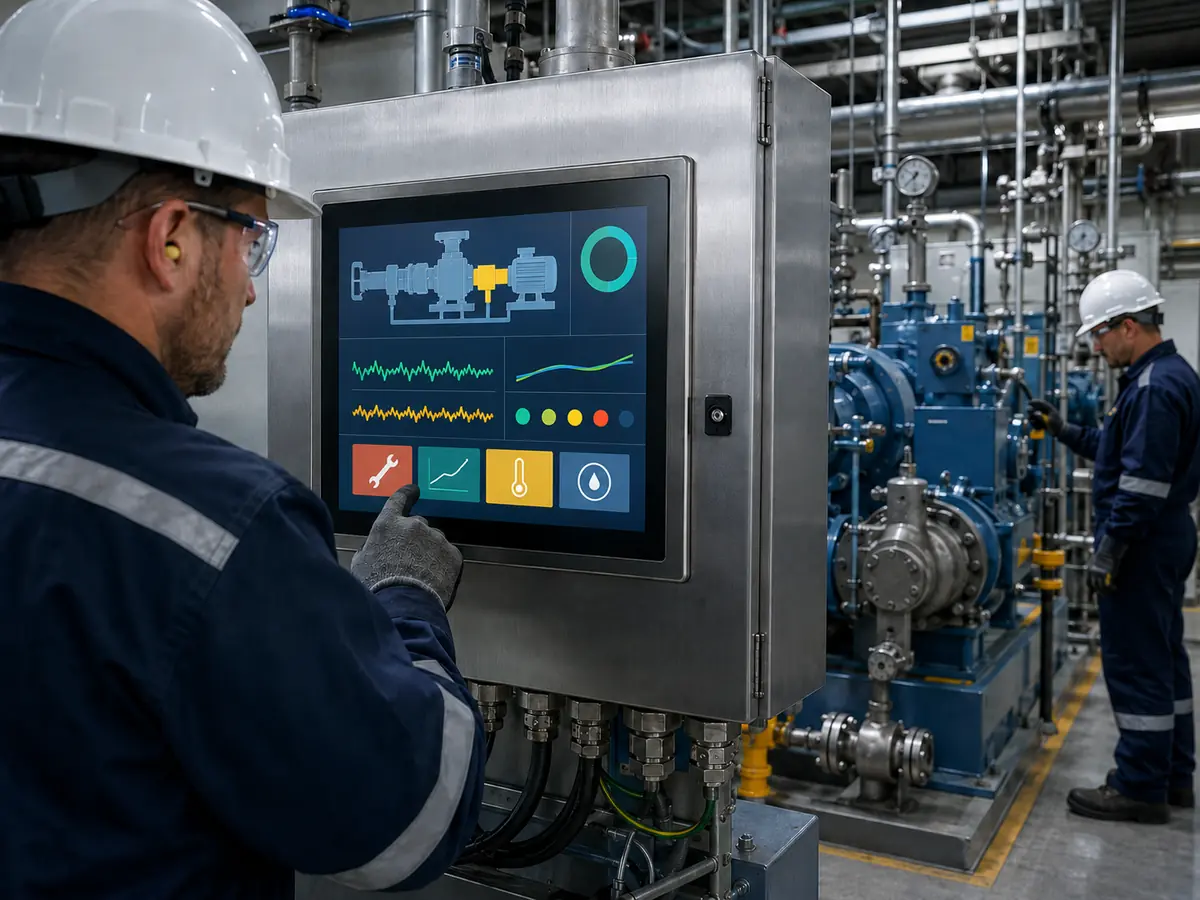
Oil and gas sites contain several stresses that can act at the same time. A screen may be hot because of sunlight and enclosure temperature, difficult to read because of reflection, exposed to vibration from rotating equipment, and affected by electrical noise from drives or switching loads. Selection must consider combined conditions rather than one favorable datasheet value.
Direct answer: Oil and gas equipment often requires industrial displays because commercial panels may not provide the temperature range, luminance, backlight life, mounting strength, interface stability, product longevity, or configuration control needed for long-service machinery. Environmental protection still depends on the complete assembly, and hazardous-area suitability depends on the applicable certified design.
How Do Sunlight and Reflection Affect Readability?
Outdoor readability depends on the contrast that reaches the operator, not brightness alone. Direct sun, bright sky, white structures, work lights, and reflections from protective glass can wash out text or obscure alarm colors. High luminance can help, but reflection control, viewing angle, HMI colors, font size, and installation angle also matter.
Brightness should be selected through testing at the installed viewing distance and worst expected light direction. Anti-glare treatment diffuses reflections but can reduce image sharpness if the haze is too strong. Anti-reflective treatment can reduce reflected light but must match the glass, cleaning process, and durability requirement. See What Is a Sunlight Readable Display and How Does It Work?.
What Happens at Low and High Temperatures?
At low temperature, liquid-crystal response can slow, backlight behavior can change, and condensation may occur after a cold unit enters warmer humid air. At high temperature, the LCD, polarizers, adhesives, LEDs, touch electronics, and controller components can age faster. Direct solar load can push the internal display temperature far above the reported air temperature.
The panel operating range must cover the temperature at the LCD location, not only the weather forecast. Engineers should calculate internal heat, solar gain, controller losses, brightness settings, airflow, heat conduction, and startup conditions. A heater, fan, sunshade, temperature sensor, or automatic brightness control may be part of the enclosure design.
How Do Dust, Water, Oil, and Chemicals Affect the HMI?
Dust and liquid protection comes from the front assembly and enclosure. The cover glass, gasket, adhesive, bezel, fasteners, housing, cable entries, vents, and service doors define the sealing path. An IP-rated finished monitor cannot be inferred from the IP capability of one front component.
Hydrocarbon residue, drilling fluids, lubricants, salt, cleaning agents, and disinfecting chemicals may contact the front surface. Glass, coatings, inks, adhesives, gaskets, and housing materials should be reviewed against the actual substances and cleaning procedure. A short wipe test is not equivalent to long-term chemical compatibility.
Why Are Vibration and Mechanical Stress Important?
Rotating equipment, vehicle transport, drilling activity, and offshore structures can apply vibration or shock. The LCD glass may survive while connectors loosen, cables fatigue, brackets resonate, or the front glass transfers uneven pressure into the panel. Mounting should restrain the assembly without over-constraining it.
Review fastener retention, gasket compression, cable strain relief, connector locking, bend radius, adhesive area, foam support, frame stiffness, and tolerance stack. The relevant vibration spectrum and mounting orientation should come from the finished equipment, followed by functional image and touch checks during or after testing.
How Can EMC and Grounding Problems Appear?
Variable-frequency drives, motors, contactors, radios, switching supplies, long field cables, and grounding differences can disturb video or touch electronics. Symptoms may include flicker, link loss, corrupted pixels, controller resets, missed touches, or false touches.
Shielding, cable routing, chassis bonding, signal return paths, power filtering, controller placement, and touch grounding should be considered together. Passing a bench test with short cables and a clean power supply does not demonstrate performance in the installed system.
Why Does Product Lifecycle Matter in Remote Equipment?
Oil and gas equipment can remain in service for many years, while commercial display models may change much sooner. A panel change can affect the bracket, cutout, cable, controller firmware, resolution, brightness, touch alignment, and environmental qualification.
Panel status, forecast quantity, approved alternatives, safety stock, change notification, and last-time-buy planning should be reviewed before release. The wider engineering impact is covered in Why Is Long-Term Availability Critical for Industrial LCD Screen Selection?.
These requirements form part of the broader engineering definition in What Makes an LCD Screen Truly Industrial Grade?.
Claim: A suitable oil and gas display must be evaluated against combined optical, thermal, mechanical, chemical, electrical, and lifecycle stresses. No single brightness, temperature, or sealing number describes complete field reliability.
3. Which Display and Touch Technologies Meet Oil and Gas Requirements?
The correct technology depends on where the operator stands, what the HMI displays, what is worn on the hands, how the front surface is cleaned, and how the unit is protected. A compact embedded panel may suit a pump skid, while a larger high-resolution display may be required for process trends or multiple camera feeds.
Direct answer: Oil and gas HMIs commonly use industrial TFT LCDs with application-specific size, resolution, brightness, viewing angle, temperature range, interface, and backlight life. PCAP or resistive touch can be integrated with customized cover glass, reflection-control treatments, air bonding, or optical bonding. The choice must be validated with the final gloves, contaminants, enclosure, cables, controller, grounding, and HMI software.
When Is a High-Brightness LCD Needed?
High brightness is appropriate when measured ambient light and front-surface reflection reduce contrast. It should not be specified as a marketing number alone. Higher backlight power produces more heat and can affect LED life, enclosure temperature, and power design.
Brightness control can reduce unnecessary heat at night or inside a shelter. Automatic dimming may improve usability, but its sensor position, response, minimum luminance, failure behavior, and software control should be validated. Night operation may require a much lower setting than full daylight.
Should Engineers Choose PCAP or Resistive Touch?
Projected capacitive touch provides a durable glass front, multi-touch capability, and gesture support. Its controller and firmware must be tuned for cover-glass thickness, gloves, edge response, water behavior, nearby metal, electrical noise, and grounding. Thick protective gloves and uncontrolled surface liquid can change performance.
Resistive touch responds to pressure and can support gloves or a stylus without relying on capacitive coupling. It usually supports simpler point input, but the flexible top layer, actuation force, optical performance, and surface durability must suit the task. The selection method is compared in When Should You Choose PCAP Over Resistive Touch for Industrial Displays?.
When Does Optical Bonding Help?
Optical bonding fills the air gap between the LCD and touchscreen or cover glass. It can reduce internal reflections, improve perceived contrast, reduce parallax, prevent contamination from entering the former gap, and strengthen the optical stack. These benefits can be useful outdoors or where temperature change creates a condensation risk.
Bonding also introduces material, process, service, and rework considerations. The LCD, touch sensor, glass, adhesive, operating temperature, thermal expansion, UV exposure, and repair strategy should be reviewed together. See Why Choose Optical Bonding for Industrial LCD Modules?.
Does an Industrial LCD Make the HMI Explosion-Protected?
No. An industrial LCD may provide suitable optical, temperature, interface, and lifecycle characteristics, but that does not make the LCD or completed HMI suitable for an explosive atmosphere. The equipment manufacturer must define the area classification, gas or dust group, temperature class, equipment protection concept, installation, and applicable regional requirements.
Components installed in an explosion-protected enclosure can affect temperature rise, internal spacing, power, stored energy, cable entry, window construction, and certification documentation. The certifying body or responsible compliance team should review the display assembly within the exact equipment configuration. Substituting a panel, controller, backlight, touchscreen, adhesive, or glass after approval can require renewed assessment.
Claim: Display technology should be selected around the operator, HMI content, environment, and equipment architecture. High brightness, touch, bonding, and wide-temperature ratings are engineering inputs; they are not substitutes for enclosure design or hazardous-area conformity assessment.
4. How Should Engineers Select and Validate an Oil and Gas Display?
Selection should begin before the enclosure opening, glass, brackets, controller, and HMI layout are frozen. Late panel changes often affect multiple parts of the equipment. A requirements matrix creates a traceable connection between the field condition, selected component, protection method, and validation test.
Direct answer: Engineers should define the equipment function, installation location, area classification, operator task, viewing conditions, size, resolution, brightness, touch method, gloves, chemicals, temperature, vibration, interface, power, sealing, compliance route, quantity, and service life. Candidate displays should then be validated in a production-intent assembly using the intended host, enclosure, cables, power, software, grounding, and environmental test profile.
What Requirements Should Be Collected First?
Record whether the display is indoors, sheltered, outdoor, mobile, offshore, or inside a controlled cabinet. Define the hazardous or non-hazardous location, responsible certification scheme, ambient and internal temperatures, sunlight, humidity, condensation, salt, dust, water, chemicals, vibration, shock, electromagnetic environment, and maintenance access.
Also record the HMI functions, viewing distance, user positions, required information density, touch targets, gloves, language needs, size or opening, resolution, host interface, operating system, cable length, power, startup behavior, dimming, annual quantity, production period, service obligation, and project schedule.
What Must Be Tested in the Production-Intent Assembly?
Functional testing can cover cold and hot startup, image stability, native resolution, backlight control, touch alignment, glove use, water or contaminant behavior where relevant, power cycling, brownout, communication interruption, recovery, and long-duration operation.
Environmental and mechanical testing may include operating and storage temperature, thermal cycling, humidity, condensation strategy, solar load, vibration, shock, connector retention, cable movement, sealing, cleaning chemicals, corrosion exposure, EMC, and ESD. The required levels and methods must come from the product specification, applicable standards, certification plan, and field conditions.
How Should Hazardous-Area Requirements Be Managed?
Establish the certification route before selecting the final display stack. The responsible engineer should determine whether the interface is outside the classified area, behind a certified window, installed in an explosion-protected enclosure, part of an intrinsically safe circuit, or covered by another approved protection concept.
Document the LCD, LED driver, controller, touchscreen, touch controller, glass, bonding, cables, power limits, thermal behavior, and materials included in the evaluated configuration. Changes should be sent through the responsible compliance process before production use. XIANHENG can supply component information and controlled assemblies, but the equipment manufacturer and relevant certification parties determine final conformity.
What Should Remain Under Configuration Control?
Control the LCD model and revision, touchscreen, touch-controller IC and firmware, cover-glass drawing and ink, coating, bonding material, display controller and firmware, cables, connectors, backlight settings, brackets, gasket, enclosure, labels, inspection criteria, and packaging.
The host board, BIOS, operating system, graphics driver, HMI version, power supply, grounding, and assembly method should also be controlled by the equipment manufacturer. A replacement panel must be compared mechanically, electrically, optically, thermally, through touch behavior, and against any affected certification evidence.
Claim: Oil and gas display approval requires traceable requirements, production-intent samples, system-level testing, certification review where applicable, and configuration control through production and service.
5. What Advantages Does XIANHENG Offer for Oil and Gas Display Projects?
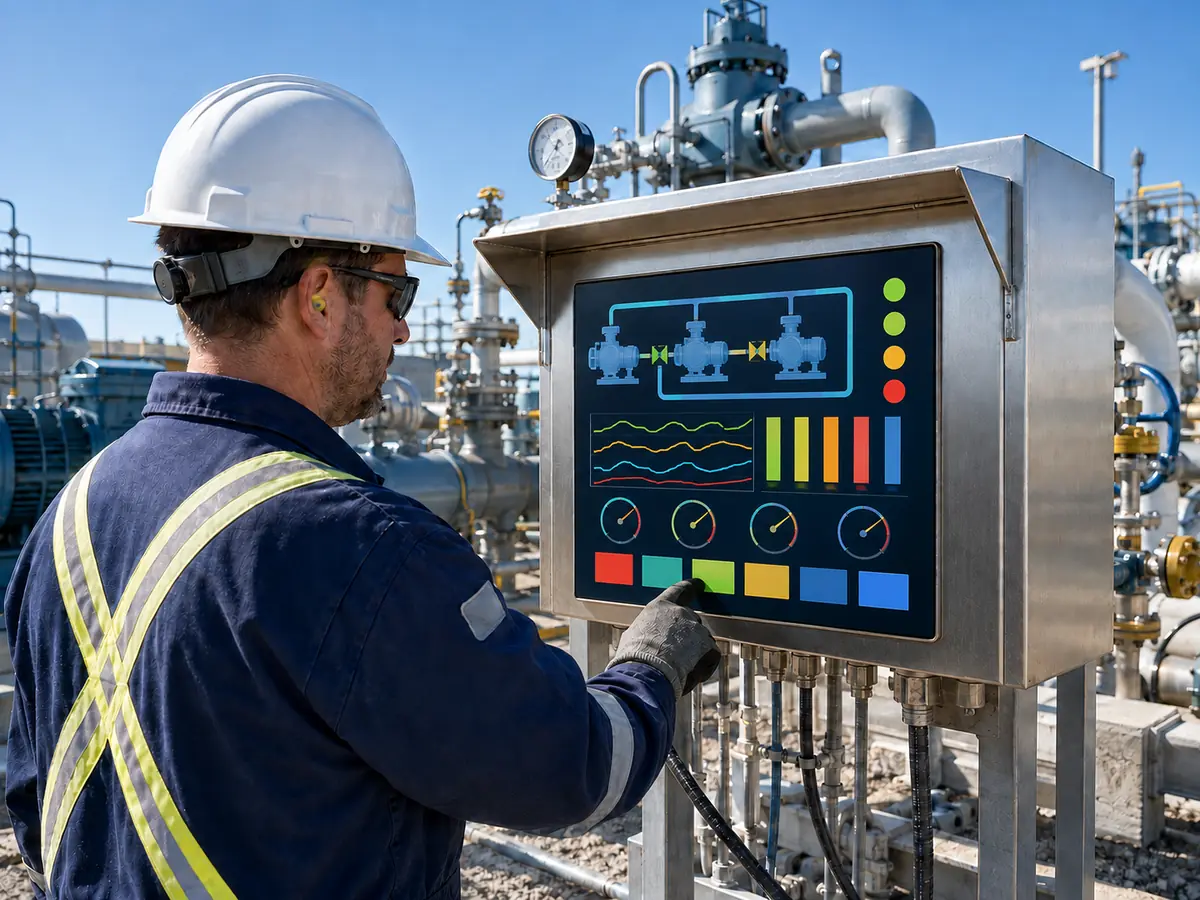
XIANHENG supports display projects for drilling controls, well-service equipment, production skids, pump and compressor packages, pipeline stations, analyzers, refinery machinery, storage terminals, offshore equipment, and remote industrial HMIs. Support can begin with a new requirement or an existing display that is unavailable or unsuitable.
Direct answer: XIANHENG can help customers compare industrial TFT LCDs from manufacturers such as BOE, AUO, Innolux, and Tianma, then coordinate PCAP or resistive touchscreens, customized cover glass, air or optical bonding, display controllers, firmware, customized cables, mechanical drawings, samples, inspection, replacement analysis, and lifecycle planning. Customers can review starting options in the Industrial LCD Product Collection. Final enclosure protection, hazardous-area compliance, functional safety, and equipment qualification remain with the responsible equipment manufacturer and certification parties.
Can XIANHENG Customize Touchscreens and Cover Glass?
PCAP or resistive touch can be considered according to gloves, stylus use, gestures, water, contamination, cleaning, glass thickness, HMI design, and electrical noise. PCAP work can include sensor dimensions, controller selection, USB or I²C, firmware tuning, sensitivity, filtering, edge response, cable direction, and grounding.
Customized cover glass can include the required outline, thickness, printed border, logo, viewing window, indicator windows, holes, slots, corners, edge treatment, surface treatment, and adhesive area. The approved glass, ink, sensor, controller, firmware, enclosure, and gasket should remain a controlled stack.
Can XIANHENG Support Bonding, Controllers, and Cables?
Air bonding or optical bonding can be evaluated according to readability, contamination, parallax, vibration, temperature, cost, and service strategy. When the host output does not connect directly to the native LCD, a controller-board solution can be reviewed for HDMI, DisplayPort, DVI, or VGA input.
XIANHENG can coordinate controller firmware, resolution, timing, output mapping, backlight control, power, connectors, and customized cables. Cable drawings can define connectors, pin assignments, length, shield, grounding, direction, bend limits, and retention features.
How Can XIANHENG Support Prototype Validation?
Prototype support can include requirement review, LCD sourcing, drawing confirmation, touchscreen and cover-glass development, bonding, controller programming, cable preparation, assembly, and initial image and touch inspection. The sample scope can range from a bare LCD to a TP plus LCM assembly, open-frame display, or more complete monitor solution.
The customer should test the sample in the intended host, enclosure, power system, grounding arrangement, software, lighting, gloves, environmental conditions, and compliance program. XIANHENG can review findings and adjust the display-side configuration when supported by the evidence.
How Can XIANHENG Support Existing Display Replacement?
Customers can provide the original LCD, touchscreen, controller, cables, datasheets, drawings, host information, software resolution, assembly photographs, annual demand, and failure or discontinuation problem. XIANHENG can compare candidate panels across mechanics, optics, electrical behavior, touch, software interaction, and lifecycle.
If no direct replacement exists, the project may require a controlled change to the bracket, glass, touchscreen, cable, controller, firmware, power, or HMI scaling. The customer should identify the tests and certification evidence affected by the change before the replacement enters production or field service.
What Information Should Customers Send for a New Project?
Useful inputs include the equipment type, screen location, hazardous or non-hazardous area, certification responsibility, available opening and depth, display size, resolution, viewing distance, ambient light, interface, host, operating system, touch method, gloves, glass drawing, brightness, temperature, humidity, salt, dust, water, chemicals, vibration, cable direction, power, annual quantity, schedule, and lifecycle target.
To discuss an oilfield HMI, drilling-control display, pump or compressor touchscreen, pipeline-station LCD, refinery-equipment display, offshore interface, customized display assembly, or obsolete industrial LCD replacement, please reach out to XIANHENG.
Claim: XIANHENG supports oil and gas display projects by coordinating panel selection, touchscreens, cover glass, bonding, interfaces, controllers, cables, prototypes, replacement evaluation, production controls, and long-term supply while keeping certification and final equipment responsibilities clearly defined.


