
Innolux M270HCJ-LCB is a 27-inch Full HD LCD module listed for desktop-monitor assemblies. An OEM evaluating it for an indoor equipment HMI may need to keep the existing cabinet power supply. The key sourcing question is how much current the complete display branch will draw when the rest of the equipment is running, especially during a simultaneous restart.
Claim: Rail reuse requires both continuous capacity and acceptable voltage during the equipment's worst permitted load overlap.
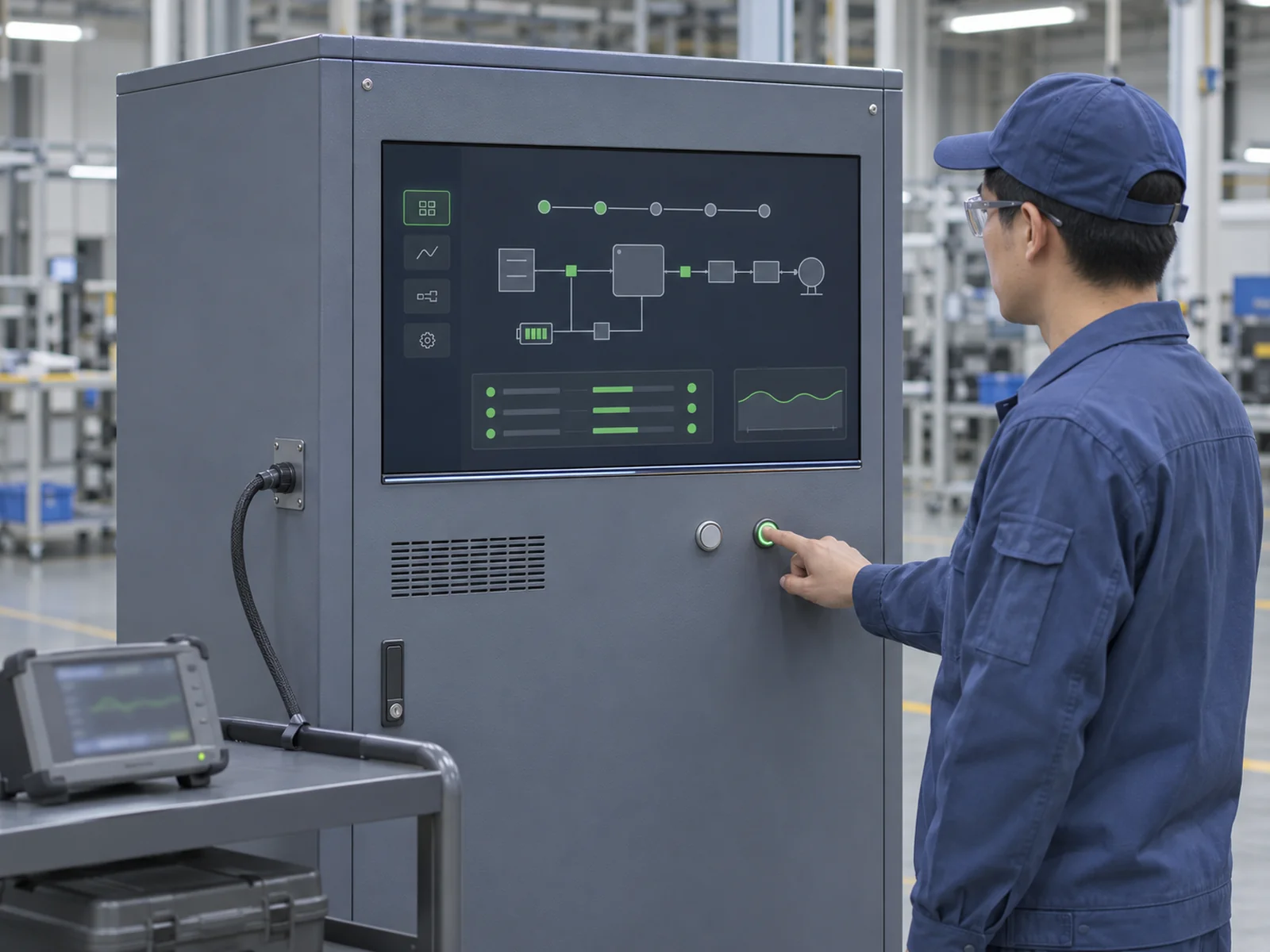
Can the Existing Supply Carry the Display Branch?
How Much Capacity Is Available on the Shared Rail?
Start with the equipment supply's continuous output limit at the cabinet temperature and input conditions. Subtract the loads that can run with the display at its highest approved brightness, including any field options the OEM has released. Check the display branch's cable, connector and protection ratings separately. For short events, obtain the allowable peak current and duration from the equipment power team.
Illustrative example. At a nominal 24 V, a supply derated to 3.0 A provides 72 W. Other simultaneous loads drawing 52 W leave 20 W for the display. A proposed display branch drawing 22 W exceeds that allowance even before startup is considered. If the steady load fits, a coincident fan start and backlight enable can still pull the voltage below the electronics' operating limits.
Claim: Specify separate steady-state and transient limits for the display branch at the shared rail.
How Should Buyers Read the 15.6 W Maximum?
XIANHENG and Panelook list 15.6 W as maximum power for M270HCJ-LCB. Treat it as a screening figure and ask which loads it covers, at what supply voltage, image pattern, panel timing, LED current, duty cycle and temperature. Use confirmed maximum values for capacity planning and typical values for estimating energy use under a defined operating profile. When comparing quotations, match the rating type, measurement point and test conditions, including luminance.
Build the display budget at the shared rail. Estimate external driver input by dividing LED-side watts by the driver's efficiency at the relevant load and input voltage. Use measured driver input directly when available. Add the rail-side inputs of the LCD logic supply, controller and optional touch electronics. If the controller powers the LCD logic, use the combined input reading with the panel connected.
Claim: Sum the display loads at the shared rail and account for each conversion loss once.
What Evidence Supports Release of the LCB Configuration?
Which Electrical Details Belong in the RFQ?
Request a rear-label photo showing the complete M270HCJ-LCB model and revision, plus the matching Innolux specification. Panelook indexes Ver. 1.1 as a reference. Public listings give 5.0 V typical for LCD logic, 30-pin dual-channel 8-bit LVDS, and a built-in four-string white LED backlight that requires an external driver.
Before wiring the sample, confirm the LCD supply tolerance, current limits, pin assignments, LVDS mapping and power sequence. Ask for the LED connector drawing, regulated current per string, forward-voltage range over temperature, and the proposed driver's input range and dimming settings. Verify that it can regulate the specified current across the required rail and string voltage ranges. The older XHPANEL overview lists 60 Hz and the current product page lists 75 Hz. Agree on the offered revision's native timing before recording or comparing power.
Claim: The quote should identify the panel revision, controller, harness and driver settings that the OEM will qualify together.
What Must the Installed Sample Prove?
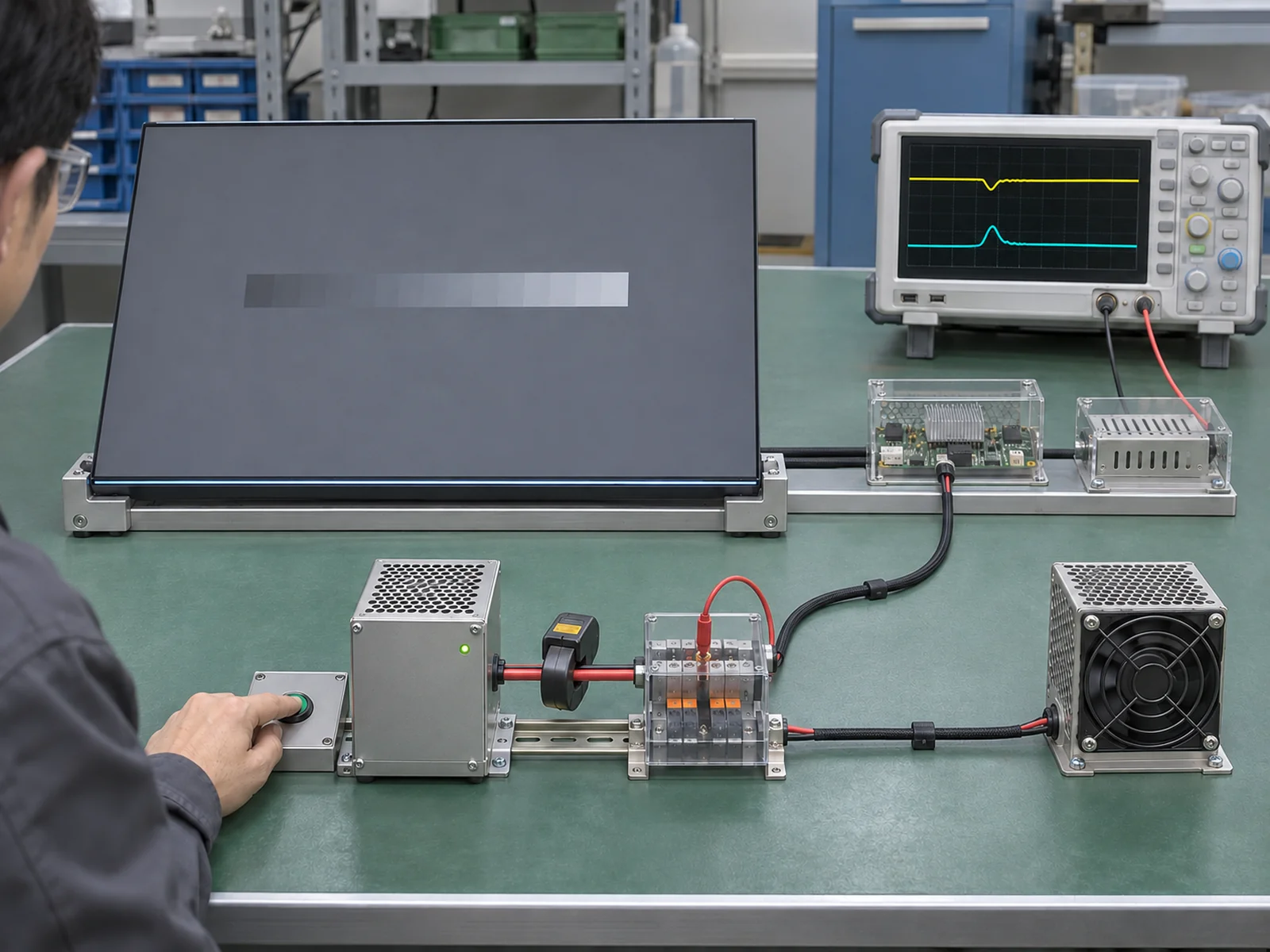
Use the production supply, controller firmware and harness with the cabinet closed. Measure steady display input at the highest approved luminance and test the worst permitted overlap, such as backlight enable during a fan start after power restoration. Capture shared-rail current and LCD and driver input voltages on the same time base. Repeat at the lowest allowed supply input voltage and highest required cabinet temperature within the applicable ratings.
Check steady draw against the derated budget, and peak magnitude and duration against the supply's and branch's limits. Verify that the panel and driver stay within their voltage limits after their specified startup intervals and that the equipment shows no unintended resets or blanking. If approval depends on a delayed backlight start, record the controlling firmware version and verify that sequence after power recovery.
Claim: Release the shared supply only for the hardware and startup sequence that passed the overlap test.
What Advantages Does XIANHENG Offer for M270HCJ-LCB Power Qualification?
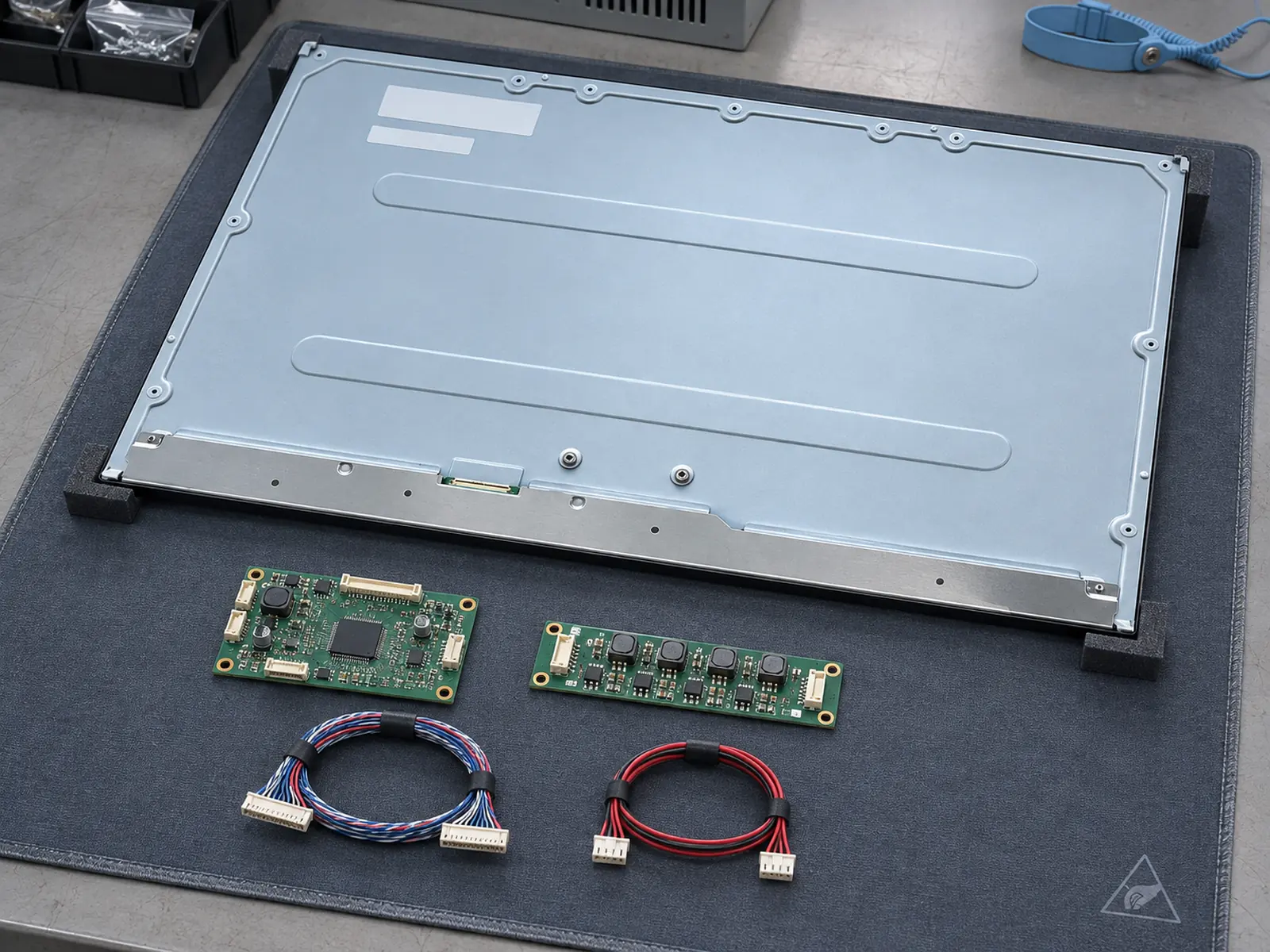
XIANHENG can review the cabinet rail budget and propose an evaluation kit with a controller, LED driver and harness for the offered Innolux M270HCJ-LCB 27.0 Inch FHD AAS LCD Panel. XIANHENG can also quote a separate custom PCAP touch assembly and cover glass.
The bare LCD is listed at 250 cd/m² typical. For projects targeting 500–1000 cd/m², XIANHENG can assess eligible panels and confirm backlight feasibility for the proposed configuration. Specify whether the target applies at the LCD face or through the finished touch and cover assembly. Verify the power and temperature of any revised backlight and driver in the installed assembly.
Send the rail limits, load sequence, enclosure conditions, touch and glass requirements, target luminance and quantities when you reach out to XIANHENG. For other form factors, see the Industrial LCD Product Collection.
Claim: An evaluation kit gives the OEM a defined display branch to test before volume approval.


