
AI computing equipment is usually evaluated by processor performance, GPU capacity, memory bandwidth, storage speed, and network architecture. These specifications determine how much data a system can process, but they do not determine how easily an operator can inspect, configure, diagnose, and maintain the physical equipment.
Quick answer: Touchscreens improve AI equipment management by providing a compact local interface for system monitoring, alarm diagnosis, configuration, maintenance, and recovery. They allow operators to access the equipment directly without connecting an external monitor, keyboard, and mouse.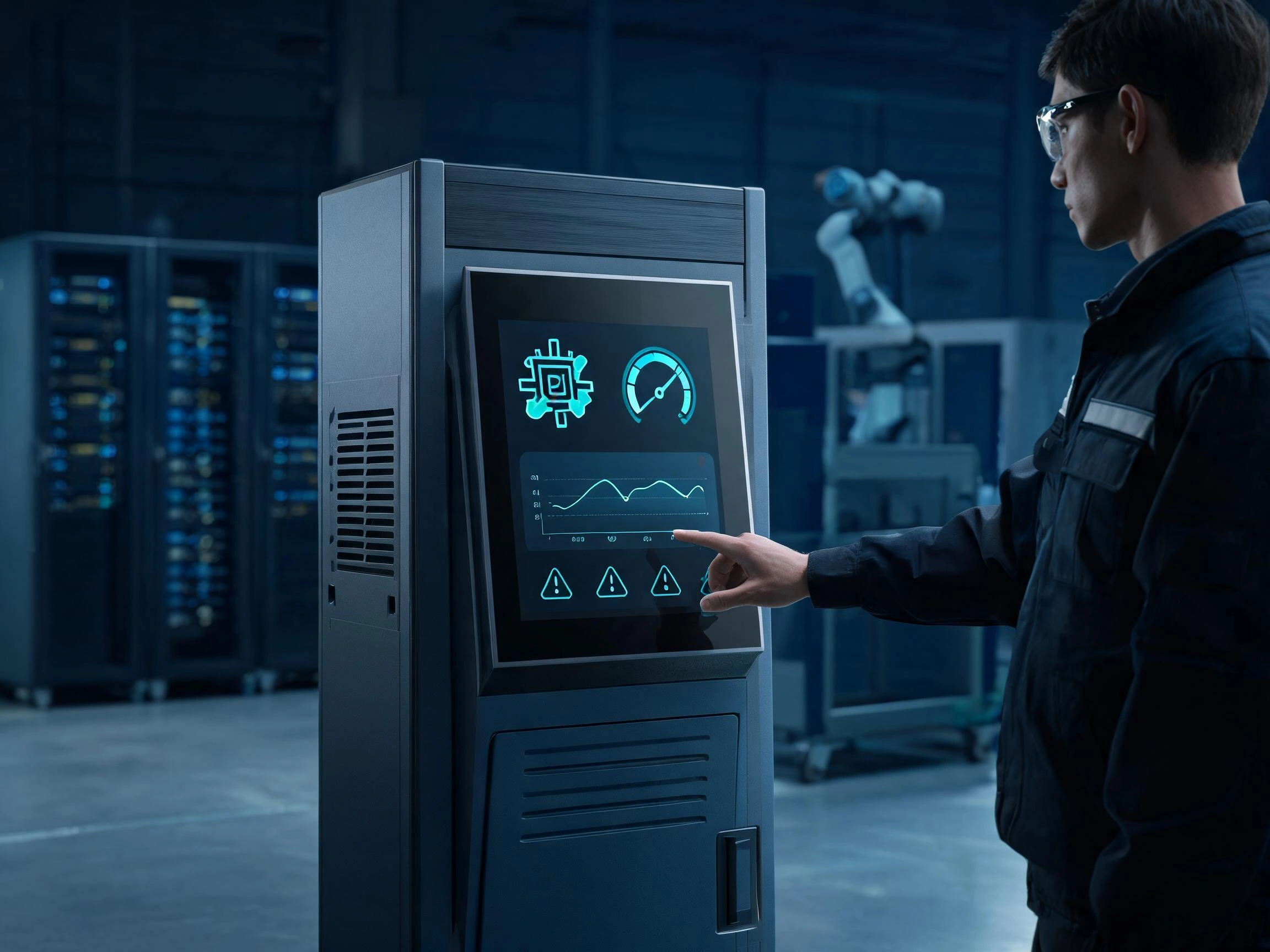
Most AI systems can be monitored remotely, especially in data centers and centralized server rooms. Local access is still required when the network is unavailable, the operating system fails to start, a hardware module must be inspected, or a technician needs to compare diagnostic information with the physical condition of the machine.
After more than ten years of working with industrial LCD panels and touchscreens, we have found that the value of an AI equipment touchscreen depends on the complete system design. The touch sensor, LCD, controller, cover glass, cables, host interface, operating environment, user-interface software, and enclosure must work together.
Claim: A touchscreen does not increase the computing power of an AI system. Its value is that it gives operators a faster and more practical way to manage that computing power at the equipment level.
1. Why Does AI Equipment Still Need a Local Touchscreen Interface?
Remote management is necessary for large AI computing systems, but it does not remove the need for local operation. Remote and local interfaces serve different engineering and maintenance tasks.
Direct answer: A local touchscreen gives technicians access to equipment status and service functions when remote software, external peripherals, or network communication are unavailable or inconvenient.
When Is Remote Management Not Enough?
A data center operator may monitor hundreds of servers from a central console. This is efficient for checking availability, resource utilization, alarms, network traffic, and workload status. However, remote software cannot always show what is physically happening inside a specific cabinet.
When a technician replaces a GPU module, checks a fan, traces a communication cable, inspects a power supply, or tests a connected sensor, a local display allows the technician to view system information while standing beside the equipment.
A local touchscreen is particularly useful in the following situations:
- The primary network connection is unavailable.
- The remote management service has stopped responding.
- The operating system cannot complete its normal startup process.
- A technician is installing or replacing hardware.
- A sensor, camera, fan, power supply, or storage device requires local inspection.
- The equipment is being commissioned at a customer’s facility.
- Network settings must be configured before remote access is available.
- The system is installed in a machine, vehicle, outdoor enclosure, or mobile platform.
- A maintenance procedure requires direct confirmation beside the equipment.
This local-access requirement is one of the main reasons discussed in Why Do AI Servers Need Integrated Displays?.
What Information Can a Local Touchscreen Display?
The touchscreen can serve as a local management console for the hardware, operating system, connected devices, and AI workload. The exact information depends on the equipment architecture, but common items include:
- CPU, GPU, memory, and storage status
- GPU utilization and workload progress
- Temperature values and thermal warnings
- Fan speed and cooling-system condition
- Power-supply status, voltage, and power consumption
- Ethernet, Wi-Fi, cellular, and fieldbus connections
- Camera, sensor, and peripheral status
- Operating-system and application versions
- Equipment serial number and network identity
- Alarm history and diagnostic records
- Service intervals and maintenance instructions
The operator should see a clear system summary first. Detailed data can be placed on lower-level screens. Showing every available value on the home screen usually makes the interface harder to read, especially on compact industrial LCDs.
How Does a Touchscreen Reduce External Equipment?
Without an integrated display, a technician may need to carry a monitor, keyboard, mouse, video cable, power cable, and interface adapter to service the equipment. There must also be enough physical space to place and connect these items.
An integrated touchscreen reduces this dependence on external service equipment. The machine manufacturer can define a consistent local interface that remains with the equipment throughout installation, operation, and maintenance.
This is particularly practical for GPU appliances. A rack-mounted GPU appliance may use its front touchscreen to display hardware health, network information, workload status, alarm records, and service menus without requiring external peripherals.
| Management Task | Remote Management | Local Touchscreen |
|---|---|---|
| Monitoring many systems | Highly suitable | Limited to one local system |
| Network-independent access | May not be available | Can remain available locally |
| On-site hardware replacement | Provides indirect information | Provides information beside the hardware |
| Initial commissioning | Requires network configuration | Can support initial local setup |
| Emergency diagnosis | Depends on remote communication | Can provide a separate local access path |
| Fleet-level reporting | More practical | Not designed for centralized reporting |
A touchscreen should complement remote management rather than replace it. Important AI equipment should normally provide both local and remote access paths so that one management method remains available when the other cannot be used.
Claim: AI equipment still needs a local touchscreen because physical maintenance, initial setup, network failure, and hardware-level diagnosis cannot always be handled efficiently from a remote management console.
2. How Do Touchscreens Improve AI Monitoring and Maintenance Workflows?
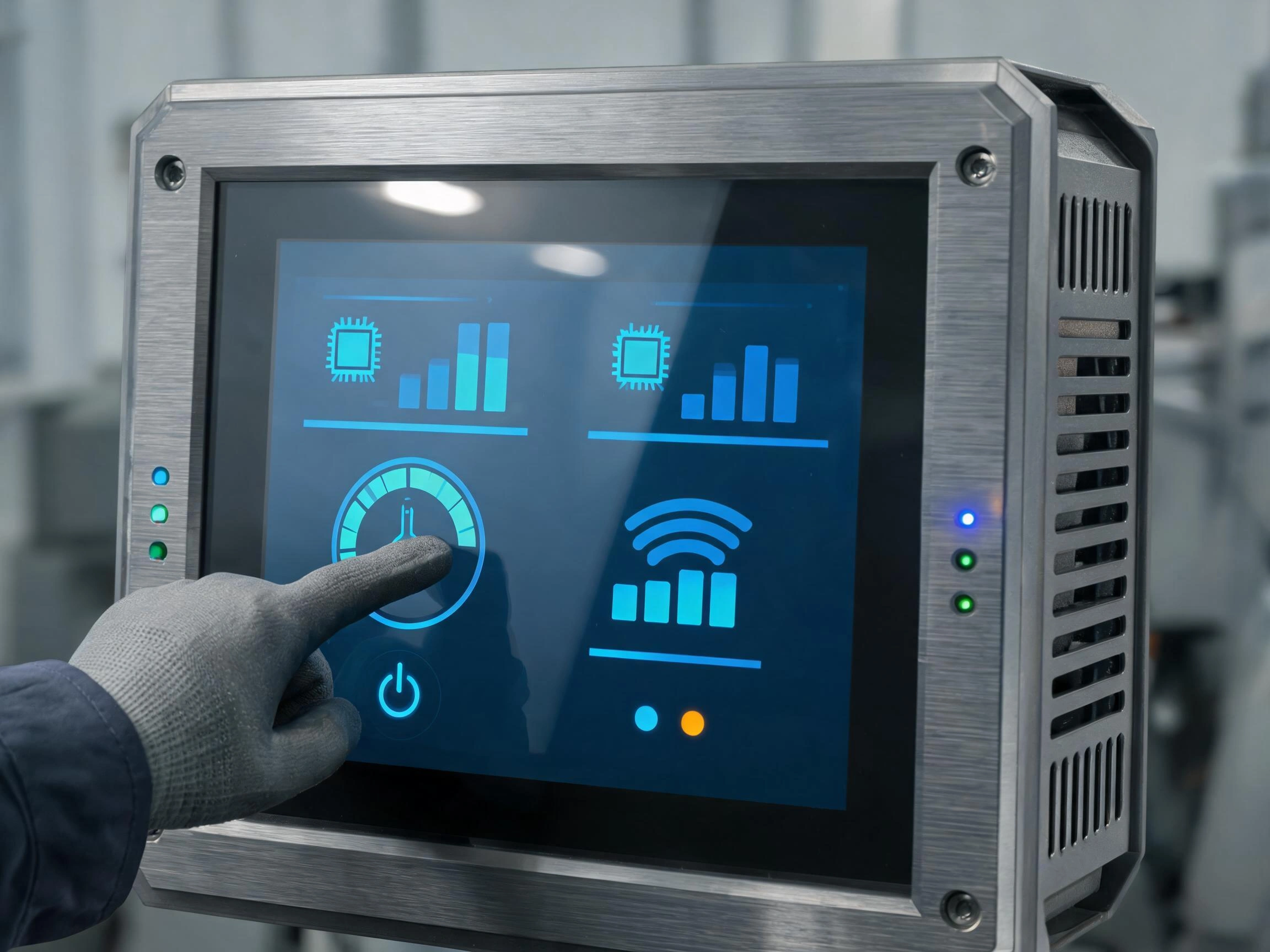
AI equipment can generate a large amount of operating data. The touchscreen must organize this data according to the decisions an operator needs to make rather than displaying every parameter at the same time.
Direct answer: A touchscreen improves workflow by guiding the operator from system status to alarm identification, component diagnosis, authorized action, and final verification.
How Should the Monitoring Dashboard Be Organized?
The first screen should answer a basic question: Is the AI equipment operating normally?
A practical dashboard normally presents the overall equipment condition before component-level details. Status can be divided into normal, warning, degraded, and fault states. The operator can then select the relevant area to view additional information.
A well-organized dashboard may include:
- Overall equipment status
- Active and historical alarms
- GPU and CPU utilization
- Temperature and cooling information
- Power-supply condition
- Storage and network status
- Connected sensor and camera status
- Current AI task or inference-job status
- Maintenance reminders
Text, icons, colors, and numbers should communicate the same condition consistently. Color should not be the only indicator because operators may have different levels of color perception, and industrial lighting can affect how colors appear.
The relationship between displays and centralized monitoring systems is discussed further in How Do Operators Monitor AI Computing Systems?.
How Can Touchscreens Improve Alarm Diagnosis?
An alarm indicator should tell the operator more than the fact that a problem exists. It should identify the affected subsystem, record when the condition occurred, show the relevant operating values, and indicate the appropriate response.
When an alarm is selected, the touchscreen should help answer these questions:
- Which component generated the alarm?
- When did the condition start?
- Is the fault still active?
- Has the same fault occurred before?
- What values were recorded before and during the alarm?
- Does the equipment need to stop immediately?
- Can the operator continue with reduced performance?
- What inspection procedure should be followed?
- Who is permitted to acknowledge or clear the alarm?
For example, a high-temperature warning should lead to information about the affected GPU or processing module, nearby temperature sensors, fan speed, airflow condition, current workload, and recommended inspection steps.
The operator should not need to search through several unrelated menus to connect the alarm with the component that caused it.
How Can a Touchscreen Guide Maintenance Work?
Complex equipment often requires maintenance tasks to be completed in a specific order. The touchscreen can display a structured sequence and record which steps have been completed.
A guided replacement procedure may instruct the technician to:
- Log in with the correct service permission.
- Place the equipment in maintenance mode.
- Stop the affected workload safely.
- Confirm the correct module location.
- Verify that power has been isolated where required.
- >Replace or inspect the component.
- Run a hardware test.
- Confirm that the component is detected.
- Return the equipment to normal operation.
- Record the maintenance result.
This type of interface can reduce skipped steps and provide consistent instructions across different service locations. It is especially useful when the equipment manufacturer cannot send a senior engineer to every installation site.
How Should Permissions and Confirmations Be Managed?
Touchscreens make commands easy to reach, but easy access can become a problem if all users have the same permissions. An operator, maintenance technician, system administrator, and factory engineer usually require different levels of control.
| User Role | Typical Access | Restricted Functions |
|---|---|---|
| Operator | View status, acknowledge selected alarms, start normal tasks | System configuration and firmware changes |
| Maintenance technician | Diagnostics, component tests, service mode | Factory calibration and security settings |
| System administrator | Network, users, software, and system configuration | Protected factory parameters |
| Factory engineer | Calibration, controller settings, and advanced diagnostics | Access controlled by the equipment manufacturer |
Commands that can interrupt operation should require clear confirmation. “Restart Application,” “Restart Operating System,” and “Power Off Equipment” must be presented as different actions because their effects are different.
After a command is selected, the interface should show whether the command was accepted, whether it is still running, and whether it completed successfully. A button that changes color without explaining the result is not sufficient feedback for equipment management.
Can a Touchscreen Replace Physical Safety Controls?
A graphical touchscreen should not be treated as a replacement for required emergency-stop buttons, protective interlocks, or hardware safety circuits.
The touchscreen can display safety information and equipment status, but functions that must remain available during a software failure should follow the applicable machinery, electrical, and safety design requirements.
This separation is important because the display, touch controller, operating system, or management application may stop responding. Safety-related hardware must not depend solely on a graphical button displayed by software.
Claim: A touchscreen improves AI equipment management when it presents information in the same order that an operator works: observe the system, identify the fault, inspect the component, perform an authorized action, and verify the result.
3. Which Touchscreen Technologies Are Suitable for AI Equipment?
The touchscreen should be selected according to the operating environment and interaction method. A technology that works well in a clean control room may behave differently in an outdoor enclosure, factory machine, vehicle, or service cabinet.
Direct answer: Projected capacitive touch is suitable for modern multi-touch interfaces and sealed glass fronts, while resistive touch remains practical for single-touch operation with heavy gloves or a stylus.
When Is Projected Capacitive Touch Suitable?
Projected capacitive touch, commonly called PCAP, is widely used in AI equipment that requires a modern interface, quick touch response, multi-touch gestures, and a continuous glass front.
Typical applications include:
- Indoor GPU appliances
- Data center management panels
- Medical AI equipment
- Machine vision terminals
- Laboratory analysis systems
- Edge AI control panels
- Autonomous equipment interfaces
PCAP can be installed behind customized cover glass. The cover glass can include printed borders, a company logo, transparent indicator windows, mounting holes, and other mechanical features required by the enclosure.
The continuous glass surface is also easier to clean than a recessed touch structure. This is useful in medical, laboratory, food-processing, and public-access applications.
Industrial PCAP performance depends on the complete installation. Cover-glass thickness, glove type, moisture, controller tuning, grounding, cable routing, LCD noise, and enclosure materials can all affect touch sensitivity.
A PCAP sample should therefore be tested after installation with the actual LCD, host board, power supply, cover glass, cable, and enclosure. Workbench testing alone may not reproduce the electrical conditions of the finished AI equipment.
When Is Resistive Touch Suitable?
Resistive touch detects physical pressure and can normally be operated with a bare finger, heavy glove, plastic stylus, or other pointed object. It remains suitable for industrial AI equipment that uses simple menus and does not require multi-touch gestures.
Common resistive-touch functions include:
- Alarm acknowledgment
- Menu selection
- Numerical input
- Maintenance mode selection
- Single-point calibration
- Diagnostic command entry
Resistive touch can be practical in environments where technicians wear thick non-conductive gloves. It may also be easier to apply in equipment that was originally designed around a traditional industrial HMI.
Its main limitations are lower optical transmission, a flexible top surface, gradual surface wear, and limited gesture support. Frequently pressed locations may show wear after long-term use, especially when operators use pointed tools instead of an approved stylus.
| Selection Factor | Projected Capacitive Touch | Resistive Touch |
|---|---|---|
| Input method | Finger and supported conductive gloves | Finger, heavy glove, stylus, or pointed object |
| Multi-touch | Available | Normally single touch |
| Front-surface design | Continuous customized cover glass | Flexible touch surface |
| Optical transmission | Generally higher | Generally lower |
| Surface cleaning | Suitable for a flat glass front | Cleaning depends on film material and bezel structure |
| Main design concern | Noise, grounding, water, gloves, and controller tuning | Surface wear, pressure consistency, and calibration |
How Should the LCD Be Selected?
The touch sensor cannot compensate for an unsuitable LCD. Engineers must still evaluate display size, resolution, brightness, contrast, viewing angle, response time, temperature range, backlight life, and interface compatibility.
Higher resolution is useful when the screen displays camera images, thermal maps, system diagrams, detailed graphs, or several equipment zones. However, high resolution can make text and buttons too small if the management software does not support correct interface scaling.
The display size should be selected according to viewing distance and the amount of information shown. A compact screen may fit the enclosure but force operators to work with small controls and deep menu structures.
Indoor equipment may operate well with moderate brightness. Equipment installed near windows, outdoors, or under strong factory lighting may require a high-brightness LCD, optical bonding, anti-glare glass, or anti-reflection treatment.
Edge AI systems may place the display in a compact enclosure with limited airflow and strict power requirements. Related display-selection factors are covered in What Display Solutions Are Best for Edge AI Devices?.
Why Must the Display and Touch Interfaces Be Selected Separately?
The LCD video interface and touchscreen communication interface are two separate connections.
The LCD may receive video through LVDS, eDP, MIPI DSI, RGB, HDMI, or DisplayPort. The touch controller may communicate with the host through USB, I²C, RS-232, or another supported connection.
For example, an AI mainboard may use eDP for the LCD image and USB for touch input. Another embedded platform may use MIPI DSI for the display and I²C for the touchscreen controller.
The interfaces must match the host board, operating system, connector position, cable length, power supply, and available driver support. More information about AI hardware display interfaces is available in What Display Interfaces Are Used in AI Hardware?.
Claim: The best touchscreen technology is the one that matches the operator, environment, host hardware, and software workflow. PCAP is not automatically better because it supports multi-touch, and resistive touch is not automatically outdated because it uses pressure input.
4. What Determines the Long-Term Reliability of an AI Equipment Touchscreen?
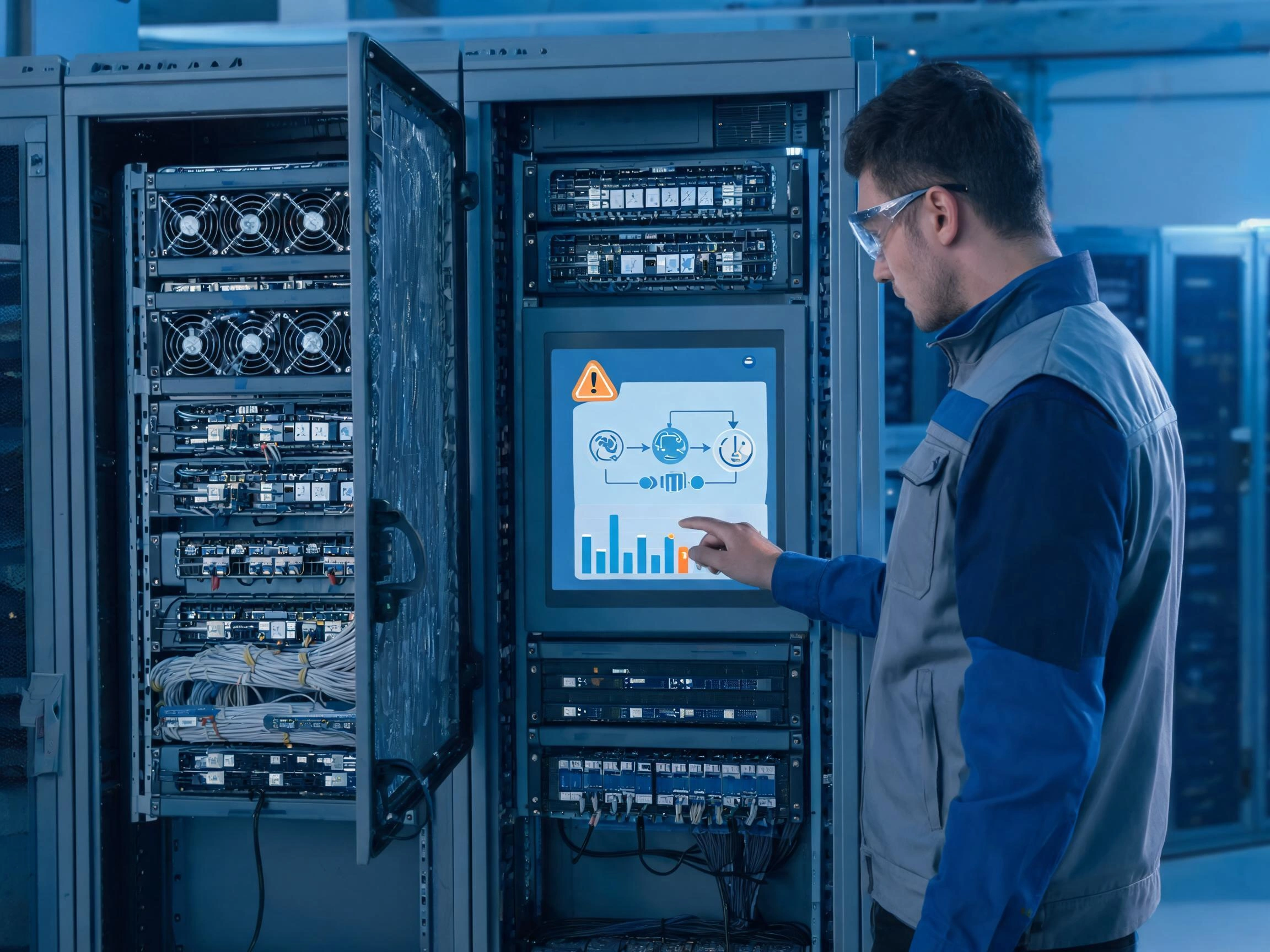
A touchscreen may operate correctly during early development and still become unstable after it is installed in the final enclosure. Long-term reliability depends on the complete display assembly and the electrical, thermal, mechanical, and software conditions around it.
Direct answer: Reliable AI equipment touchscreens require suitable temperature ratings, correct grounding, controlled electromagnetic noise, proper mechanical support, readable optical performance, stable drivers, and realistic system-level testing.
How Does Heat from AI Hardware Affect the Display?
GPUs, processors, memory modules, power supplies, and storage devices generate heat. The ambient temperature outside the equipment cabinet may be much lower than the temperature around the display module.
Engineers should measure the temperature at the actual LCD and touch-controller locations while the AI system is operating under its highest expected computing load.
High temperature can affect:
- LCD image quality
- Backlight brightness and service life
- Touch-controller stability
- Adhesive and optical-bonding materials
- Flexible printed cables
- Plastic connectors and structural parts
Low temperature can slow LCD response and affect some adhesive materials. Outdoor and mobile AI equipment should be evaluated across both operating and storage temperature ranges.
The LCD specification should not be selected from the room temperature alone. Internal heat, solar heating, restricted airflow, and continuous operation must also be considered.
How Do EMC, ESD, and Grounding Affect Touch Performance?
AI equipment can contain high-speed digital signals, switching power supplies, cooling fans, GPU modules, motor controllers, network equipment, and multiple communication cables. These components may create electrical noise around a capacitive touchscreen.
Possible symptoms include:
- False touches without operator contact
- Missed touches
- Unstable touch coordinates
- Reduced sensitivity near the edge
- Temporary loss of touch communication
- Different performance when the equipment is grounded or ungrounded
Touch cables should be routed away from noisy power conductors where possible. Shielding, grounding, controller position, power filtering, and cable length should be reviewed before the enclosure design is finalized.
Electrostatic discharge is another concern because the cover glass is directly exposed to the operator. The front structure, touch controller, enclosure, grounding path, and protective circuits must be evaluated as one assembled system.
Testing only the separate touchscreen cannot reproduce the electrical environment created by the finished AI equipment.
How Does Mechanical Installation Affect Reliability?
The LCD and touchscreen must be supported without excessive pressure or twisting. Uneven clamping, enclosure deformation, incorrect adhesive thickness, or pressure from a narrow bezel can cause display marks, touch drift, false activation, glass stress, or permanent damage.
A panel-mounted touchscreen assembly may require:
- Correct mounting tolerance
- Suitable adhesive width and thickness
- Controlled bezel pressure
- Space for thermal expansion
- Protection for the LCD and touch cables
- A gasket structure for front-panel sealing
- Mechanical support during vibration
The cover-glass thickness should be selected according to the impact requirement and touch performance. Thicker glass may provide more mechanical protection, but it can increase weight and change capacitive-touch sensitivity.
If the equipment requires an IP-rated front, the rating applies to the completed front-panel structure rather than the touch sensor alone. Cover glass, adhesive, gasket, enclosure, openings, and assembly quality all affect the final sealing result.
How Do Readability and Interface Design Affect Operating Reliability?
A technically stable touchscreen can still cause operating errors if the interface is difficult to read or the controls are too small.
Engineers should review:
- Screen size and normal viewing distance
- Text size and software scaling
- Button size and spacing
- Installation angle
- Viewing direction
- Ambient light and surface reflection
- Operation with gloves
- Cleaning frequency
- Commonly used controls
- Alarm visibility
Frequently used buttons should be easy to select without touching a nearby command. Functions with very different consequences should not use similar colors, labels, or positions.
The interface must also account for touch response time. Operators may press a control again if the software does not provide immediate feedback. This can lead to repeated commands even when the first touch was detected correctly.
Why Do Drivers and Component Lifecycles Matter?
The touch controller must work with the selected operating system and host platform. USB touch controllers may use standard human-interface-device support, while I²C or specialized controllers may require a dedicated driver and configuration file.
Compatibility should be checked during:
- System startup
- Normal operation
- Restart and power cycling
- Sleep and wake operation
- Maintenance mode
- Operating-system updates
- Recovery or service environments
If the touchscreen is the main local input device, engineers should confirm whether it works before the normal management application starts. Some projects need touch operation in a bootloader, BIOS, diagnostic environment, or recovery program.
Component lifecycle is equally important. AI equipment may remain in production and field service for many years. A short-lifecycle consumer LCD or touch controller can force changes to the enclosure, cables, firmware, drivers, optical bonding, and certification test results.
This is why long-term supply planning is closely related to the issues covered in Why Is Reliability Important for AI Server Displays?.
What Should Be Tested Before Production?
| Test Area | Recommended Check | Possible Risk |
|---|---|---|
| Temperature | Operate under maximum computing load at high and low temperatures | Image changes, touch instability, or reduced backlight life |
| EMC and ESD | Test the complete assembled equipment | False touch, lost communication, or system restart |
| Touch accuracy | Test the center, corners, and edges | Coordinate deviation or missed input |
| Glove and moisture | Use the actual glove and expected surface conditions | Missed touch or unwanted activation |
| Mechanical assembly | Inspect bezel pressure, glass support, and cable routing | Touch drift, display marks, or glass damage |
| Software compatibility | Test startup, restart, recovery, and system updates | Touch unavailable during service procedures |
| Continuous operation | Run the display with the full AI system for an extended period | Thermal or intermittent communication faults |
When a problem appears, it should be investigated at system level. A false touch may be caused by the sensor, controller tuning, power noise, grounding, cover-glass structure, cable routing, or host software. Replacing the touch panel without finding the cause may only move the problem to a later stage.
Claim: Long-term touchscreen reliability comes from system-level integration and testing. It cannot be judged from the LCD specification or touch-panel specification alone.
5. What Advantages Does XIANHENG Offer for AI Equipment Touchscreen Projects?
XIANHENG provides industrial LCD and touchscreen solutions for AI servers, GPU appliances, edge AI terminals, machine vision systems, intelligent cabinets, and other embedded computing equipment.
Direct answer: XIANHENG can coordinate the industrial TFT LCD, PCAP or resistive touchscreen, customized cover glass, optical bonding, controller, cables, and mechanical requirements as one display project.
How Does XIANHENG Select the Industrial TFT LCD?
We begin by reviewing the actual equipment requirements rather than recommending a panel based only on screen size.
The selection process can include:
- Screen size and installation space
- Resolution and software scaling
- Required brightness
- Viewing direction and viewing angle
- Operating and storage temperatures
- LVDS, eDP, MIPI, RGB, HDMI, or DisplayPort interface
- Backlight life
- Outline dimensions and mounting structure
- Expected production lifecycle
- Estimated project quantity
XIANHENG works with industrial LCD panels from manufacturers such as BOE, AUO, Innolux, and Tianma. High-brightness, wide-temperature, IPS, VA, Full HD, 4K, and long-lifecycle models can be evaluated according to the application.
What Touchscreen Customization Can XIANHENG Provide?
Depending on the project, XIANHENG can provide projected capacitive or resistive touch solutions. PCAP customization can include:
- Customized sensor dimensions
- Customized cover-glass outline
- Printed black or colored borders
- Company logos and model markings
- Mounting holes and transparent windows
- Anti-glare or anti-reflection surface treatment
- Touch-controller selection
- USB or I²C communication
- Glove-operation tuning
- Touch sensitivity adjustment
The touchscreen can be designed around the equipment enclosure rather than requiring the customer to redesign the enclosure around a standard touch panel.
How Does Optical Bonding Support AI Equipment Displays?
Optical bonding fills the air gap between the LCD and touchscreen with an optical material. It can reduce internal reflection, improve perceived contrast, reduce the possibility of moisture entering the viewing gap, and create a more integrated structure.
Optical bonding is particularly useful for outdoor edge AI systems, machine vision equipment, vehicle-mounted computing terminals, medical AI equipment, and other applications exposed to strong ambient light.
Air bonding may still be suitable for indoor equipment with moderate readability requirements and tighter cost targets. XIANHENG can evaluate the bonding method according to the optical, mechanical, environmental, and cost requirements of the project.
How Does XIANHENG Support OEM and ODM Development?
A complete display solution may include:
- Industrial TFT LCD panel
- PCAP or resistive touchscreen
- Customized cover glass
- Touch-controller board
- Optical or air bonding
- Display and touch cables
- Interface or driver board
- Mechanical drawings
- Sample integration support
Early engineering communication helps identify problems before enclosure tooling, cable production, software release, and mass production. Interface direction, cable length, cover-glass thickness, controller position, and mounting tolerance can be reviewed before the final structure is approved.
How Does XIANHENG Support Long-Term Supply?
AI equipment manufacturers may need the same display assembly for several years. XIANHENG can help evaluate panel lifecycle, control approved configurations, communicate relevant component changes, and review compatible alternatives when a model approaches the end of production.
This reduces the risk of uncontrolled changes to the LCD, touchscreen controller, cable, optical structure, or mechanical dimensions.
For new projects, customers can send the host-board interface, display size, resolution, brightness, touch method, operating temperature, mechanical drawing, and expected quantity. Our engineering team can use this information to recommend a practical starting configuration.
Claim: XIANHENG supports the complete AI equipment display assembly rather than supplying unrelated LCD and touch components that the customer must integrate alone.
View available industrial display options in the Industrial LCD Product Collection.
For an AI equipment touchscreen project, please reach out to XIANHENG with your display size, interface, operating environment, touch requirements, mechanical drawing, and estimated quantity.


