
AI infrastructure is built around processors, GPUs, storage systems, high-speed networks, cooling equipment, and power-management hardware. Although the display does not perform AI calculations, it gives operators and technicians direct access to the equipment responsible for those calculations.
Quick answer: Industrial LCD solutions for AI infrastructure include embedded TFT LCD modules, touch display assemblies, open-frame monitors, panel-mount displays, rack management consoles, and high-brightness displays for edge AI equipment. The correct solution depends on the installation location, operating environment, host interface, user workflow, and expected product lifecycle.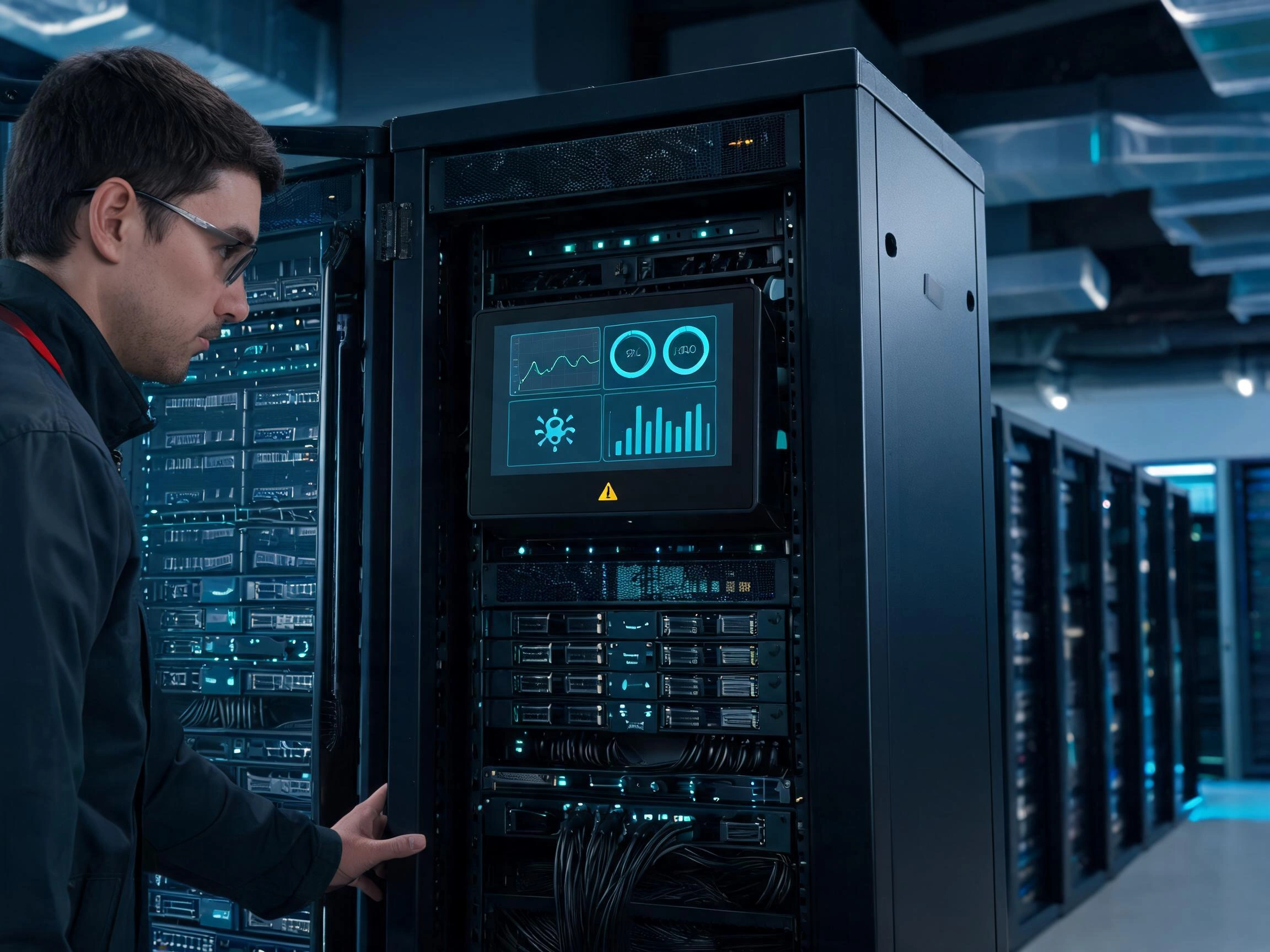
Some AI systems only need a compact status display. Others require a touchscreen for configuration, diagnostics, and maintenance. Outdoor edge AI terminals may need a high-brightness optically bonded display, while a rack-mounted AI server may prioritize long-term availability, low power consumption, and reliable operation inside a warm cabinet.
After more than ten years of working with industrial LCD integration, we have found that display selection for AI infrastructure should begin with the management task rather than the LCD model. Engineers first need to define what information will be shown, who will operate the display, where it will be installed, and what will happen if the display becomes unavailable.
Claim: The best industrial LCD solution for AI infrastructure is not necessarily the panel with the highest resolution or brightness. It is the display assembly that matches the equipment architecture, operating conditions, maintenance workflow, and production lifecycle.
1. Where Are Industrial LCDs Used in AI Infrastructure?
AI infrastructure extends beyond large data centers. It includes centralized computing systems, edge devices, machine vision platforms, intelligent control cabinets, autonomous equipment, network appliances, and service terminals.
Direct answer: Industrial LCDs are used wherever technicians or operators need local visibility into AI hardware status, alarms, workloads, connected sensors, network conditions, or maintenance procedures.
How Are Displays Used in AI Servers and Computing Racks?
AI servers are normally managed through remote software, but local access remains useful during installation, network failure, hardware replacement, startup problems, and system recovery.
A display installed in a server rack or AI computing cabinet may show:
- Equipment identification and serial information
- CPU, GPU, memory, and storage status
- Temperature and cooling information
- Power-supply condition and energy consumption
- Network addresses and connection status
- Active alarms and diagnostic codes
- Workload progress and accelerator utilization
- Maintenance history and service instructions
The display can be connected to the main host computer, a separate management controller, an embedded service computer, or a dedicated monitoring system. The architecture should allow technicians to access essential information even when the main AI application is not running normally.
This local-management requirement is explained further in Why Do AI Servers Need Integrated Displays?.
How Are Industrial LCDs Used in Edge AI Systems?
Edge AI equipment processes data near the sensor, camera, machine, or user rather than sending every operation to a central cloud platform. Because these systems operate close to the physical application, they often need a local display for human-machine interaction.
Examples include:
- Machine vision inspection systems
- Smart cameras and security equipment
- Autonomous mobile robots
- Predictive maintenance terminals
- Intelligent transportation equipment
- AI-supported medical devices
- Agricultural monitoring systems
- Automated retail and access-control terminals
- Outdoor environmental monitoring equipment
An edge AI display may show camera images, object-detection results, sensor data, equipment alarms, network status, or maintenance menus. In some applications, the operator also uses the screen to adjust detection thresholds, select operating modes, or confirm AI-generated decisions.
Edge devices frequently operate under conditions that are more demanding than a data center. High ambient light, dust, vibration, temperature changes, moisture, and limited airflow can affect the display. Related selection requirements are covered in What Display Solutions Are Best for Edge AI Devices?.
How Are Displays Used in AI Machine Vision Equipment?
Machine vision systems combine cameras, lighting, AI processing hardware, and production-line control. A local industrial LCD allows technicians to compare the camera image with the detection result and the physical product being inspected.
The display may present:
- Live and captured camera images
- Detection areas and inspection boundaries
- Pass and fail results
- Defect categories
- Confidence values
- Production statistics
- Camera exposure and lighting parameters
- Communication status with the PLC or production system
Image quality matters in these applications, but the industrial display is not always required to reproduce the full measurement accuracy of a calibrated inspection monitor. Engineers must determine whether the screen is used for process observation, setup, defect review, or final quality judgment.
If the operator makes quality decisions from the displayed image, color consistency, grayscale performance, resolution, viewing angle, and software scaling require closer attention.
How Are LCDs Used in Supporting AI Infrastructure?
AI computing systems depend on more than the server itself. Cooling, power distribution, environmental monitoring, storage, network switching, and security systems may also use local displays.
Industrial LCDs can be installed in:
- Cooling-system control cabinets
- Power-distribution and battery systems
- Environmental monitoring panels
- Network and storage appliances
- Data center access-control terminals
- Service carts and diagnostic stations
- Equipment-room monitoring panels
These supporting systems may not perform AI calculations, but they affect the availability of the AI infrastructure. Their displays must therefore be selected according to the same requirements for reliability, service access, interface compatibility, and long-term supply.
| AI Infrastructure Area | Main Display Function | Typical Engineering Priority |
|---|---|---|
| AI server rack | Local status, alarms, and service access | Long lifecycle, compact integration, continuous operation |
| Edge AI terminal | Operator interaction and local diagnostics | Brightness, touch operation, environmental resistance |
| Machine vision equipment | Camera images and inspection results | Resolution, viewing angle, response, software scaling |
| Autonomous equipment | Operating mode, route, task, and alarm information | Vibration, touch usability, brightness, temperature |
| Cooling and power system | Infrastructure monitoring and maintenance | Reliability, alarm visibility, continuous availability |
Claim: Industrial LCDs support AI infrastructure by making computing hardware and its supporting systems visible at the point where operators install, inspect, configure, and maintain the equipment.
2. Which Industrial LCD Architectures Suit Different AI Systems?
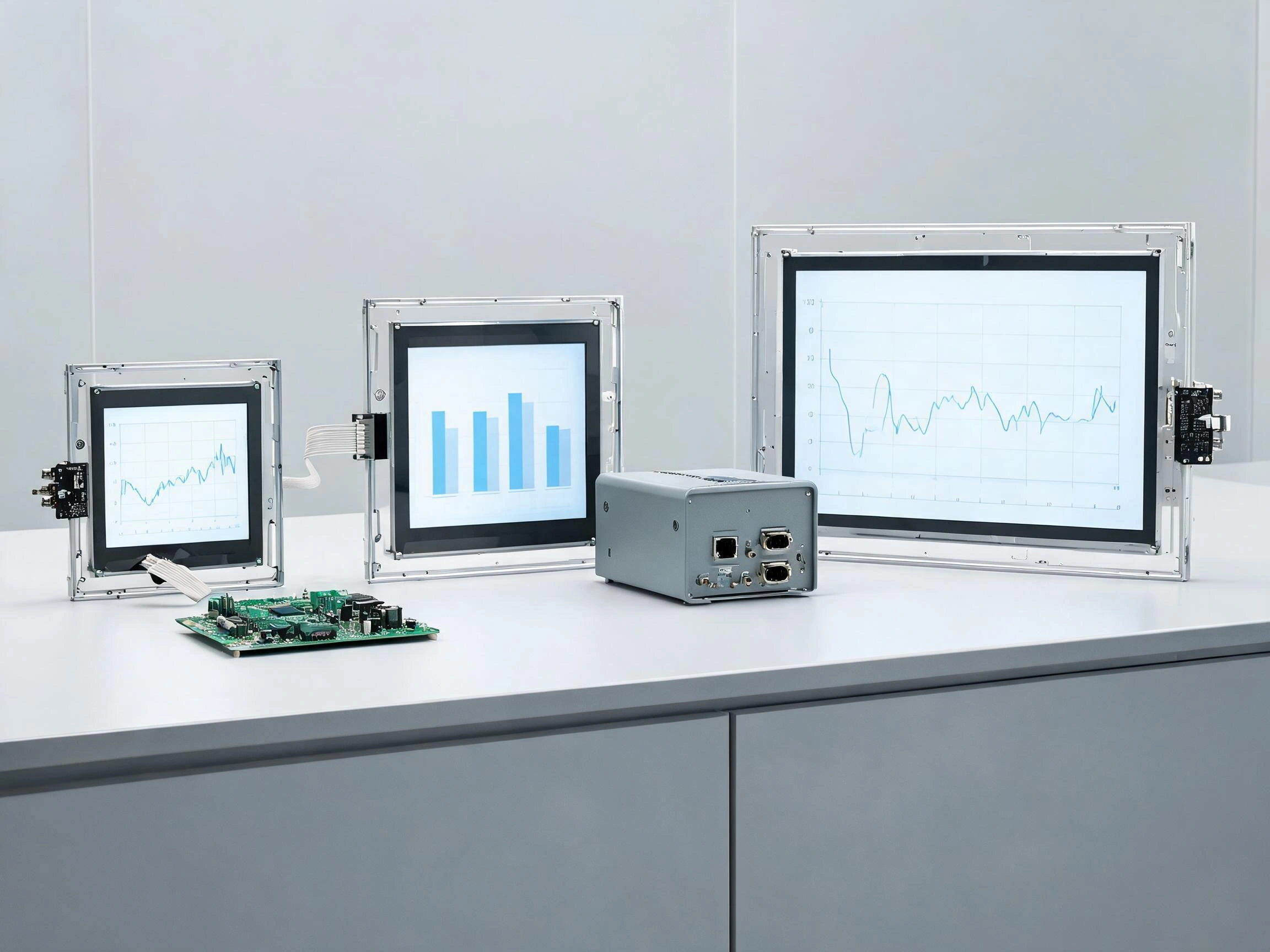
An industrial LCD panel is only one part of a display solution. Depending on the project, the equipment manufacturer may need a bare LCD module, a touch display assembly, an open-frame monitor, a panel-mount monitor, or a complete industrial HMI.
Direct answer: Embedded AI equipment usually uses LCD modules or touch display assemblies, while cabinets and service stations may use open-frame or panel-mount monitors. The correct architecture depends on how much integration work the equipment manufacturer wants to complete internally.
When Is an Embedded TFT LCD Module Suitable?
An embedded TFT LCD module is suitable when the equipment manufacturer controls the host board, enclosure, cables, software, and mechanical installation.
The LCD may connect directly to the host platform through LVDS, eDP, MIPI DSI, RGB, or another embedded display interface. This approach provides flexibility over screen size, mounting structure, power design, and product appearance.
It is often used in:
- AI server front panels
- Compact edge AI devices
- Machine vision controllers
- Embedded diagnostic terminals
- Medical AI equipment
- Autonomous machine control panels
The equipment manufacturer must manage more integration work, including the LCD power sequence, backlight control, signal cable, mechanical support, electromagnetic compatibility, and software timing.
This architecture is appropriate when the host board already provides a compatible display interface and the engineering team wants the smallest possible assembly.
When Is a Touch Display Assembly Suitable?
A touch display assembly combines the TFT LCD with a projected capacitive or resistive touchscreen. It may also include customized cover glass, a touch controller, bonding, cables, and mounting adhesive.
This architecture is suitable when the AI system requires local configuration, alarm acknowledgment, maintenance procedures, or operator commands without a separate keyboard and mouse.
Projected capacitive touch is commonly selected for multi-touch operation, a continuous glass front, and modern user-interface design. Resistive touch remains practical for pressure-based single-touch operation with heavy gloves or a stylus.
Touch technology should be selected according to the actual operator and environment. A PCAP controller must be tested with the selected cover-glass thickness, glove type, power supply, grounding arrangement, and enclosure. A resistive touchscreen must be evaluated for surface wear, calibration, and the expected number of operations.
More information about touch-based management is available in How Do Touchscreens Improve AI Equipment Management?.
When Is an Open-Frame Monitor Suitable?
An open-frame monitor combines an LCD panel with a display controller, power circuitry, metal frame, and optional touchscreen. It is designed to be integrated into the customer’s cabinet or enclosure.
Unlike a bare LCD module, an open-frame monitor can accept standard video signals such as HDMI, DisplayPort, VGA, or DVI, depending on the controller configuration. This can reduce the amount of display-interface development required by the equipment manufacturer.
Open-frame monitors are useful for:
- AI equipment cabinets
- Data center service terminals
- Machine vision stations
- Large control panels
- Prototype AI systems
- Projects using industrial computers with standard video outputs
The additional controller board increases assembly depth, power consumption, and the number of components. Engineers must confirm that the controller supports the required resolution, timing, operating temperature, startup behavior, and long-term supply period.
When Is a Panel-Mount Display Suitable?
A panel-mount display is a more complete unit with a front bezel, metal housing, display controller, and optional touchscreen. It is mounted through the front of an equipment cabinet or control panel.
This solution can reduce mechanical design work because the monitor already provides a finished front structure. It is useful when the AI computer and display are separate components inside the same machine.
A panel-mount display may be selected for:
- AI production-line control cabinets
- Machine vision operator stations
- Power and cooling management systems
- Industrial AI monitoring panels
- Robot control stations
The front panel can be designed for dust and water resistance, but any stated protection level must apply to the completed monitor and mounting method. A touchscreen or cover glass alone does not determine the protection level of the installed system.
When Is an Industrial Panel PC Suitable?
An industrial panel PC combines the display, touchscreen, computer, storage, communication ports, and enclosure into one unit. It can run the local management application without relying on the main AI computer to generate the display interface.
This architecture is useful when the display must remain available during maintenance of the primary computing hardware. The panel PC may communicate with the AI equipment through Ethernet, serial communication, Modbus, OPC UA, or another supported protocol.
The disadvantage is that the panel PC adds another operating system and computing platform that must be maintained. Software updates, cybersecurity, power management, communication reliability, and lifecycle planning must be included in the project.
| Display Architecture | Main Advantage | Main Engineering Responsibility |
|---|---|---|
| Embedded TFT LCD module | Compact size and direct host integration | Host interface, power, cables, mechanics, and backlight control |
| Touch display assembly | Integrated local user input | Touch tuning, bonding, cover glass, grounding, and drivers |
| Open-frame monitor | Standard video input and easier cabinet integration | Controller compatibility, space, thermal design, and power |
| Panel-mount display | Finished front structure for equipment panels | Cutout, sealing, installation depth, and communication |
| Industrial panel PC | Independent local computing and display platform | Operating system, software, security, and protocol integration |
Claim: Selecting an industrial LCD architecture is a decision about system responsibility. A bare LCD provides more design control, while a monitor or panel PC transfers more integration work to the display assembly.
3. Which LCD Specifications Matter Most for AI Hardware?
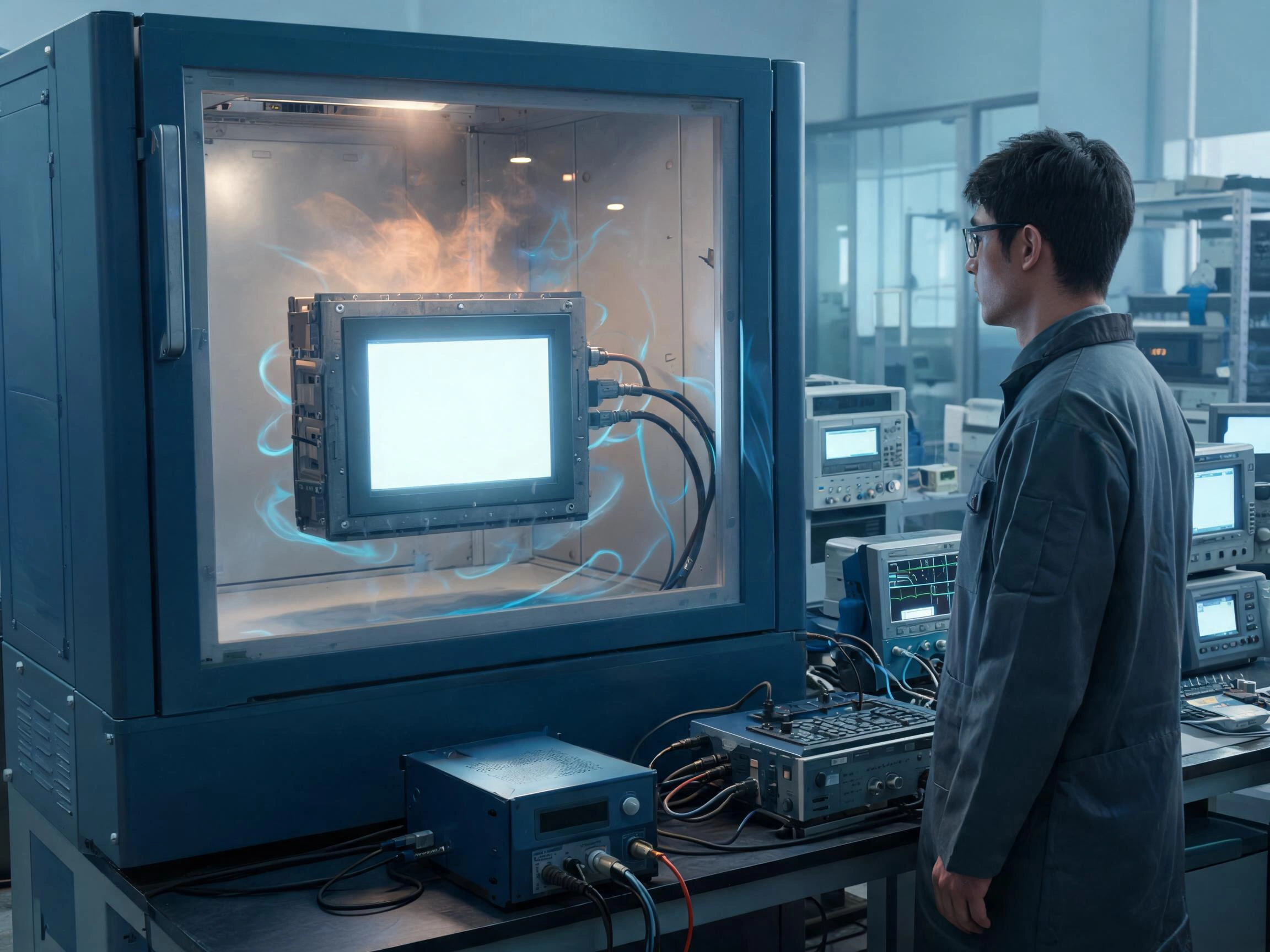
LCD datasheets contain many specifications, but their importance changes according to the AI application. A server-rack display, outdoor edge terminal, and machine vision screen do not require the same balance of brightness, resolution, temperature performance, and power consumption.
Direct answer: The most important specifications are the ones connected to readability, interface compatibility, thermal conditions, continuous operation, mechanical fit, and long-term availability.
How Much Brightness Does the Display Need?
Brightness should be selected from the ambient light at the installation location. Indoor server rooms and closed equipment cabinets may not require a high-brightness LCD. Excessive brightness can increase power consumption, heat, and backlight stress without improving usability.
Displays used near windows, under strong factory lighting, or outdoors may require higher luminance. Outdoor readability also depends on surface reflection, contrast, viewing angle, cover glass, and the air gap between the LCD and touchscreen.
Optical bonding can reduce internal reflection by removing the air gap between the display and cover glass. In many outdoor applications, a bonded display with controlled reflection can be easier to read than an unbonded display with a higher brightness value.
How Should Resolution Be Selected?
Resolution should match the information density and screen size. High resolution is useful for camera images, system diagrams, thermal maps, detailed graphs, and multi-zone dashboards.
However, resolution alone does not determine readability. If the user-interface software is not scaled correctly, a high-resolution compact screen can produce text and buttons that are too small for reliable operation.
Engineers should test the actual interface on the intended LCD size and at the normal viewing distance. Screenshots viewed on a desktop monitor do not accurately represent how the interface will appear on the final equipment.
Why Do Viewing Angle and LCD Mode Matter?
AI equipment displays are not always viewed directly from the front. A rack display may be installed below eye level, while a machine-mounted display may be viewed from the side by several operators.
IPS or wide-viewing-angle LCD technology can maintain more consistent contrast and color across different directions. VA panels can provide high contrast but may show more visible changes from certain angles. TN panels may be acceptable for simple status information if the preferred viewing direction matches the installation.
The mechanical drawing should identify the real viewing direction before the LCD is selected. Rotating a panel from its intended orientation may place the weaker viewing direction where the operator needs it most.
How Do Temperature and Heat Affect LCD Selection?
AI processors and GPUs generate substantial heat. The temperature around the display may be higher than the room temperature, especially when the LCD is installed on a closed cabinet with limited airflow.
Engineers should measure the temperature at the LCD, backlight, controller board, and touch controller under the highest expected computing load. Solar heating must also be considered for outdoor installations.
High temperature can affect image quality, backlight life, controller stability, adhesive materials, and cables. Low temperature can slow LCD response and change the behavior of some bonding materials.
Operating and storage temperature specifications should be reviewed separately. Equipment may be transported or stored in conditions that are more severe than its normal operating environment.
Why Does Backlight Life Matter?
AI infrastructure often operates continuously. A display used for 24-hour monitoring can accumulate operating hours quickly, even if operators only interact with it occasionally.
Backlight life is normally specified under defined current and temperature conditions. Higher operating temperature and aggressive backlight driving can reduce actual service life.
Software-controlled dimming can reduce unnecessary brightness when the equipment is not being serviced. The system can increase brightness when an operator approaches, an alarm occurs, or the display is actively used.
The design should also define whether the LCD backlight can be replaced separately or whether the complete display assembly must be replaced.
Why Is Product Lifecycle More Important Than the Latest Specification?
AI equipment manufacturers may produce and service the same platform for several years. A consumer LCD with a short production period can force a redesign even when its price and specifications look attractive during development.
A replacement LCD may have different dimensions, mounting holes, connectors, timing, power requirements, viewing direction, color performance, or touch compatibility. These changes can affect the enclosure, cables, controller settings, software, and validation results.
Lifecycle planning should therefore include:
- Expected equipment production period
- Required service and spare-parts period
- LCD manufacturer lifecycle information
- Change-notification procedures
- Approved alternative panels
- Mechanical and electrical compatibility checks
- Sample approval before substitution
The relationship between component selection and continuous AI operation is examined in Why Is Reliability Important for AI Server Displays?.
Claim: LCD specifications should be evaluated as a connected set. Brightness affects power and heat, resolution affects interface scaling, temperature affects service life, and panel selection affects future supply.
4. How Should Engineers Integrate and Validate AI Infrastructure Displays?
A suitable LCD can still perform poorly if the interface, power, cables, grounding, enclosure, touch controller, or software is not integrated correctly. Validation must therefore be performed on the assembled AI equipment.
Direct answer: Engineers should confirm the video interface, touch communication, power sequence, thermal conditions, mechanical support, electromagnetic behavior, software workflow, and recovery operation before mass production.
How Should the Video Interface Be Confirmed?
The host board and LCD must support the same electrical interface and timing. Common embedded interfaces include LVDS, eDP, MIPI DSI, and parallel RGB. Standard monitor interfaces may include HDMI and DisplayPort.
Engineers should check:
- Interface type and number of lanes or channels
- Resolution and refresh rate
- Color depth
- Connector type and pin assignment
- Signal voltage
- Cable length and routing
- Backlight control
- Power sequence
- Display timing and EDID requirements
Mechanical connector compatibility does not prove electrical compatibility. Two LCDs may use connectors with the same number of pins but have different pin assignments, signal standards, or power requirements.
How Should Touch Communication Be Integrated?
The touchscreen interface is separate from the LCD video interface. A display may use eDP for the image and USB for touch input, or MIPI DSI for the image and I²C for touch.
USB touch can simplify integration when the operating system supports a standard human-interface device. I²C may reduce cable size and support embedded systems, but it often requires closer coordination with the host hardware, firmware, and driver.
The touch controller should be tested during startup, restart, sleep, wake, software updates, maintenance mode, and recovery operation. If touch is the only local input method, engineers must know whether it remains available before the normal application loads.
How Should Mechanical Integration Be Reviewed?
The LCD must be supported without twisting or concentrated pressure. Incorrect bezel pressure, enclosure deformation, or adhesive thickness can cause image marks, light leakage, touch drift, false activation, or glass stress.
Mechanical review should include:
- LCD outline and active area
- Bezel opening
- Mounting points
- Cable exit direction
- Connector clearance
- Backlight and controller ventilation
- Cover-glass thickness
- Gasket and adhesive structure
- Space for thermal expansion
- Service access and replacement procedure
If the front panel requires dust or water resistance, sealing must be evaluated on the complete assembly. The cover glass, adhesive, gasket, enclosure cutout, cable openings, and installation process all affect the final result.
How Should EMC and ESD Risks Be Tested?
AI hardware includes high-speed processors, switching power supplies, cooling fans, network interfaces, and multiple communication cables. These components can create electrical noise around the LCD and capacitive touchscreen.
Possible problems include:
- Flickering or unstable images
- Temporary signal loss
- False touch events
- Missed touch input
- Touch-coordinate drift
- Controller communication failure
- Unexpected system restart
Grounding, shielding, cable routing, controller position, and power filtering should be designed before testing. EMC and ESD tests should be performed on the complete equipment because separate component tests do not reproduce the final electrical environment.
What Should the Final Validation Plan Include?
| Validation Area | Recommended Check | Main Risk |
|---|---|---|
| Video interface | Cold start, restart, maximum resolution, and long-duration operation | No image, flicker, incorrect timing, or signal loss |
| Touch interface | Accuracy, edge response, gloves, moisture, and recovery operation | False touch, missed input, or unavailable service control |
| Temperature | Full computing load at high and low operating temperatures | Image degradation, reduced life, or controller instability |
| Mechanical structure | Mounting pressure, vibration, cable movement, and service replacement | Glass damage, image marks, or cable failure |
| EMC and ESD | Test the fully assembled equipment | Communication failure, false touch, or restart |
| Software workflow | Alarms, permissions, confirmations, and diagnostic procedures | Operator error or incomplete maintenance |
| Continuous operation | Extended display operation with the AI system under load | Intermittent faults not found during short testing |
Test failures should be investigated at system level. Replacing the LCD may not solve a problem caused by the cable, power supply, controller, grounding path, enclosure, or software configuration.
Claim: Display validation for AI infrastructure must reproduce the final equipment, maximum computing load, real cables, actual enclosure, operating software, and expected environmental conditions.
5. What Advantages Does XIANHENG Offer for AI Infrastructure Display Projects?
XIANHENG provides industrial LCD and touchscreen solutions for AI servers, edge AI equipment, machine vision systems, intelligent cabinets, monitoring terminals, and other embedded computing platforms.
Direct answer: XIANHENG can coordinate the industrial TFT LCD, touchscreen, cover glass, optical bonding, controller, cables, interface requirements, and lifecycle planning as one display project.
How Does XIANHENG Select Industrial TFT LCDs?
Our selection process begins with the application requirements rather than a single panel model. We review the installation environment, viewing conditions, host interface, mechanical dimensions, operating temperature, expected lifecycle, and project quantity.
XIANHENG works with industrial LCD panels from manufacturers such as BOE, AUO, Innolux, and Tianma. Available options can include:
- High-brightness industrial LCDs
- Wide-temperature LCD modules
- Wide-viewing-angle IPS displays
- High-contrast VA panels
- Full HD and 4K displays
- LVDS, eDP, MIPI, RGB, and HDMI solutions
- Long-lifecycle industrial panels
- Mechanically compatible replacement models
How Can XIANHENG Support Touch and Optical Integration?
Depending on the project, XIANHENG can provide projected capacitive or resistive touchscreens. PCAP projects can include customized cover glass, printed borders, logos, mounting holes, transparent windows, touch-controller selection, and sensitivity tuning.
Air bonding or optical bonding can be evaluated according to the readability, mechanical, environmental, and cost requirements. Optical bonding is particularly useful for outdoor edge AI terminals and applications exposed to strong ambient light.
How Can XIANHENG Support OEM and ODM Projects?
A customized display assembly may include:
- Industrial TFT LCD
- PCAP or resistive touchscreen
- Customized cover glass
- Optical or air bonding
- Touch-controller board
- Display and touch cables
- HDMI, LVDS, or eDP controller solution
- Mechanical drawings
- Sample integration support
Early communication allows the display interface, touch controller, cover-glass thickness, cable direction, connector position, and enclosure structure to be reviewed before tooling and mass production.
How Does XIANHENG Support Long-Term Supply?
AI hardware platforms may remain in production and field service for many years. XIANHENG can help evaluate panel lifecycle, maintain approved configurations, communicate relevant changes, and review replacement options when a panel approaches the end of production.
Any replacement should be checked for mechanical, optical, electrical, software, and touch compatibility. A model described as equivalent may still require changes to the cable, controller, enclosure, timing, or backlight settings.
Claim: XIANHENG supports AI infrastructure customers by treating the LCD, touchscreen, bonding, cables, controller, mechanics, and lifecycle as one coordinated display system.
Review available display options in the Industrial LCD Product Collection.
For an AI infrastructure display project, please reach out to XIANHENG with your required screen size, resolution, brightness, host interface, operating temperature, touch requirements, mechanical drawing, and estimated quantity.


