
Industrial robots use several display interfaces because a teach pendant, controller cabinet, collaborative robot, vision station, and autonomous mobile robot do not share one hardware architecture. An embedded processor may connect directly to an LCD through LVDS, eDP, MIPI DSI, or parallel RGB, while an industrial computer may output HDMI, DisplayPort, DVI, or VGA through a display controller.
The connector name alone is not enough to select a compatible screen. Resolution, timing, lane count, bit mapping, voltage, power sequence, backlight control, cable length, connector position, firmware, operating system, and electromagnetic conditions can all determine whether the image remains stable inside the robot equipment.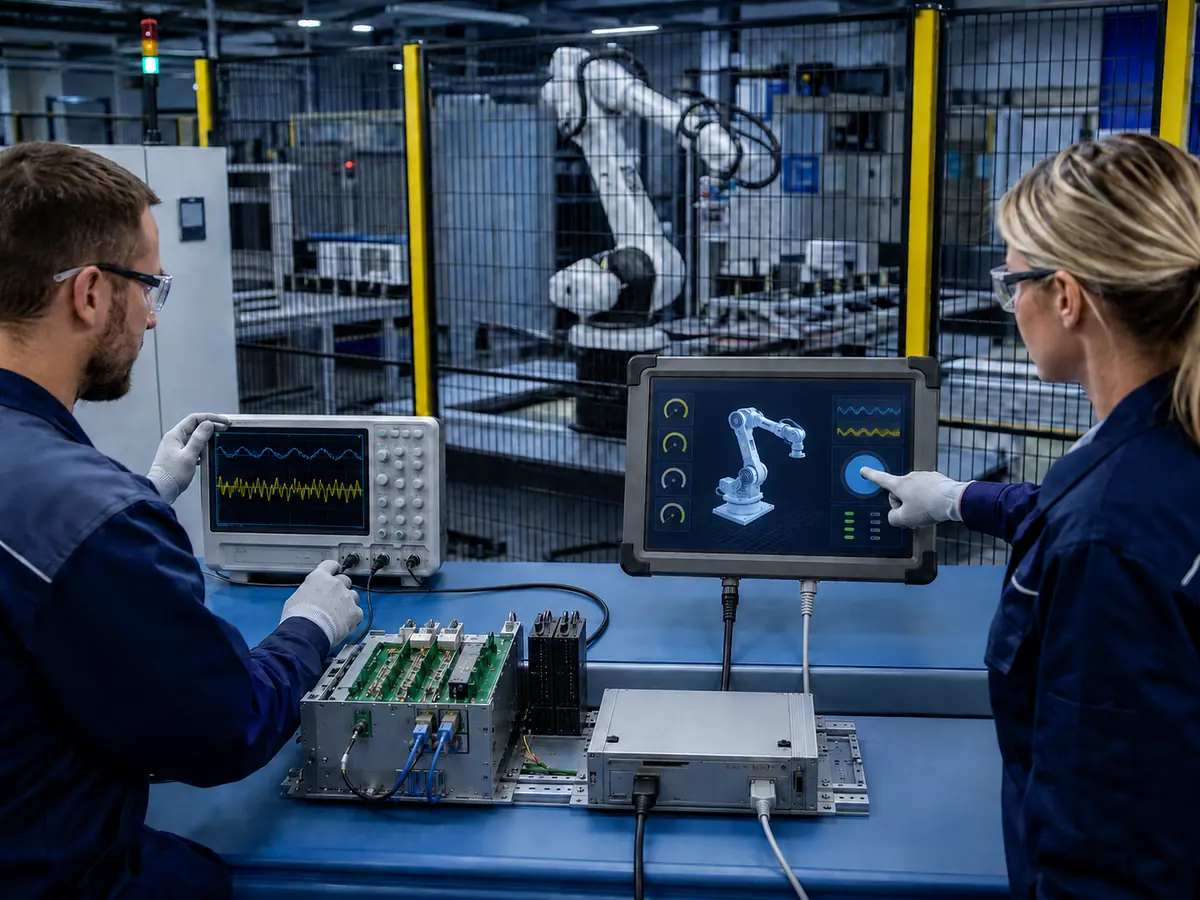
After more than ten years of supporting industrial LCD integration, we have seen many projects described as interface problems when the actual cause was a mismatched pin assignment, incorrect panel timing, weak cable retention, inadequate shielding, unstable power, unsuitable controller firmware, or untested startup sequence. For this reason, the display interface should be reviewed as part of the complete robot HMI rather than as a label on the LCD datasheet.
Quick Answer: Industrial robots commonly use LVDS, eDP, MIPI DSI, and parallel RGB for embedded LCD connections. HDMI, DisplayPort, DVI, and VGA are common when an industrial computer or external display controller drives the screen. Touch input normally uses USB or I²C and must be specified separately from the video interface. Reliable integration requires the host output, LCD input, resolution, timing, pin definition, voltage, power sequence, backlight, cable, controller firmware, grounding, enclosure, and software to be validated together.
Claim: An industrial robot display interface is a complete electrical and software connection, not merely a connector type. Compatibility exists only when the host, controller, LCD, touchscreen, power system, cables, firmware, and operating conditions function together.
1. How Is a Robot Display Interface Architecture Organized?
A robot display subsystem may contain an embedded processor, display controller, LCD, backlight driver, touchscreen controller, cables, power supply, enclosure, and HMI software. Some designs connect the host directly to the LCD; others translate a standard computer output into the panel’s native signal.
Direct answer: Robot display architectures normally contain separate paths for image data, touch input, backlight control, and power. The video interface transports the displayed image, the touch interface returns operator input, the backlight circuit controls illumination, and the power sequence brings each device into a valid operating state. These paths may share a board or cable assembly, but they should remain separately documented.
What Is the Difference Between a Panel Interface and a Monitor Interface?
A bare TFT LCD normally receives LVDS, eDP, MIPI DSI, or parallel RGB and requires the host to generate the expected timing. A complete monitor can accept HDMI, DisplayPort, DVI, or VGA because an internal controller converts the source into the panel signal. This simplifies the host connection but adds controller firmware, power, startup, thermal, and lifecycle requirements.
Why Is the Touch Interface Separate from the Video Interface?
The LCD displays pixels but does not transmit touch coordinates. PCAP or resistive touch uses a separate controller, commonly USB for a computer or I²C for an embedded host. A robot HMI may therefore combine LVDS with USB, eDP with I²C, or HDMI with USB. Gloves, glass, firmware, noise immunity, and mapping remain separate requirements, as explained in How Do Touchscreens Improve Industrial Robot Operation?.
Are Industrial Ethernet and Fieldbus Networks Display Interfaces?
Robot cells use industrial Ethernet and fieldbus networks for controller states, I/O, motion data, alarms, and production information. These are not normally direct bare-panel interfaces. HMI software may receive robot data over Ethernet, but a local processor still renders the graphics and sends pixels through LVDS, eDP, HDMI, or another video connection.
What Does a Display Controller Board Do?
A display controller converts HDMI, DisplayPort, DVI, or VGA into the signal, timing, and backlight controls required by the LCD. It must be programmed for the exact panel; nominal resolution support cannot correct unsuitable firmware, LVDS mapping, voltage, or cable. Similar architectures are explained in Which Industrial LCD Solutions Support AI Infrastructure?.
Why Must Backlight and Power Signals Be Included?
A correct video signal cannot produce a usable screen if panel power, backlight power, enable, or dimming is wrong. Engineers should record logic voltage, backlight requirements, enable polarity, dimming method, and power sequence, then test the supply while robot loads are switching.
The reason robots still require a local display subsystem, even when the cell is connected to supervisory software, is reviewed in Why Do Industrial Robots Need Industrial LCD Displays?.
Claim: A robot display architecture contains multiple coordinated paths: video, touch, backlight, power, control, and network communication. Treating these paths as one unspecified “screen cable” makes compatibility problems difficult to identify and control.
2. Which Embedded Display Interfaces Are Used in Industrial Robots?
Embedded interfaces are useful when the robot manufacturer controls the processor board, mechanical structure, cable, firmware, and LCD. They can create a compact display assembly without the additional input connectors and circuitry of a general-purpose monitor.
Direct answer: LVDS is widely used for medium-size industrial TFT LCDs and established embedded platforms. eDP is common in newer high-resolution systems. MIPI DSI is often used in compact, low-power embedded products, and parallel RGB remains relevant for smaller or simpler displays. The correct option is determined by the host output and the exact panel specification rather than by a general preference for one interface.
When Is LVDS Used in Robot Displays?
LVDS has a long history in controller-cabinet displays, teach pendants, machine HMIs, and embedded computers. Depending on resolution and color depth, a panel may use single- or dual-channel LVDS with different lane arrangements and bit mappings.
“LVDS” does not prove interchangeability. Verify the connector, pin definition, voltage, channel count, JEIDA or VESA mapping where applicable, color depth, timing, cable, and backlight. Suitable differential pairs, retention, shielding, and separation from motor wiring help prevent intermittent image loss.
When Is eDP Used in Robot Displays?
Embedded DisplayPort transports packetized digital video over high-speed lanes and can support high resolution with fewer signal pairs than some older architectures. It is increasingly found on modern embedded computers and industrial panels used for detailed diagnostics, machine vision, and multi-window HMI layouts.
Compatibility depends on lane count, link rate, timing, connector, pinout, auxiliary-channel communication, panel power, and backlight control. Link training also depends on host firmware, graphics drivers, BIOS configuration, and panel data, so cold start, restart, power interruption, and supported sleep behavior require testing.
When Is MIPI DSI Used in Robot Equipment?
MIPI DSI is common in compact embedded systems where the processor includes a native DSI output. It may suit small robot pendants, handheld service terminals, compact collaborative-robot controls, or onboard mobile-robot interfaces with strict space and power limits.
DSI requires agreement on lane count, data rate, operating mode, initialization commands, timing, voltage rails, reset, and backlight control. The host may need a panel-specific driver or device-tree configuration; matching resolution alone is insufficient.
When Is Parallel RGB Still Practical?
Parallel RGB can be used with smaller or lower-resolution TFT modules and microcontroller-based HMIs. Separate data, clock, synchronization, and control lines make the architecture direct, but the larger number of conductors can increase connector size and routing sensitivity.
Confirm color depth, voltage, pixel clock, synchronization, timing, cable length, and electromagnetic behavior. Parallel RGB is most practical when the display remains close to the host board.
Can One Embedded Interface Be Converted to Another?
Bridge devices can convert certain interfaces but add firmware, power, heat, startup dependencies, and lifecycle risk. First check for a panel with a native host-compatible interface. If conversion remains necessary, control the bridge IC, configuration, firmware, cable, and power sequence in the bill of materials.
For a cross-application comparison of LCD technologies and their integration requirements, see What Display Technologies Are Used in Semiconductor Equipment?.
Claim: LVDS, eDP, MIPI DSI, and parallel RGB can all support industrial robot displays, but the host and panel must agree on every electrical, timing, software, and startup requirement. The interface family name is only the beginning of the compatibility review.
3. When Do Robot HMIs Use HDMI, DisplayPort, DVI, or VGA?
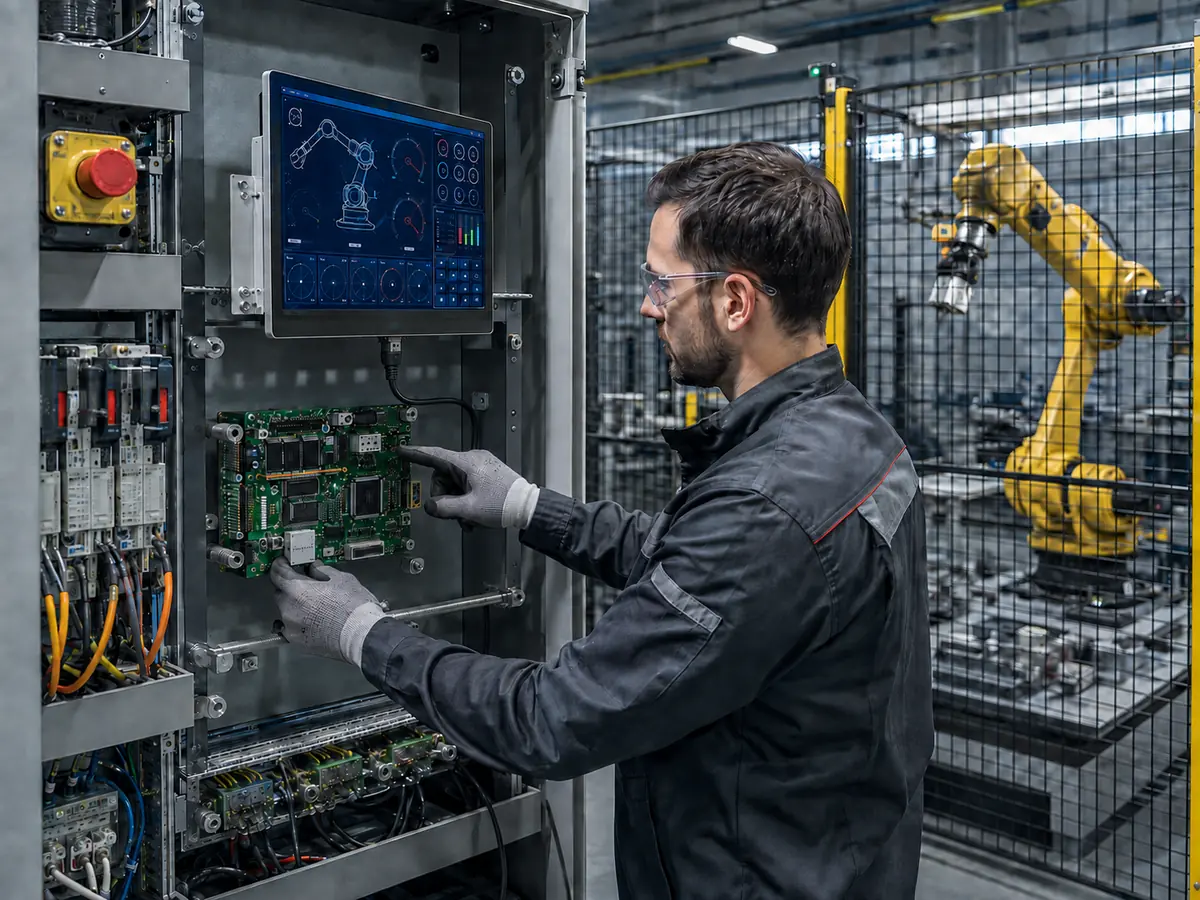
Standard monitor interfaces are common when the robot HMI uses an industrial computer, box PC, single-board computer, machine-vision computer, or replaceable controller. They can simplify installation and service because the host does not need to generate the LCD panel’s native signal directly.
Direct answer: HDMI and DisplayPort are suitable for many modern robot HMIs and vision stations. DVI remains useful in established industrial systems, while VGA is mainly encountered in legacy equipment. These sources normally require a controller board or complete monitor that converts the host signal to LVDS, eDP, or another native panel interface.
When Is HDMI a Practical Choice?
HDMI is widely available on industrial computers and embedded boards, and a controller can convert it to the selected LCD’s native signal. Check resolution, refresh rate, EDID, cable length, retention, startup detection, controller firmware, and grounding. An unlocked connector needs mechanical strain relief in vibrating equipment.
When Is DisplayPort Preferred?
DisplayPort suits higher-resolution robot vision and multi-window HMI applications. Adapters may connect it to another controller format, but passive and active adapters do not behave identically. Test startup, EDID, resolution, locking, and availability, and avoid uncontrolled chains of removable adapters.
Why Are DVI and VGA Still Found in Robot Cells?
DVI remains present in established industrial computers and offers screw retention in fixed equipment. VGA carries analog video and is mainly relevant to legacy robot controllers and retrofits. Its image depends on cable length, shielding, grounding, sampling, and the controller’s actual timing.
What Is EDID and Why Can It Affect Robot Startup?
EDID communicates display capabilities to a host using standard monitor interfaces. The host may use this information to choose resolution, timing, color format, and audio behavior. If the controller reports incomplete or unexpected data, the computer may select the wrong mode or fail to enable the output during boot.
Robot equipment should be tested with the production controller firmware, graphics driver, BIOS, cable, and startup sequence. The approved configuration should not depend on manually selecting the resolution after every reset. Interface selection in other embedded computing applications is reviewed in What Display Interfaces Are Used in AI Hardware?.
Should Engineers Use a Bare LCD or a Complete Monitor?
A bare LCD creates a compact customized design but requires native-interface, backlight, touch, power, and mechanical engineering. A complete monitor simplifies host connection and service but needs more depth, power, thermal space, and controller lifecycle control. Decide according to equipment volume, enclosure, service method, qualification plan, and production life.
Claim: HDMI, DisplayPort, DVI, and VGA can simplify connection between a robot HMI and an industrial computer, but the controller, EDID, cable, connector retention, startup behavior, and native LCD output must remain part of the qualified system.
4. How Should Engineers Select and Validate a Robot Display Interface?
Interface selection should begin with the actual host and the required HMI, not with the LCD connector. Engineers need to know which outputs are physically present, which are enabled by the processor and software, and which resolution and timing modes the platform can support throughout its lifecycle.
Direct answer: Engineers should document the host output, native resolution, timing, color depth, interface standard, lane or channel count, pin assignment, voltage, power sequence, backlight control, touch interface, cable route, operating system, drivers, firmware, temperature, vibration, EMC environment, annual demand, and service period. The final assembly should then be tested in the operating robot equipment.
What Information Should Be Collected Before Selecting the LCD?
Useful starting information includes the host-board model, processor, operating system, graphics output, connector photographs, pinout, existing cable, current panel model, software resolution, available enclosure space, display size, viewing distance, brightness requirement, touchscreen type, annual quantity, and expected production period.
For an obsolete screen, the original datasheet and a working sample are especially valuable. A structured process is described in How Do Engineers Select Displays for Semiconductor Machines?; the same discipline applies to robot HMIs.
Why Is the LCD’s Native Resolution Important?
The HMI should normally render at native resolution. Scaling can blur text, icons, camera images, or coordinate values and can alter touch mapping. Moving a legacy 4:3 or 5:4 interface to widescreen may require HMI redesign even when the controller can scale the video.
How Should Pin Definition and Cable Drawings Be Verified?
Compare connector parts, mating direction, pin numbering, signals, voltage rails, grounds, shielding, and backlight controls line by line. Drawings must specify both ends. Verify continuity and shorts before applying power because similar connectors can carry incompatible voltages.
How Should Startup and Recovery Be Tested?
Test cold start, warm restart, repeated power cycling, host-first startup, display-first startup, simultaneous startup, software restart, sleep and wake where used, source interruption, cable reconnection where permitted, and unexpected power loss.
The HMI should return to the correct resolution, brightness, orientation, and mapping without reconnecting a cable. Interface recovery is not safety recovery; the display may report safety information, while protective functions remain in the validated system discussed in What Role Do Industrial Displays Play in Functional Safety Systems?.
Why Must Validation Continue with Servo Systems Operating?
A quiet bench cannot reproduce noise from servo drives, motors, inverters, contactors, welders, power supplies, cameras, and long cables. During operation, check for flicker, link loss, blank screens, corrupted pixels, unstable brightness, controller resets, missed touches, and false touches. Review grounding, shielding, cable separation, enclosure bonding, and protective earth together. Touch symptoms are explained in What Are the Common Touch Failures in Industrial Environments—and How Can Engineers Avoid Them?.
How Should Touch Firmware and Mapping Be Validated?
Test USB or I²C with the production OS, driver, firmware, orientation, scaling, and HMI. Coordinates must remain aligned at edges and small controls. Gloves, glass, noise, moisture, and grounding can change PCAP behavior, so default settings are insufficient. See How Does Touch Firmware Tuning Improve Industrial LCD Responsiveness?.
Which Environmental and Mechanical Tests Are Relevant?
Qualification may include temperature, humidity, vibration, shock, cable movement, connector retention, ESD, EMC, power cycling, and long operation. A cabinet, pendant, welding cell, and AMR need different profiles. Broader mechanisms are discussed in How Do Environmental Factors Impact Industrial LCD Reliability?.
What Must Be Controlled After Sample Approval?
Control the LCD revision, controller and firmware, cable, touch hardware and firmware, backlight driver, power supply, host, BIOS, OS, graphics driver, resolution, grounding, and assembly drawing. Define notification and retesting rules before production. See Why Is Long-Term Availability Critical for Industrial LCD Screen Selection?.
How Should an Obsolete Robot Display Be Replaced?
A replacement comparison should cover active area, outline, mounting, resolution, aspect ratio, interface, connector, pin definition, voltage, timing, color depth, brightness, viewing angle, backlight, temperature, touch assembly, cable, controller firmware, and software behavior.
The same size and interface name do not create a drop-in replacement. A new panel may require another controller, cable, bracket, glass, touch sensor, firmware, or HMI layout and must pass equipment testing.
Claim: Robot display interface approval requires documented compatibility and installed-equipment evidence. Validation must cover image, touch, power, startup, recovery, servo noise, environmental stress, mechanical retention, software, and lifecycle control.
5. What Advantages Does XIANHENG Offer for Industrial Robot Display Interface Projects?
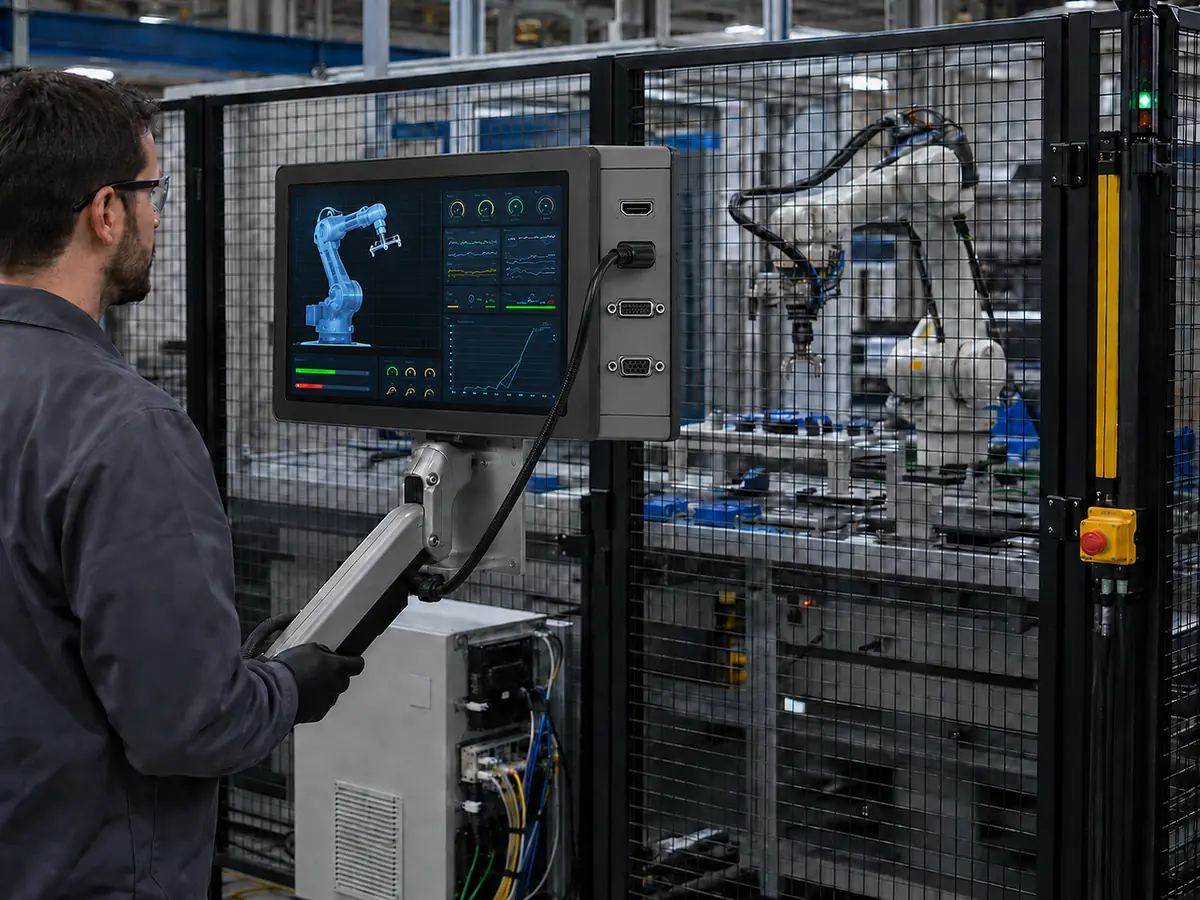
XIANHENG supports display integration for robot teach pendants, controller cabinets, collaborative robots, machine-tending cells, vision-guided robots, AMRs, AGVs, and automated production lines.
Direct answer: XIANHENG can coordinate industrial LCD selection, native interface review, HDMI or other controller solutions, custom cables, PCAP or resistive touchscreens, cover glass, optical bonding, firmware, samples, production control, replacement evaluation, and lifecycle planning as one robot HMI project.
How Can XIANHENG Help Match the Host and LCD Interface?
Our engineers can review the host and LCD according to resolution, timing, LVDS channels or eDP lanes, MIPI or RGB configuration, connector, pinout, voltage, power sequence, color mapping, backlight, cable route, software, and space.
Customers can review available panel sizes and specifications through the Industrial LCD Product Collection. Final selection should still be based on the complete robot application rather than the web specification alone.
Can XIANHENG Provide Display Controller Boards?
When the robot computer provides HDMI, DisplayPort, DVI, or VGA but the LCD requires a native signal, XIANHENG can evaluate a controller. Its firmware, resolution, output mapping, backlight, and power can be coordinated with the panel and cable drawing.
Can XIANHENG Develop Customized Interface Cables?
Custom cables can be developed around connectors, pin definitions, signal type, length, shielding, direction, bend radius, space, grounding, retention, and service access. Drawings identify both mating ends and critical dimensions; samples should be tested with the robot electronics operating.
Can the Touchscreen Interface Be Coordinated with the Display?
XIANHENG can support PCAP and resistive touchscreens with USB or I²C. PCAP development can include controller selection, firmware, glass thickness, glove operation, edge response, noise filtering, cable direction, and grounding. Customized glass, air bonding, and optical bonding can also be evaluated.
How Does XIANHENG Support Prototype Development?
Prototype support can include requirement review, LCD sourcing, interface comparison, drawings, controller programming, cables, touchscreen and glass customization, bonding, assembly, and inspection. Customers can then test the sample with the intended host, software, enclosure, power, grounding, servo system, gloves, and startup sequence.
How Does XIANHENG Support Replacement Projects?
For an obsolete display, customers can provide the LCD, datasheet, photographs, host, controller, firmware, cables, touch assembly, drawings, resolution, demand, and current problem. XIANHENG can compare replacements and identify required cable, controller, bracket, touch, glass, or software changes.
How Does XIANHENG Support Production and Lifecycle Control?
After sample approval, XIANHENG can support bill-of-material control, drawings, controller and touch firmware records, inspection criteria, cable verification, packaging, change communication, failure review, replacement comparison, demand planning, and service requirements.
Production inspection can include component identity, connector and cable condition, image quality, resolution, brightness, touch mapping, firmware version, startup behavior, and packaging according to the agreed project limits.
What Information Should Customers Provide for a New Project?
Useful inputs include the robot application, host-board model, operating system, graphics output, existing panel or controller model, required size and resolution, interface, pinout, brightness, touchscreen, cover-glass drawing, available space, cable direction, power supply, temperature range, vibration conditions, annual quantity, project schedule, and expected lifecycle.
To discuss a teach-pendant display, controller-cabinet HMI, robot vision monitor, AMR interface, customized cable, display controller, touch assembly, or obsolete robot LCD replacement, please reach out to XIANHENG.
Claim: XIANHENG supports industrial robot display interface projects by coordinating industrial LCDs, native and standard video interfaces, controllers, firmware, cables, touchscreens, cover glass, bonding, prototypes, production control, replacement evaluation, and long-term supply planning.


