
AI hardware manufacturers must coordinate processors, GPUs, storage, sensors, cameras, communication modules, cooling systems, power supplies, enclosures, and software. When a local display is required, the LCD becomes another system that must be electrically, mechanically, optically, and thermally integrated into the equipment.
Quick answer: XIANHENG supports AI hardware manufacturers through industrial TFT LCD selection, touchscreen integration, customized cover glass, optical bonding, interface and cable coordination, sample development, system validation, and long-term component planning.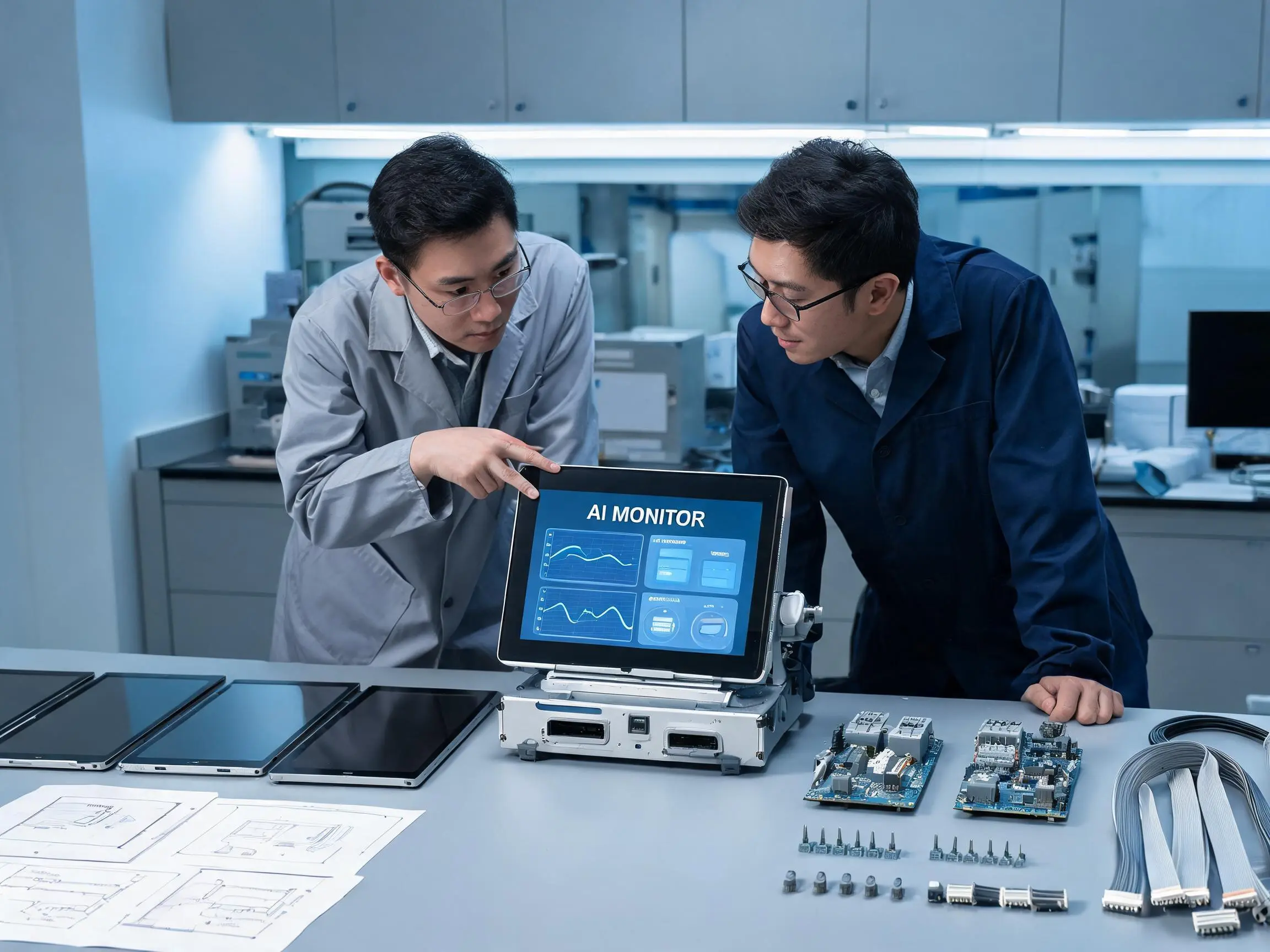
The display may only represent a small percentage of the total AI equipment cost, but an unsuitable panel can delay the enclosure, software interface, certification tests, and production schedule. A discontinued LCD can also force redesign work long after the main computing platform has entered mass production.
For this reason, display sourcing should begin before the front panel, cable harness, and user interface are finalized. The display supplier needs to understand the equipment architecture instead of receiving only a request for a specific diagonal size.
After more than ten years of working with industrial LCD and touch integration, we have found that the most successful projects begin with a detailed engineering requirement. A clear requirement allows the LCD, touchscreen, cover glass, bonding, cables, controller, and lifecycle plan to be reviewed as one display system.
Claim: Effective display support for AI hardware manufacturers begins before panel selection and continues through prototype integration, validation, mass production, and long-term service.
1. What Display Challenges Do AI Hardware Manufacturers Face?
AI equipment places the LCD close to high-speed processors, switching power supplies, cooling systems, communication cables, and metal structures. These conditions can create display problems that are not visible when the LCD is tested separately on a workbench.
Direct answer: The main challenges include interface compatibility, limited installation space, heat, electromagnetic noise, touch stability, mechanical stress, software scaling, and long-term panel availability.
Why Is Display Interface Compatibility a Common Problem?
AI mainboards and embedded computing platforms may provide LVDS, eDP, MIPI DSI, RGB, HDMI, or DisplayPort outputs. The selected LCD must support the host interface, resolution, timing, voltage, connector, and power sequence.
A connector with the correct number of pins does not prove compatibility. Two LCD panels may use similar connectors but have different pin assignments, signal standards, backlight circuits, or voltage requirements.
Engineers should confirm:
- Video interface type
- Number of lanes or LVDS channels
- Resolution and refresh rate
- Color depth
- Connector model
- Pin assignment
- Signal and logic voltage
- Backlight voltage and current
- Backlight enable and dimming control
- Power-on and power-off sequence
If the host platform and LCD do not use the same interface, a controller or conversion board may be required. This adds another board, power connection, cable, heat source, and component lifecycle to the equipment.
Why Can Heat Affect the LCD Even in an Indoor System?
AI processors and GPUs can generate substantial heat. The display may be installed on the front of the enclosure, but the temperature behind the LCD can still be higher than the surrounding room temperature.
High temperature can affect:
- LCD image quality
- Backlight service life
- Touch-controller stability
- Optical-bonding materials
- Adhesive performance
- Flexible printed cables
- Controller-board components
The temperature should be measured at the actual display location while the AI system operates under its highest expected computing load. Room temperature alone is not enough for panel selection.
Why Can Electromagnetic Noise Affect Touchscreens?
Projected capacitive touchscreens detect small changes in an electrical field. Switching power supplies, high-speed processors, display cables, motors, fans, and poor grounding can interfere with the touch controller.
Possible symptoms include false touches, missed input, unstable coordinates, reduced edge sensitivity, or temporary loss of touch communication.
Touchscreen performance should therefore be tested with the actual:
- LCD panel
- Host board
- Power supply
- Display cable
- Touch cable
- Cover glass
- Metal enclosure
- Grounding structure
- Operating software
Touch integration for AI equipment is examined further in How Do Touchscreens Improve AI Equipment Management? .
Why Is Mechanical Space More Than a Screen-Size Question?
The nominal screen size describes the diagonal measurement of the active image area. It does not define the complete LCD outline, bezel width, thickness, mounting points, connector location, or cable direction.
When a touchscreen is added, the assembly may also require:
- Customized cover glass
- Printed border area
- Mounting adhesive
- Touch-controller space
- Flexible-cable clearance
- Gasket and sealing structure
- Space for optical bonding
A display should be selected before the front-panel tooling is approved. Otherwise, a panel change may require a new enclosure, cover glass, mounting bracket, cable, and user-interface layout.
Why Is Software Scaling Part of Display Selection?
An LCD with higher resolution can display more detail, but text and touch controls may become too small if the operating system and application do not support suitable scaling.
The interface should be tested on the real display at the normal viewing distance. Engineers should check font size, alarm visibility, button dimensions, graph readability, camera images, and on-screen keyboard operation.
A display with excellent technical specifications can still create poor operator performance if the interface is difficult to read or control.
Claim: Most AI hardware display problems are integration problems rather than isolated LCD defects. The panel, host board, power supply, cables, enclosure, touch controller, and software must be evaluated together.
2. What Information Should Manufacturers Define Before Selecting an LCD?
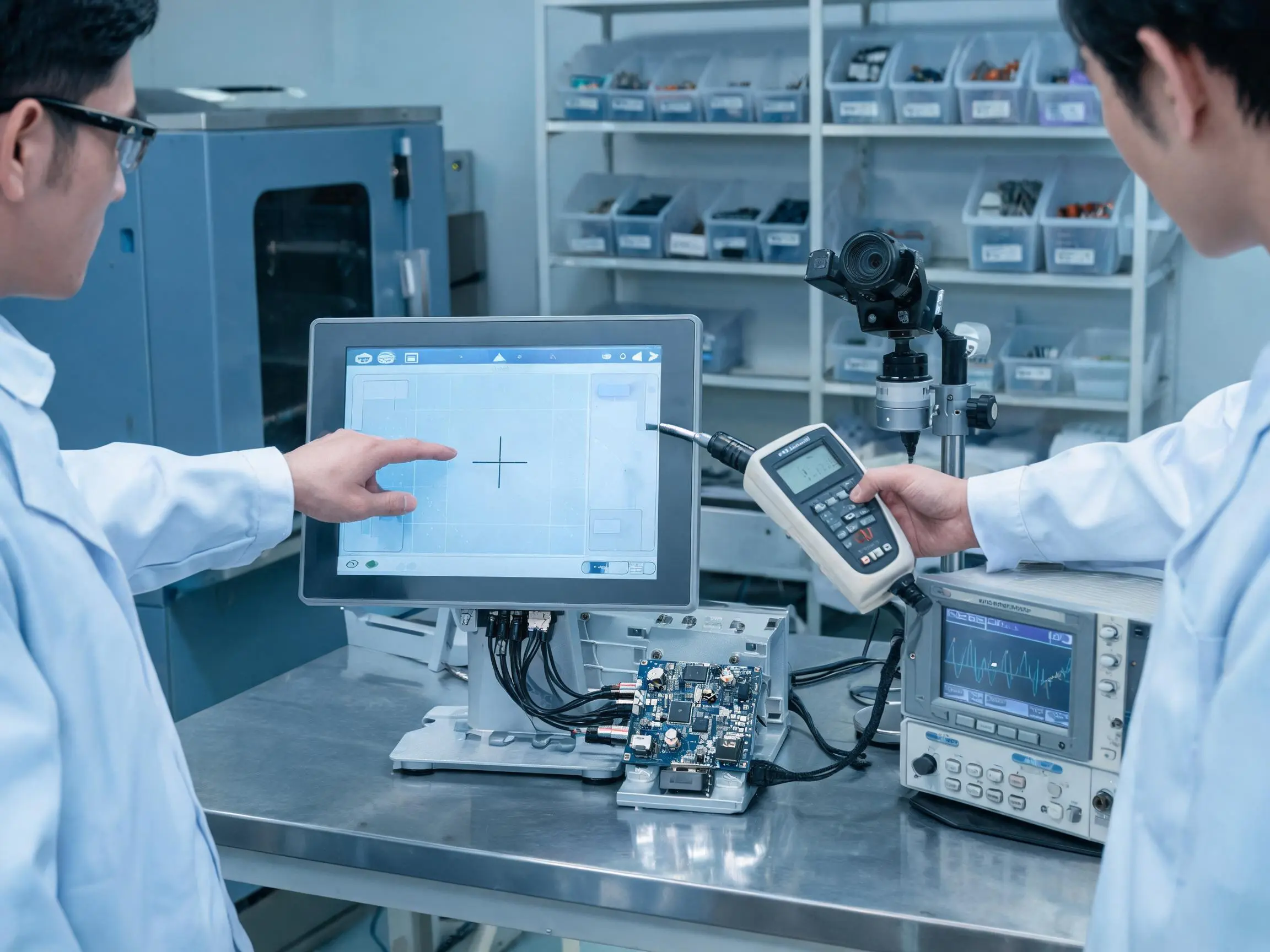
A request such as “We need a 10.1-inch industrial LCD” does not provide enough information to select a dependable display solution. Several panels may have the same diagonal size while using different interfaces, resolutions, dimensions, temperature ranges, and backlight systems.
Direct answer: Manufacturers should define the application, display function, size, resolution, interface, brightness, viewing conditions, temperature, touch method, mechanical structure, lifecycle, and estimated quantity.
What Is the Display Expected to Show?
The first requirement is the display’s operational purpose. A server status screen, machine vision interface, maintenance terminal, and engineering workstation present different information.
The display may need to show:
- CPU and GPU utilization
- Temperature and fan status
- Network and storage information
- Camera images
- AI detection results
- Sensor values
- Alarm records
- Maintenance instructions
- Configuration menus
- Equipment diagrams
The amount and type of information influence the required screen size, resolution, aspect ratio, viewing angle, and user-interface structure.
AI server display functions are discussed in Why Do AI Servers Need Integrated Displays? .
Which Mechanical Information Should Be Provided?
The equipment manufacturer should provide the available installation area and, where possible, a mechanical drawing of the enclosure or front panel.
Useful dimensions include:
- Maximum LCD outline
- Required active viewing area
- Maximum assembly thickness
- Front-panel cutout
- Mounting-hole locations
- Connector clearance
- Cable exit direction
- Touchscreen cover-glass outline
- Controller-board location
- Available ventilation space
If the enclosure is still being designed, the LCD drawing should be reviewed before tooling. Small changes in border width, connector position, or cable direction can affect the complete mechanical structure.
Which Electrical Information Should Be Confirmed?
The host-board model and available display output should be identified early. If the host platform is still under development, the equipment manufacturer should confirm which interfaces can be supported.
Electrical information should include:
- Host video output
- Supported resolution and timing
- LCD supply voltage
- Available backlight power
- Brightness-control method
- Touch input interface
- Cable-length requirement
- Connector direction
- Operating-system and driver information
The LCD video interface and touchscreen communication interface are separate. For example, the LCD may use eDP while the touch controller uses USB.
Which Environmental Information Should Be Provided?
The supplier needs to know where and how the AI equipment will operate. Indoor use does not always mean a mild environment, particularly when the display is installed close to processors and power electronics.
Environmental information should include:
- Minimum and maximum ambient temperature
- Expected internal enclosure temperature
- Storage and transportation temperature
- Indoor or outdoor use
- Ambient-light level
- Dust and moisture exposure
- Vibration and shock
- Cleaning method
- Glove requirements
- Expected daily operating hours
Edge AI equipment often needs more environmental protection than data center hardware. Related requirements can be found in What Display Solutions Are Best for Edge AI Devices? .
Which Commercial and Lifecycle Information Matters?
The display solution must match both the engineering requirement and the production plan. The supplier should understand:
- Prototype quantity
- Pilot-production quantity
- Estimated annual demand
- Expected mass-production date
- Required product lifecycle
- Spare-parts period
- Target cost range
- Required change-notification process
This information helps determine whether the project should use an existing standard panel, a customized touch assembly, or a display solution with additional lifecycle planning.
| Requirement Area | Information Required | Design Decision Affected |
|---|---|---|
| Application | Displayed information and operator tasks | Size, resolution, aspect ratio, and touch requirement |
| Mechanical | Available space, cutout, thickness, and cable direction | LCD outline, cover glass, mounting, and controller position |
| Electrical | Host output, voltage, timing, and touch interface | Panel interface, cable, controller, and power design |
| Environment | Temperature, light, vibration, dust, and moisture | Brightness, temperature rating, bonding, and sealing |
| Lifecycle | Production period, annual demand, and service period | Panel source, alternatives, and change management |
Claim: A complete requirement allows the supplier to recommend a display system. An incomplete requirement usually produces a list of panels that fit only one or two specifications.
3. How Can a Display Supplier Support Prototype Integration and Validation?
Selecting an LCD model is only the beginning of the project. The display must still be connected to the host board, installed in the enclosure, combined with the touchscreen, and tested under real operating conditions.
Direct answer: A display supplier can support prototypes through drawings, interface checks, customized cables, touch integration, bonding, controller configuration, sample preparation, and system-level problem analysis.
What Should Be Checked Before a Prototype Is Built?
Before sample production, the manufacturer and display supplier should review:
- LCD specification and drawing
- Active area and viewing area
- Host-board display output
- Connector and pin assignment
- Power and backlight requirements
- Touchscreen structure
- Cover-glass dimensions
- Cable length and direction
- Controller-board position
- Mounting and bonding method
This review can identify basic incompatibilities before components are purchased or tooling begins.
How Can Customized Cables Reduce Integration Problems?
The display cable must match the LCD connector, host-board connector, pin assignment, signal type, cable length, and installation direction.
A cable that is too short may place stress on the connector. A cable that is unnecessarily long can create routing difficulties and, in some high-speed interfaces, increase signal-integrity risk.
Engineers should also review:
- Cable shielding
- Ground connections
- Folding direction
- Bending radius
- Connector locking method
- Distance from power cables
- Service replacement requirements
The touch cable should be evaluated separately because it may use USB, I²C, RS-232, or another communication method.
How Can Touchscreen Integration Be Supported?
A touch display assembly may require a PCAP sensor, customized cover glass, touch controller, bonding, cables, and firmware settings.
PCAP development can include:
- Sensor-size selection
- Cover-glass thickness review
- Printed-border design
- Logo and transparent-window printing
- Controller selection
- USB or I²C communication
- Sensitivity tuning
- Glove-operation testing
- Water-behavior testing
- Grounding review
Resistive touch may be selected when the equipment requires single-touch operation with heavy gloves or a stylus. Surface durability, calibration, and expected operating frequency should be reviewed.
When Should Optical Bonding Be Considered?
Optical bonding fills the air gap between the LCD and touchscreen or cover glass with an optical material.
It can provide several practical benefits:
- Reduced internal reflection
- Improved perceived contrast
- Better readability under strong ambient light
- Reduced possibility of moisture entering the viewing gap
- A more integrated mechanical structure
Optical bonding is useful for outdoor edge AI systems, machine vision equipment, transportation terminals, medical AI devices, and other applications with demanding readability or environmental requirements.
Air bonding may remain suitable for indoor equipment with moderate optical requirements and tighter cost targets. The selection should be based on the complete application rather than treating optical bonding as a default requirement.
What Should Be Tested on the Prototype?
| Test Area | Recommended Check | Possible Problem |
|---|---|---|
| Video interface | Cold start, restart, timing, resolution, and long-duration operation | No image, flicker, incorrect color, or signal loss |
| Touch interface | Accuracy, edges, gloves, moisture, sleep, and restart | False touch, missed input, or lost communication |
| Temperature | Operate under maximum AI computing load | Image degradation or controller instability |
| Mechanical assembly | Check pressure, clearance, adhesive, and cable movement | Display marks, touch drift, or glass stress |
| EMC and ESD | Test the complete assembled equipment | Touch errors, communication failure, or restart |
| User interface | Check text, controls, alarms, scaling, and viewing distance | Unreadable information or operating mistakes |
| Continuous operation | Run the display and AI system for an extended period | Intermittent faults not found during short testing |
When a problem occurs, the supplier should help determine whether the cause is the LCD, cable, controller, power supply, grounding, enclosure, touch tuning, or software.
A system-level reliability approach is explained in Why Is Reliability Important for AI Server Displays? .
Claim: Prototype support is most useful when it connects the LCD specification with the host board, enclosure, touchscreen, cables, power supply, and real operating environment.
4. How Can Manufacturers Control Display Lifecycle and Supply Risks?
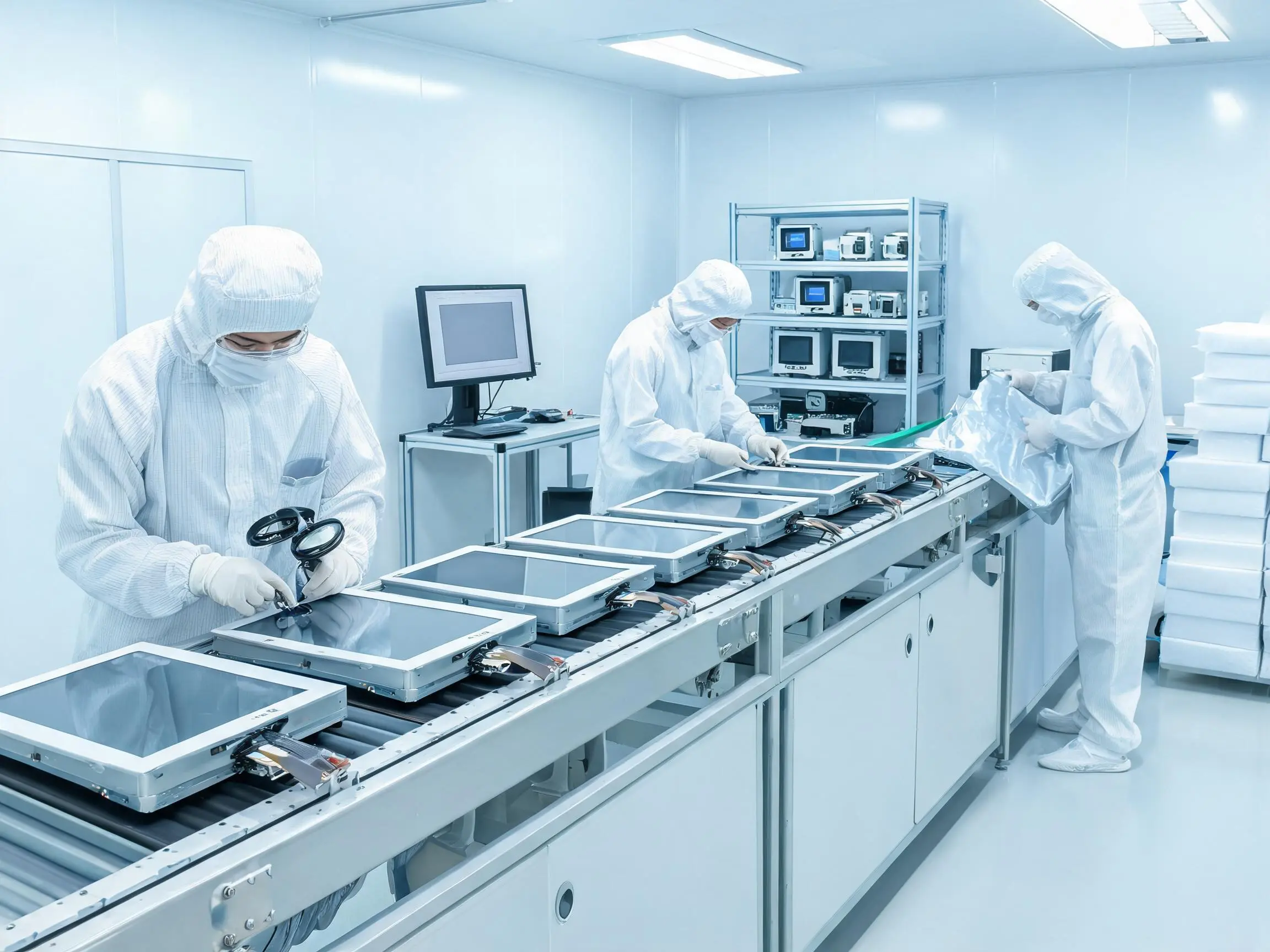
AI hardware may remain in production and field service for many years, while individual LCD panels and touch-controller components may have shorter production cycles. Lifecycle management must begin before mass production.
Direct answer: Manufacturers can reduce risk through industrial-panel selection, configuration control, demand forecasting, approved alternatives, change notification, sample validation, and spare-parts planning.
Why Should Manufacturers Avoid Selecting Only by Price?
A lower-cost LCD can increase total project cost if it has a short lifecycle, unstable supply, unsuitable temperature performance, or frequent specification changes.
A panel replacement may require changes to:
- Front-panel cutout
- Mounting brackets
- Display cable
- Connector pin assignment
- Controller-board firmware
- Backlight power
- Touchscreen sensor
- Cover glass
- Optical bonding
- Software timing
The cost of engineering changes, new tooling, validation, and delayed production may exceed the price difference between the original LCD options.
How Does Configuration Control Support Production?
An approved display assembly should have a controlled configuration covering the LCD, touchscreen, controller, cables, cover glass, bonding material, and relevant firmware.
Production documentation should identify:
- Approved component models
- Drawing and specification revisions
- Cable pin assignments
- Touch-controller version
- Cover-glass printing file
- Bonding structure
- Inspection requirements
- Approved replacement procedure
Without configuration control, two display assemblies sold under the same project name may contain different components or behave differently in the customer’s equipment.
How Should Alternative LCDs Be Approved?
An alternative panel should not be approved only because it has the same diagonal size and resolution.
The comparison should include:
- Active area
- Outline dimensions
- Mounting points
- Thickness
- Connector and pin assignment
- Video timing
- Supply voltage
- Backlight power
- Brightness and contrast
- Viewing direction
- Operating temperature
- Touchscreen compatibility
The replacement should be tested on the actual AI equipment before it is introduced into production.
How Can Forecasting Improve Supply Stability?
Forecasting helps the supplier coordinate panel purchasing, touchscreen production, cover-glass printing, bonding, and cable preparation.
The forecast does not need to be perfectly accurate, but it should provide reasonable information about:
- Sample demand
- Pilot-production schedule
- Expected monthly quantity
- Annual demand
- Seasonal changes
- Required delivery lead time
- Spare-parts demand
Projects with irregular demand may require a different inventory approach from equipment produced every month.
Why Does Packaging Matter for Display Supply?
LCD panels and bonded touchscreen assemblies can be damaged by impact, bending, pressure, moisture, or incorrect stacking during transportation.
Packaging should match the assembly structure, quantity, weight, transportation method, and delivery distance. Customized bonded assemblies may require separate slots, protective films, reinforced cartons, or wooden-crate protection.
Incoming inspection should check the packaging condition before the panels are removed. Damage records are easier to investigate when cartons, labels, and protective materials remain available.
Claim: Display supply stability is created through lifecycle planning, controlled configurations, validated alternatives, realistic forecasting, and suitable packaging rather than panel purchasing alone.
5. What Advantages Does XIANHENG Offer for AI Hardware Manufacturers?
XIANHENG supports AI server, edge AI, machine vision, industrial automation, intelligent terminal, and embedded computing manufacturers with industrial LCD and touchscreen solutions.
Direct answer: XIANHENG can coordinate LCD selection, touch customization, optical bonding, cables, interface solutions, mechanical drawings, sample development, and lifecycle planning through one project contact.
Which Industrial LCD Options Can XIANHENG Provide?
XIANHENG works with industrial LCD panels from manufacturers such as BOE, AUO, Innolux, and Tianma.
Available options can include:
- High-brightness industrial LCDs
- Wide-temperature displays
- Wide-viewing-angle IPS panels
- High-contrast VA panels
- Full HD and 4K displays
- LVDS, eDP, MIPI, RGB, and HDMI solutions
- Long-lifecycle industrial panels
- Mechanically compatible replacement models
A broader comparison of display architectures is available in Which Industrial LCD Solutions Support AI Infrastructure? .
Which Customization Services Can XIANHENG Support?
Depending on the project, customization can include:
- Projected capacitive touchscreen
- Resistive touchscreen
- Customized cover glass
- Printed borders and logos
- Mounting holes and transparent windows
- Optical or air bonding
- Anti-glare or anti-reflection treatment
- Touch-controller selection
- USB or I²C touch communication
- Customized display and touch cables
- HDMI, LVDS, or eDP controller solutions
How Does XIANHENG Support Different Production Stages?
| Project Stage | XIANHENG Support |
|---|---|
| Requirement review | Application, interface, environment, mechanics, touch, and lifecycle analysis |
| Component selection | LCD, touchscreen, controller, cable, and bonding recommendation |
| Sample development | Drawings, customized parts, assembly, and prototype preparation |
| Integration testing | Support for interface, touch, mechanical, thermal, and optical issues |
| Pilot production | Approved configuration and production-process review |
| Mass production | Repeat supply, quality control, packaging, and delivery coordination |
| Lifecycle management | Change communication, replacement evaluation, and spare-parts planning |
What Information Should Customers Send to XIANHENG?
For faster evaluation, AI hardware manufacturers can provide:
- Equipment application
- Required screen size
- Resolution
- Host-board model
- Display interface
- Brightness requirement
- Operating temperature
- Touchscreen requirement
- Mechanical drawing
- Estimated quantity
- Production schedule
- Expected lifecycle
If some requirements have not yet been decided, the available equipment information can still be used to identify suitable starting options.
Claim: XIANHENG supports AI hardware manufacturers by connecting industrial LCD sourcing with engineering integration, customized touch solutions, sample development, and long-term supply planning.
Review available industrial display options in the Industrial LCD Product Collection .
For an AI hardware display project, please reach out to XIANHENG with your application, display size, resolution, host interface, operating environment, touch requirements, mechanical drawing, estimated quantity, and production schedule.


